Working Days in a Year Calculator
Count the workdays from Jan 1 through Dec 31 for any workweek pattern, then subtract holidays, PTO, sick days, shutdown days, and estimate annual work hours.
| Month | Calendar Days | Gross Workdays | Holidays Counted | Net Workdays | Net Hours |
|---|---|---|---|---|---|
| January | 31 | 0 | 0 | 0 | 0 |
| Date | Day | Status | Reason |
|---|---|---|---|
| Enter dates | - | - | Holiday dates are audited after calculation. |
| Pattern | Working Days | After Same Time Off | Annual Hours | Difference From Current |
|---|---|---|---|---|
| Monday-Friday | 0 | 0 | 0 | 0 |
| Schedule Type | Work Days | Common Hours | Annual Hour Shortcut |
|---|---|---|---|
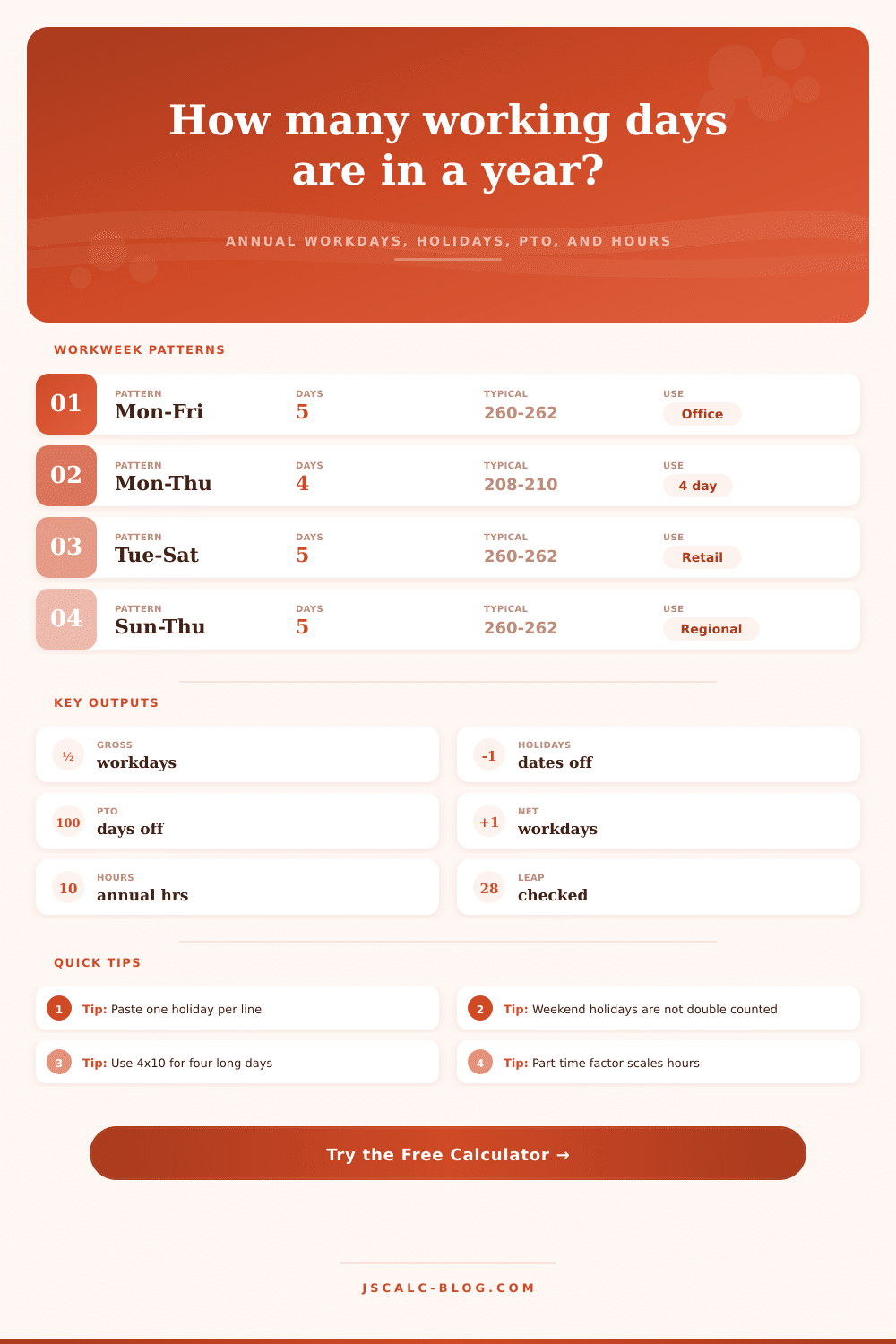
| Standard full-time | Mon-Fri | 8 per day | Net days x 8 |
| Four ten-hour days | Mon-Thu | 10 per day | Net days x 10 |
| Retail weekday shift | Tue-Sat | 7.5 to 8 | Net days x shift hours |
| Regional Sunday week | Sun-Thu | 8 per day | Weekend is Fri-Sat |
| Weekend coverage | Sat-Sun | 8 to 12 | Weekend days x hours |
| Six-day operations | Mon-Sat | 6 to 8 | Often needs overtime review |
| Step | Formula | What It Does | Handling Detail |
|---|---|---|---|
| Calendar days | Dec 31 - Jan 1 + 1 | Returns 365 or 366 | Leap years use Feb 29 |
| Gross workdays | Count selected weekdays | Counts eligible dates | Uses local noon dates |
| Holiday subtraction | Workday holidays only | Avoids double counting | Weekend dates are skipped |
| Net workdays | Gross - holidays - PTO | Final available days | PTO includes sick and shutdown |
| Work hours | Net days x hours x factor | Annual capacity estimate | Factor scales only hours |
Sure, the conventional wisdom is that there’s a standard amount of workdays per year. Just take out a calculator: Five times 52 is 260. Done.
Except it isnt. Calendars get all fussy. Some years lose a day; others gain one. Holidays often fall on weekends. All this mean that most annual calculations are off.
Why You Need a Working Day Calculator
Planning a vacation? Staffing a project? Building a budget? You dont want a ballpark guess at how many working days a year there are. You want to know the precise answer. Plug in your calendar, and the calculator will handle the math. It spares you having to guess if a holiday occurred on a Sunday or a Saturday.
Let’s start with the workweek. What’s that? In a typical Monday-to-Friday setup, you’ll get roughly 260 days in an ordinary year. That figure adjust based off your schedule, such as if you have a six-day shift, a four-day week, or a regional schedule. If you enter this data into the tool, it will look at the calendar one day at a time to count how many of those days actualy apply.
Why? Because while a four-day week cuts down your days by 20%, it also rearranges where all your weekend fall, as well as which holidays occur on your days off. Maybe your weekends are long, so you don’t lose quite as much when holidays fall on weekends. Or maybe your weekends are shorter, so you end up losing more then usual.
Next is the layer of holidays. Usually folks list their federal holidays and think they’re all deducted. But what about when New Year’s Day is on a Saturday and you weren’t scheduled to come in anyways because the office was shut down on Monday? You’ve just double counted.
By entering your holiday list and then choosing which workweek, the calculator will audit this for you. It will only deduct those holidays that occur on one of the days you would of been expected to be at work. That way your time off isn’t made larger by adding a fixed number to your total. And it has an understanding of observed holidays. So if July 4th is on a Saturday, but the office closes on Friday, you’ll input the Friday date. The system treats it as a real workday to deduct.
And then there’s paid time off and sick leave. Typically this is provided as a fixed number from your employer, though it also connects in small ways with holidays. Do you get to count sick days taken on holidays toward your total? Or does it mean you’ve lost two days of PTO? Usually most systems arent like that, but if you’re doing things manually, they will be.
The calculator treats PTO separately from sick days and shutdown days. It even allows for entering fractional days for partially taking days off. That sort of detail comes in handy if you want to plan around particular billing cycles or projects.
It transforms the vague concept of how much time you have into a concrete number of hours. It outputs an estimate of annual hours worked and a net working day number. This is where it gets interesting.
For example, knowing you have roughly 235 working days left after time off allows you to divide annual goals into manageable monthly or weekly targets. That lets you break down your annual goals into more realistic weekly/monthly chunks. It’ll help with capacity planning as well. By knowing precisely how many billable hours you have available, you can more accurately measure resources needed (or revenue earned).
There is also some handy shortcuts built-in with the reference tables on the page. Run the numbers for your unique year and stop guessing.
The last wildcard is leap years. Every four years, we add an extra day in February. That extra day throws off the whole year if you’re working with a traditional five-day workweek. Depending on what day of the week the year begins, it could be one fewer Friday… Or one additional Monday. The tool knows when it’s a leap year. No memorization required; all you need to remember is that the number of days changes.
In short, it’s all about control. It makes the messy calendar something that is a known quantity rather than something to guess at. It acts as a planner instead of a guesser. And whether you’re a manager trying to build out a staffing model or just an individual keeping track of vacation days, it doesn’t matter: a couple of days can be the difference between having everything under control and being in a state of crisis.
The calendar doesn’t need to be complicated; the math is straightforward. Use it to help you focus on what realy matters: the work itself.