Last Day of the Month Calculator
Find the calendar month end, weekday, days in the month, adjusted business close date, and quarter-end close dates using the JavaScript month-end formula.
This table recalculates each month with the same weekend, holiday, offset, and adjustment settings.
| Month | Calendar Last Day | Weekday | Days | Adjusted Close | Shift |
|---|
| Fiscal Quarter | Months Included | Quarter End Month | Calendar Quarter End | Adjusted Quarter Close |
|---|
| Step | Date | Weekday | Status | Effect |
|---|
| Need | JavaScript Formula | Example | Notes |
|---|---|---|---|
| Last day | new Date(year, month+1, 0) | Jul 2026 | Day 0 of next month lands on this month's final date. |
| Days in month | lastDay.getDate() | 31 | Works for February and leap years. |
| Weekday | lastDay.getDay() | 5 | Sunday is 0, Saturday is 6. |
| Quarter end | endMonth = qStart + 2 | Sep 2026 | Fiscal start month shifts the quarter boundaries. |
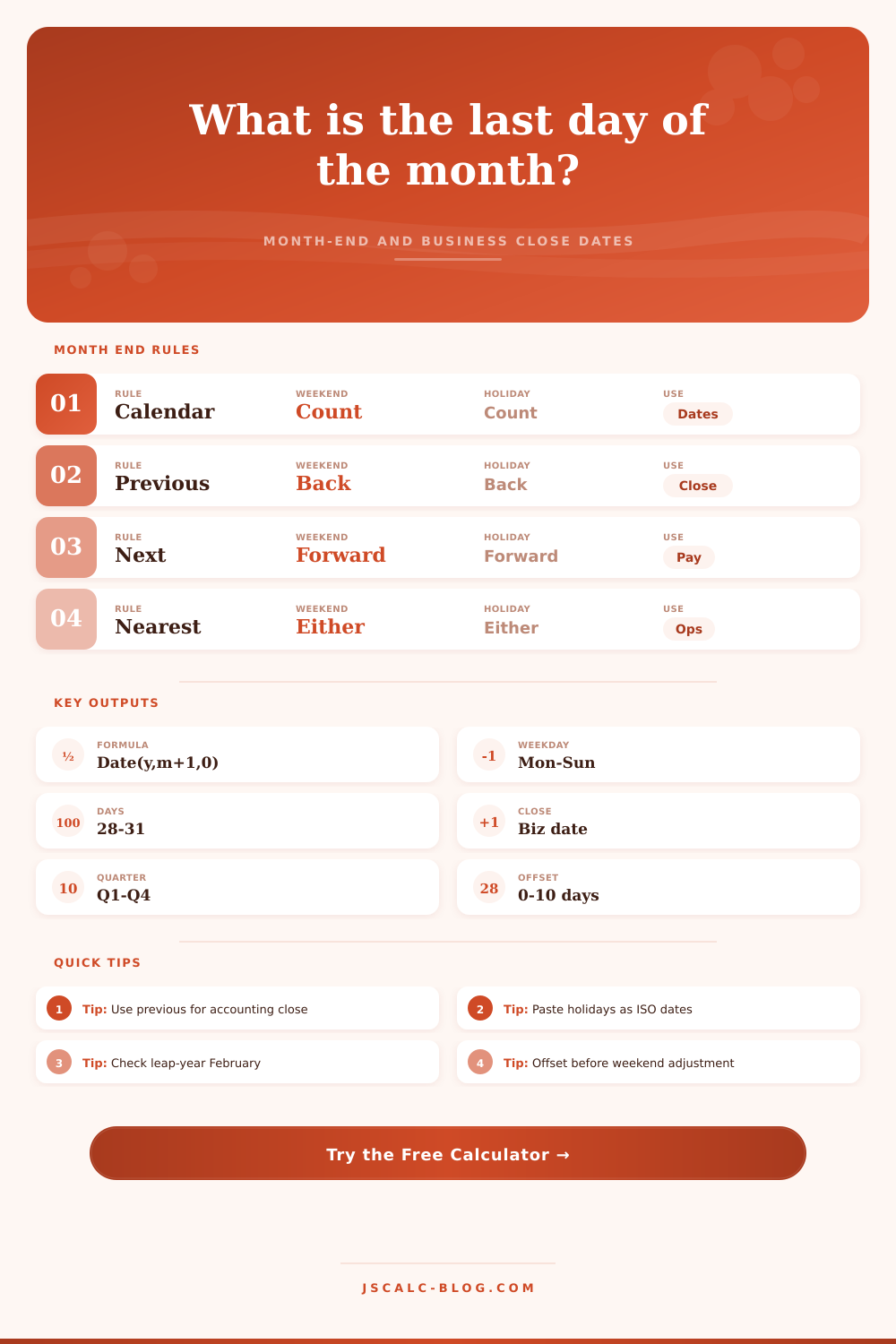
| Close shift | business adjust then offset | -1 day | Weekend and holiday rules are applied before the optional offset. |
At the end of month, accountants and operations managers starts panicking as they approach the close-the-books deadline. Business doesn’t necessarily follow calendar. Holidays and weekends make last day of the month seem like an easy one, but then it’s different each time. Use the calculator above to feed in your year and holiday list and it will do math for you. No more guesswork, no more trying to figure out how a static date transforms into an operational constraint.
But the calendar doesn’t care about your workload. Most years has twenty-eight days in month of February (and then an extra day once in four years). That switch can throw off any plans that assume every month are the same length. For example: If you assume there is always 30 days per month when planning work, you might burn out your team during shorter months. The tool takes this into account. Rather than just show “28 days” or “29 days”, it will display exactly how many days is in the month that you’re looking at. Then it will flag if the last day is a holiday or weekend.
Why You Need a Month-End Date Calculator
Do you want to close on a Friday? You’ll get some weekend as a buffer. Close on a Monday? Your team must sprint to get caught up with tasks from previous week. Finally, choose a non-working day policy for your organization. Some people advance the close date to the prior business day (so that accounting has enough time to post transactions before the weekend). Others does it on the next business day (to include all transactions on the last calendar day). Choose one or the other and toggle it in calculator. If there’s an extra offset like an approval cycle that closes two business days earlier than normal, just add that in too!
A common mistake is assuming that the operational end is same as the calendar end. It almost never is. That’s where the errors occurs. To complicate things further, there are leap years. Every four years, February get an extra day. That additional day can adjust the quarter-end closure. A fixed-interval fiscal calendar could be affected. The calculator lets you pick any start to your fiscal year. For those who don’t operate by the January-to-December calendar, it’s necessary. With a July start fiscal year, you’ll find your quarters closing out at end of September, December, March and June. Plug in that information into the calculator and it will reset dates accordingly. And then it give you a table showing how each month would fall under your rules.
What can you learn? Some months may actualy move the close date back. Like when you have a holiday. Know this ahead of time so you can plan accordingly and staff appropriateley. This is a holiday input field. This has been an awesome tool for companies with their own set of holidays (or other calendar-based holidays). Just paste in your list of dates in ISO format and it’ll recognize those dates as closed days. If not, your adjusted close date could land on one of these company / local holidays. That’s bad because it’d give you a skewed view.
And it’ll tell you exactly what happened. How did we arrive at our close date? The audit trail shows that. First it takes the calendar day, then it applies the weekend rule, then it checks against holidays, and finally it applies the offset. It is so much more transparent and so much more trustworthy. You know why the close date changed.
Month end is all about managing expectations. Before you begin, you have to know when it ends. That’s where the line in the sand is drawn. What’s on the other side? It involves reporting accuracy. Payroll. Cash flow. Holidays, weekends, and fiscal calendar interactions comes into play here. And once they do, what happens? You stop reacting to surprises and start planning for them. Instead of being planned for.
The calculator spells it out. Chaos becomes manageable. It becomes scheduled. People treat this too often like a scheduling exercise. It’s a risk management device. Defining your close date diminishes stress. It gives you the peace of mind that the numbers is settled.