Number of Specific Weekdays Calculator
Count any weekday or weekday set between two dates, across a selected month, or across a full year using inclusive or exclusive endpoint rules.
Weekday Count Result
Selected Days
One selected weekday per complete week.
Workweek Count
Business weekday comparison for the same endpoints.
Weekend Count
Weekend dates inside the same counted span.
All Days
The maximum count if all seven weekdays are selected.
| Weekday | Selected | Whole-Week Count | Remainder Hit | Total In Range |
|---|---|---|---|---|
| Monday | Yes | 13 | 0 | 13 |
| Period | Start | End | Calendar Days | Selected Count |
|---|---|---|---|---|
| 2026-07 | Jul 1 | Jul 31 | 31 | 4 |
| Step | Formula Piece | What It Counts | Why It Is Fast |
|---|---|---|---|
| Adjust endpoints | start/end rule | Included dates only | Removes off-limit endpoints first |
| Count span | end - start + 1 | Total calendar days | Uses date arithmetic once |
| Whole weeks | floor(days / 7) | Complete 7-day cycles | Every weekday repeats evenly |
| Base count | weeks x selected | Guaranteed occurrences | No per-day loop needed |
| Remainder | days mod 7 | Leftover days | Checks at most six dates |
| Final count | base + hits | Selected weekday total | Works for any weekday set |
| Selection | Days Per Full Week | Typical Use | Month Range | Year Range |
|---|---|---|---|---|
| Single weekday | 1 | weekly meeting, payday | 4 to 5 | 52 to 53 |
| Monday-Friday | 5 | business dates | 20 to 23 | 260 to 262 |
| Saturday-Sunday | 2 | weekend shifts | 8 to 10 | 104 to 105 |
| Monday Wednesday Friday | 3 | class schedules | 12 to 14 | 156 to 157 |
| Tuesday Thursday | 2 | twice-weekly roster | 8 to 10 | 104 to 105 |
| Every day | 7 | all calendar dates | 28 to 31 | 365 to 366 |
How many Mondays are in this month? That’s a question every event planner, payroll specialist, and project manager has answered, only to discover that their answer was wrong. Sometimes it’s just one too few (or perhaps one too many), a minor math trap we all stumble into from time to time.
In most cases, it isn’t so much the number of days that is important as the particular days that falls within a period. For an event, five class days are very different than four; for payroll, five pay periods is also quite distinct. If you’re managing a payroll or classroom session cycle, then distinction between five and four times becomes basic to whole schedule or budget.
How to Count Weekdays Easily
Everyone attempts to solve this by grabbing a static calendar and hand-counting there way there. It’s okay if you’re trying to figure out two weeks from now, but looking at a full fiscal year is slow and easy to mess up.
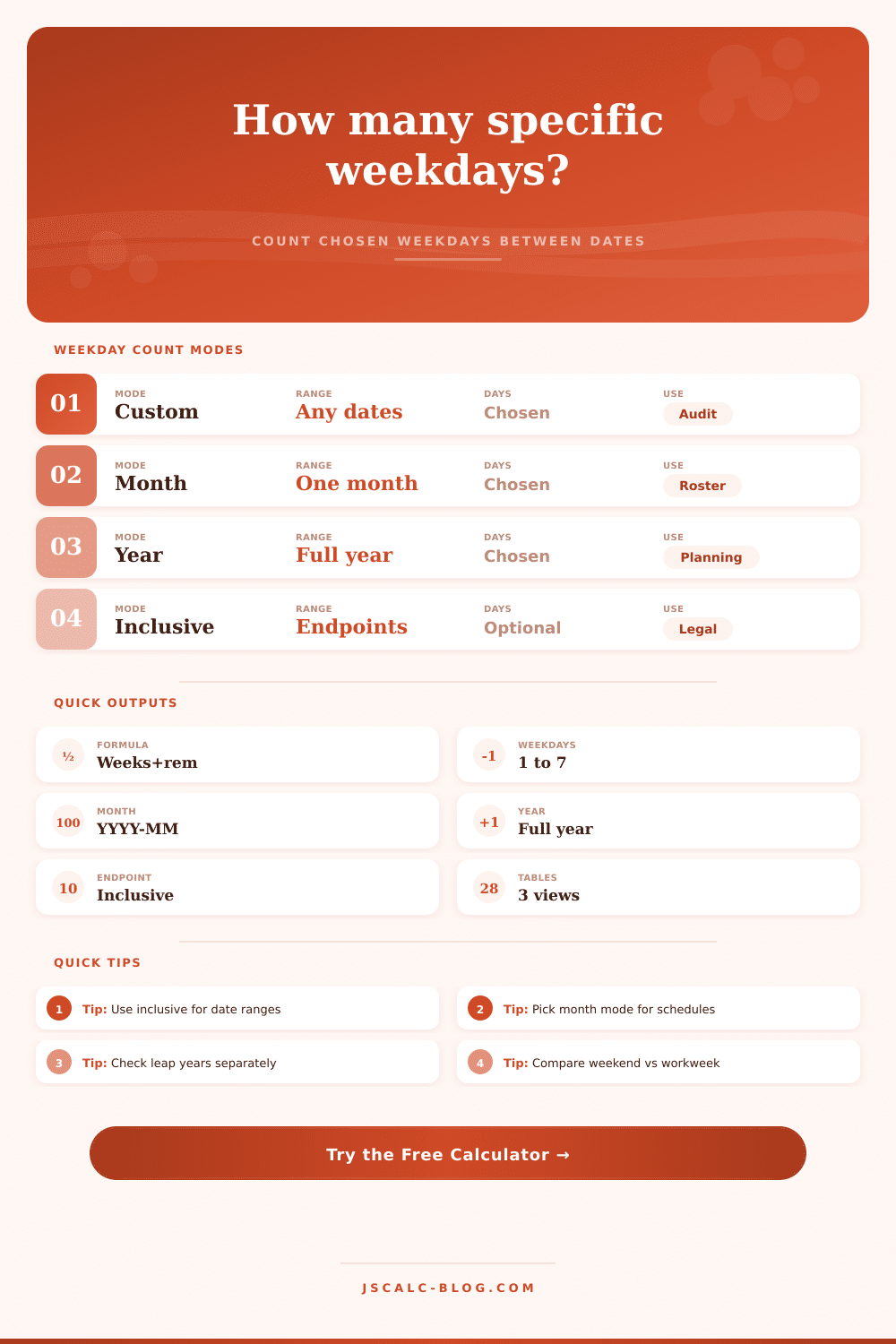
Enter the calculator, which breaks down the problem into two separate issues: whole weeks and remaining days. Why? Because whole weeks are easy to predict. Need all Fridays during some time frame? Every single week have exactly one Friday. No need to count those separately. Only the remaining one to six days can make math fun, those days may or may not contain your desired day of the week.
Most mistakes come from setting around your endpoints rules. Do you want to include boundary dates in your range? For example, if you’re counting days between July 1 and September 30, do you want to count both of those dates as part of total? In many cases, inclusiveness is assumed when making a deal (as with leases or legal contracts), but in others (like shift scheduling or software development) you may not want to count the starting date since your work doesn’t start until next morning. Getting this wrong means that your answer will vary by one or two days, potentially making the difference between meeting a deadline or not. You can toggle these rules back and forth quickly in tool. This helps you understand how your answer changes based off how you personally interpret the range.
Similarly, think about what your work week look like. Your industry may not be 9-5, Monday through Friday. If you run restaurant, for example, your weekend (Saturday/Sunday) count could matter more then weekdays. Or if you’re in academia, maybe it’s all about Mondays/Wednesdays/Fridays? The reference table on the page provides some examples of common selection profiles, so you can see which days is most likely to show up in a year’s/any given month’s selection set. Depending on which weeks/months line up against the calendar’s lunar cycle, there will be between four and five occurrences of any individual weekday per month. While this won’t stay fixed, you know when to expect it; and once you learn that, you’ll never guess again!
It’s simple enough to forget about addition wrinkle of leap years. For example, since an extra day gets added to February, all other dates moves one weekday position throughout the remainder of the year. So if you’re scheduling something that happens once a year, like maybe a yearly review meeting scheduled for the third Tuesday of October, then in a leap year this date will fall on a different spot on the calendar compared to prior year. This means you may have to adjust your surrounding buffer days to account for this shift. The calculator takes this into account automaticly so your counts stays correct no matter if the year has 365 or 366 days.
Finally, the comparison grid gives you a sanity check against the numbers you’ve got. It displays the total number of days (including weekends and workdays) for same period. This lets you confirm that your specific weekdays adds up to a reasonable amount overall. So if you’re counting Tuesdays and Thursdays only, for example, then output should be approximately 40 percent of the total workdays. If not, then you probably have one of two problems: either you used the wrong date range somewhere, or you’ve configured your endpoints incorrecly. And it’s a fast way to identify these errors before they ripple out into other places like spreadsheets or formal reports.
In the end, calendar arithmetic is really about following the structure of the calendar: there are not always going to be four Fridays per month, and there’s no getting around the effect of that fifth Friday when it arises. The tool eliminates human errors in calculation and leaves us with a clear picture we know we can verify. After grasping how remainder days and whole weeks combine, you stop seeing the calendar as a random roll of dice and begin seeing it as a regular pattern of squares you can count on. Knowing exactly how many days you have, you can make plans comfortabley instead of crossing your fingers and hoping for the best.