Rubric Score Calculator
Weight rubric criteria, convert points or performance levels, and apply late, resubmission, extra-credit, and cap rules for JSCalc-Blog.com grading workflows.
★ Rubric Presets
■ Rubric Settings
● Criterion Weighting
◆ Live Criterion Breakdown
| Criterion | Weight | Earned | Possible | Raw % | Level | Weighted % |
|---|---|---|---|---|---|---|
| Run the calculator to see the weighted rubric breakdown. | ||||||
▣ Level Descriptor Grid
○ Reference Tables
| Descriptor | Percent band | Common wording | Typical action |
|---|---|---|---|
| Excellent | 90-100% | Exceeds expectations | Polish and submit |
| Proficient | 80-89% | Meets expectations | Revise weak rows |
| Developing | 70-79% | Partially meets | Target major criteria |
| Beginning | 60-69% | Limited evidence | Rebuild essentials |
| Missing | 0-59% | Not demonstrated | Complete missing work |
| Rubric type | Best use | Weight pattern | Scoring note |
|---|---|---|---|
| Analytic | Essays and projects | Several criteria | Each row scored separately |
| Holistic | Fast review | One overall row | Descriptor drives score |
| Single-point | Feedback cycles | Target standard | Notes above or below target |
| Standards-based | Mastery grading | Outcomes grouped | Level is more important than points |
| Contract | Completion rules | Pass thresholds | Use cap and minimum policies |
| Adjustment | Formula | When applied | Example |
|---|---|---|---|
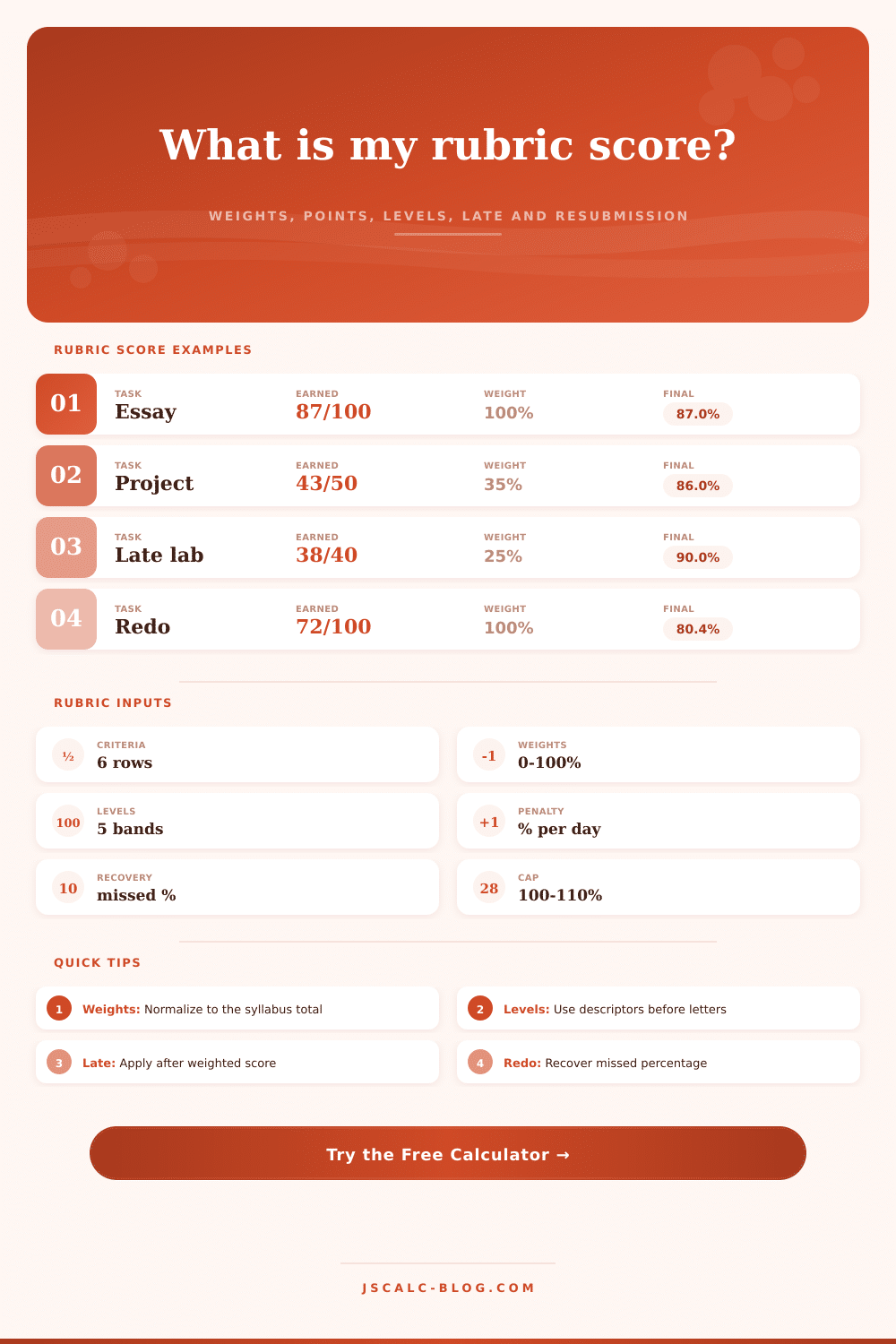
| Late penalty | min(days x rate, cap) | After weighted score | 2 days x 5% = -10 |
| Resubmission | missed % x recovery | After late penalty | 20 missed x 40% = +8 |
| Extra credit | final + extra points | After recovery | 86 + 2 = 88 |
| Final cap | min(score, cap) | Last step | 103 capped at 100 |
| Calculation step | Expression | Purpose | Output |
|---|---|---|---|
| Row percent | earned / possible x 100 | Scores each criterion | 0-100% |
| Weight share | weight / total weight | Normalizes rows | 0-1 |
| Weighted row | row percent x share | Adds criterion impact | % points |
| Total score | sum weighted rows | Combines rubric | weighted % |
✓ Rubric Tips
Instead of serving as a map, however, this rubric can become a trap. Your solid-looking essay earns you a brutal deduction in some category you has no idea about. This happens all too often because grading look objective even though it’s never objective.
The second it stops being objective, all that matters is the numbers behind the grade. How does the rubric weigh things? What counts as a penalty or cap? The more you know about these thing, the clearer your actual standing becomes.
How to Understand Your Grade
The real heart of a rubric is its weighting. What counts? Why does it matter? Should a paper with no thesis be penalized at 20% (thesis development) but a typo-rich manuscript receive only 10% (mechanics)? That’s a tactical blunder if you’re hazy on your thesis and sharp on your commas.
Normalization is automatic in the calculator. If you choose not to weight something, it’ll take care of that so all other scores will still total up to a reasonable package. No more accidental weighting sections because you forgot one. Just tell it what’s important for this assignment, and thing will figure out the rest. It’s math!
Other issues arise from late work. Syllabi typically describes their penalty system. Oftentimes it’s a percentage deducted per day. But very rarely do they say whether this penalty is applied to final (weighted) percentage, or to raw point total. Typically it’s the former, which means that a high weight on a late assignment hurt more than a low weight.
The calculator deducts after weights are calculated. Not only does this give a realistic sense of the damage done but it allows you to account for resubmission recovery. Many professors allows for this as an incentive for revising your work, rather than rewarding waiting until the last minute. If there were mistakes, what percent can you claw back? That’s how much calculator will tell you. Will the additional time and effort be worthwhile? The math adds the human layer.
These are level descriptions. While points is binary, performance isn’t. Eighty-five percent looks pretty good. But it’s a different story if it falls in middle band instead of at high end: proficient, not excellent. That’s an interesting story, a consistency vs. Brilliance one. The band reference tables makes this clear. They show how you compare to what’s expected. Is it excellent? Above standard? Does it meet it? Partially? Does it belong in the developing category?
Knowing which band you’re in guides your revision focus. And if you find yourself in the developing category, you know to shore up major criteria. Don’t waste time polishing the little things.
But here’s the thing: Extra Credit isn’t a get out of jail free card. Typically, it’s a ceiling. It is a limit to how well you can do in that class. It is a way to top up some points at the end of the course. But most systems has a hard cap so that grading remains reasonable. This is what the tool allows you to configure.
Does my extra credit count for anything? Or does it just reach the ceiling? Is it worth doing that extra assignment for the bonus? This might not seem like much. But it does matter when it comes time to decide whether or not to take that bonus assignment.
But what this really gives us is transparency. No longer do we have to guess at anything when we know exactly which part of the problem go into each section of your score. Now we’re strategizing. We’re seeing how a weak performance in one area with low weight can be countered by a strong performance on another area with higher weight. We’re understanding when it may be better to take a big penalty later because we know the score will improve significant if we resubmit. Grading becomes less of a black box and more like a puzzle we want to solve.
The point of the rubric isn’t to get to “the” correct answer (it’s to know what counts and why). If you’re an educator or a student looking to game the system: the trick is the same. What do we value? How will I show that it’s valued? And how will I account for real life? Then tweak accordingly.
The numbers don’t lie. Unless you don’t know the rules. Until then, break ’em down: weight, level, penalty. Make it something that you can controls again. Something other than a number on a piece of paper. Something useful.