Refresh Rate to Frame Time Calculator
Convert a display's refresh rate in Hz into the time between refreshes, called frame time, using frame time (ms) = 1000 / refresh rate. See the interval in milliseconds and microseconds, how many frames appear each second and minute, the ms saved versus a baseline panel, and whether your pixel response time can keep up with the frame interval.
🎯Common Display Presets
🖥Display Inputs
Refreshes per second the panel completes.
Older panel to measure ms saved against.
Higher rate to test the extra ms trimmed.
Gray-to-gray time a pixel takes to switch.
VSync locks displayed fps to the refresh rate.
GPU output before the display caps it.
Controls rounding on every result card.
Primary card can read in ms or microseconds.
🔢Frame Time Snapshot
📋Refresh Rate to Frame Time Chart
| Refresh Rate | Frame Time (ms) | Frame Time (µs) | Reads As |
|---|---|---|---|
| 24 Hz | 41.67 ms | 41667 µs | Film cadence |
| 30 Hz | 33.33 ms | 33333 µs | Broadcast video |
| 48 Hz | 20.83 ms | 20833 µs | High frame film |
| 60 Hz | 16.67 ms | 16667 µs | Standard LCD |
| 75 Hz | 13.33 ms | 13333 µs | Budget gaming |
| 90 Hz | 11.11 ms | 11111 µs | VR and handheld |
| 120 Hz | 8.33 ms | 8333 µs | Console and TV |
| 144 Hz | 6.94 ms | 6944 µs | Esports staple |
| 240 Hz | 4.17 ms | 4167 µs | Competitive FPS |
| 360 Hz | 2.78 ms | 2778 µs | Pro tournament |
🗃Full Refresh Rate Comparison Grid
| Refresh Rate (Hz) | Frame Time (ms) | Frame Time (µs) | Frames/sec | Frames/min | Typical Use |
|---|---|---|---|---|---|
| 24 Hz | 41.67 ms | 41667 µs | 24 | 1440 | Cinema film |
| 30 Hz | 33.33 ms | 33333 µs | 30 | 1800 | TV and 4K limits |
| 60 Hz | 16.67 ms | 16667 µs | 60 | 3600 | Office and console |
| 75 Hz | 13.33 ms | 13333 µs | 75 | 4500 | Entry gaming panel |
| 90 Hz | 11.11 ms | 11111 µs | 90 | 5400 | VR and phones |
| 120 Hz | 8.33 ms | 8333 µs | 120 | 7200 | Modern consoles |
| 144 Hz | 6.94 ms | 6944 µs | 144 | 8640 | Mainstream esports |
| 165 Hz | 6.06 ms | 6061 µs | 165 | 9900 | Ultrawide and IPS |
| 240 Hz | 4.17 ms | 4167 µs | 240 | 14400 | Competitive shooters |
| 360 Hz | 2.78 ms | 2778 µs | 360 | 21600 | Pro tournament rigs |
⏳Pixel Response Headroom Guide
| Refresh Rate | Frame Time (ms) | Response Needed | Panel Type | Verdict |
|---|---|---|---|---|
| 60 Hz | 16.67 ms | Under 16.7 ms | Older VA | Easy to meet |
| 75 Hz | 13.33 ms | Under 13.3 ms | Basic IPS | Comfortable |
| 120 Hz | 8.33 ms | Under 8.3 ms | Fast IPS | Most keep up |
| 144 Hz | 6.94 ms | Under 6.9 ms | Gaming IPS | Needs 5 ms GtG |
| 240 Hz | 4.17 ms | Under 4.2 ms | Fast TN or OLED | Tight window |
| 360 Hz | 2.78 ms | Under 2.8 ms | OLED or fast TN | OLED wins here |
📈Refresh Rate Upgrade Savings
| From | To | Old ms | New ms | ms Saved |
|---|---|---|---|---|
| 60 Hz | 120 Hz | 16.67 ms | 8.33 ms | 8.33 ms |
| 60 Hz | 144 Hz | 16.67 ms | 6.94 ms | 9.72 ms |
| 60 Hz | 240 Hz | 16.67 ms | 4.17 ms | 12.50 ms |
| 144 Hz | 240 Hz | 6.94 ms | 4.17 ms | 2.78 ms |
| 144 Hz | 360 Hz | 6.94 ms | 2.78 ms | 4.17 ms |
| 240 Hz | 360 Hz | 4.17 ms | 2.78 ms | 1.39 ms |
⚙Formula Breakdown
💡Frame Time and Refresh Tips
When most of us purchase a monitor we do it by reading big number off the packaging and assuming more is automaticly good. It’s an understandable impulse but there are two sets of numbers: refresh rate and frame time. The former represent the number of times per second the screen updates, but the latter tell you how long it takes for your eye to wait until the next update occurs.
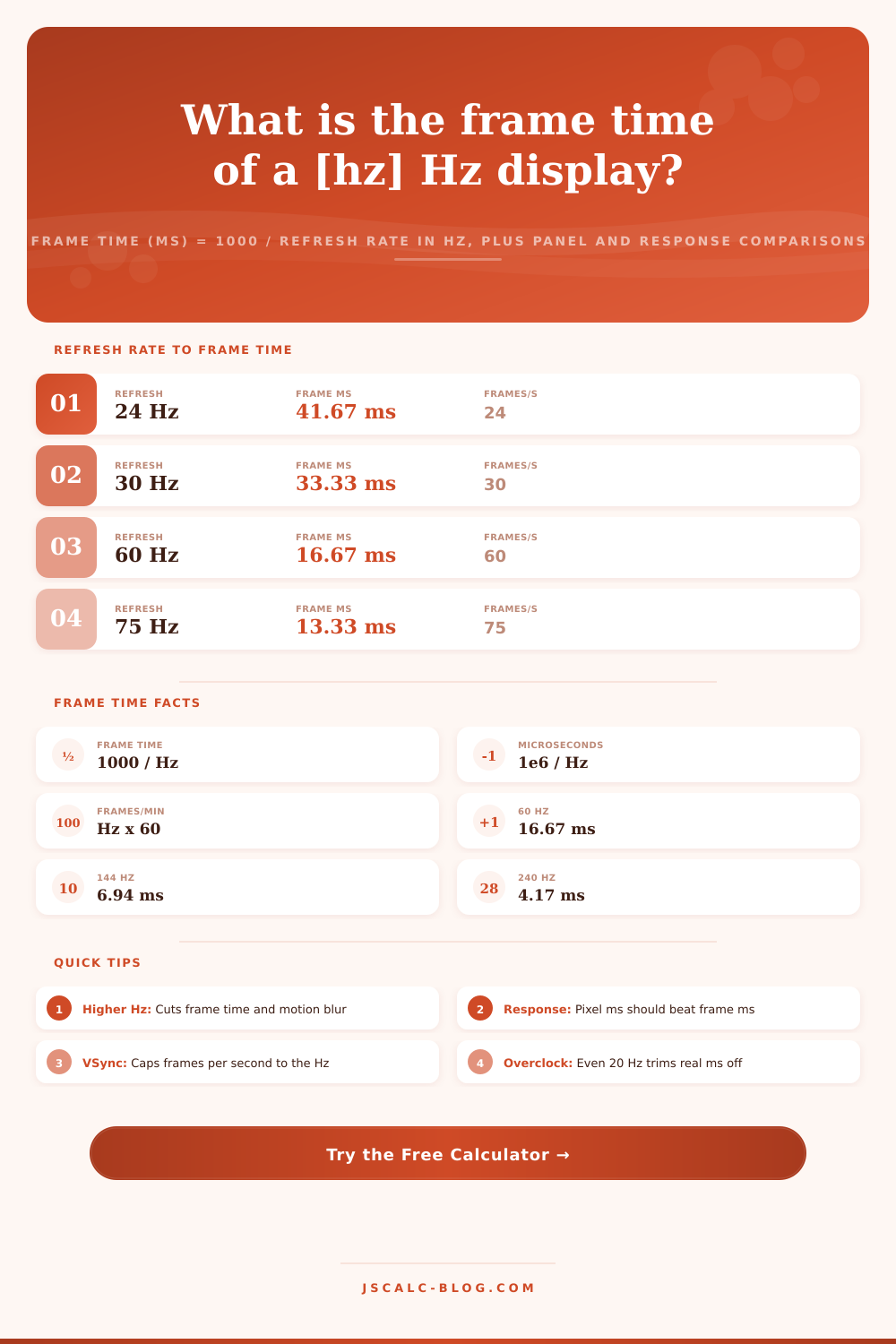
Once you enter details about your panel into the page, the calculator does heavy lifting and lets you know whether upgrading from a 144 Hz display to a 240 Hz one is worth it or merely marketing babble. The real world is frame time, how much time passes between refreshes. If you have a 60 Hz display, its refreshing once every 16.67 milliseconds. To our eyes this seems smooth while we’re doing office work or browsing the web. We don’t require instant reactions to read text.
What is Frame Time and Why It Matters
However, if you’re playing a competitive shooter, sixteen millisecond gap is far too long. Switching to 144 Hz cut that down to approximately seven milliseconds. Because latency is less, you notice a difference immediately in scrolling and cursor movement. This isn’t a measurement of graphical quality but rather a way to cut out delay.
Frame time is 1,000 divided by the refresh rate. In other words, as you ascend up the chain the advantages of increasing speed diminishes. You’re only gaining under two milliseconds per frame when upgrading to 360 Hz from 240 Hz. For competitive tournaments that may be significant. For casual gamers, it’s nothing. Upgrading beyond 60 Hz is where sweet spot begins, and why mid-range panels is still ideal for everyone else.
However, having a high refresh rate are only useful if your panel can support it. The screen need enough time for each pixel to change color and respond. Otherwise you get smear instead of clarity, like trying to paint over a wall before the primer is dry. While moddern OLEDs and fast IPS panels are able to maintain their responsiveness (near-instant response) even at super-high refresh rates like 360 Hz, some older VA panels may struggle at even 120 Hz. Having a fast refresh but slow pixels will actualy introduce more visual noise. You should of check its headroom.
Adding another wrinkle is VSync which limits the number of frames your monitor can show you at any time. Even if your graphics card spits out 300 frames per second, it will only ever shows 144 of them on a 144 Hz display. Everything else gets thrown away so you don’t see screen tearing which divides the image in two halfway through its refresh cycle. Switching off VSync means all frames makes their way onto the screen, but with accompanying visual artifacts. Most gamers finds a solution with variable refresh rate technologies, which dynamically sync instead of locking you into a rigid cap.
With that, we get our first look at table of references on the page, which shows exact millisecond savings for each tier of upgrades. You can then see at a glance how moving from 60 Hz to 144 Hz is transformative, while moving from 240 Hz to 360 Hz is marginal. This helps to ground your buying decision in real performance instead of hype.
Converting hertz into milliseconds gives you the frame time, which is truest measure of how current your display keeps its image. The table of references helps you understand where these intervals fall; this way, you’re able to make fair comparisons between any two displays without getting caught up in the buzzword.