Quarter From Date Calculator
Find the calendar quarter, fiscal quarter, quarter start and end dates, elapsed days, remaining days, week position, and comparison-date distance from one selected date.
📌Presets
📅Date Inputs
📊Quarter Results
🧮Formula Reference
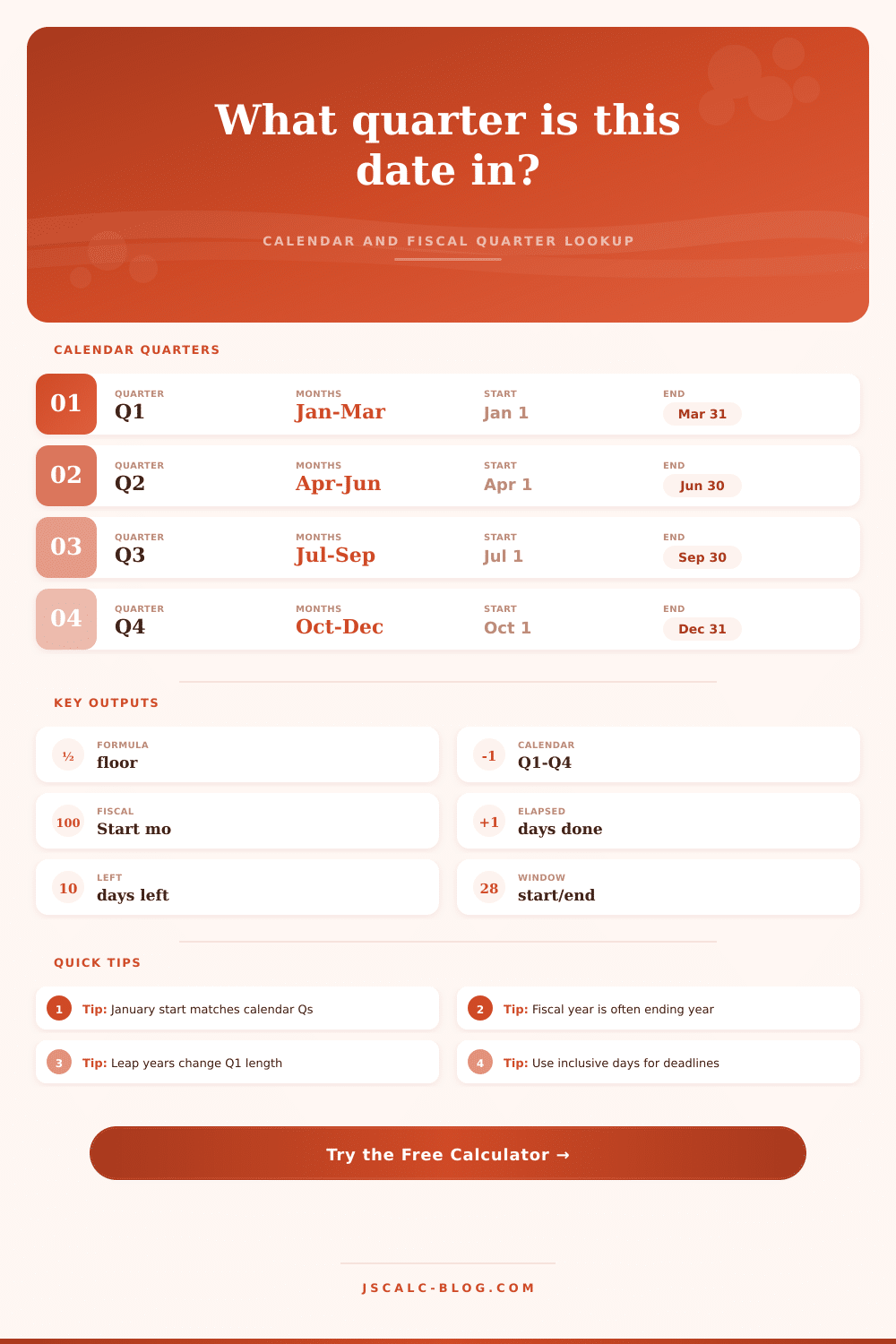
Calendar quarter = floor((month - 1) / 3) + 1, where January is month 1.
The quarter begins on day 1 of its first month and ends on the last day of its third month.
Fiscal quarter uses the same formula after rotating months by the selected fiscal start month.
Elapsed and remaining days compare the selected date against the quarter's start and end.
🗓Calendar Quarter Table
| Calendar Quarter | Months | Start Date | End Date | Typical Length |
|---|---|---|---|---|
| Q1 | January, February, March | January 1 | March 31 | 90 days, or 91 in a leap year |
| Q2 | April, May, June | April 1 | June 30 | 91 days |
| Q3 | July, August, September | July 1 | September 30 | 92 days |
| Q4 | October, November, December | October 1 | December 31 | 92 days |
📋Fiscal Start Examples
| Fiscal Start | Fiscal Q1 | Fiscal Q2 | Fiscal Q3 | Fiscal Q4 |
|---|---|---|---|---|
| January | Jan-Mar | Apr-Jun | Jul-Sep | Oct-Dec |
| February | Feb-Apr | May-Jul | Aug-Oct | Nov-Jan |
| April | Apr-Jun | Jul-Sep | Oct-Dec | Jan-Mar |
| July | Jul-Sep | Oct-Dec | Jan-Mar | Apr-Jun |
| October | Oct-Dec | Jan-Mar | Apr-Jun | Jul-Sep |
⏱Quarter Length Table
| Quarter | Common Year Days | Leap Year Days | Reason | Planning Note |
|---|---|---|---|---|
| Q1 | 90 | 91 | February changes | Leap years add one elapsed day |
| Q2 | 91 | 91 | 30 + 31 + 30 | Close to a 13-week planning span |
| Q3 | 92 | 92 | 31 + 31 + 30 | One day longer than 13 weeks |
| Q4 | 92 | 92 | 31 + 30 + 31 | Year-end quarter is usually 92 days |
🔎Common Date Examples
| Date | Calendar Quarter | Quarter Start | Quarter End | Why It Matters |
|---|---|---|---|---|
| January 15, 2026 | Q1 2026 | January 1, 2026 | March 31, 2026 | Early-year reporting |
| March 31, 2026 | Q1 2026 | January 1, 2026 | March 31, 2026 | Quarter close date |
| April 1, 2026 | Q2 2026 | April 1, 2026 | June 30, 2026 | New quarter begins |
| July 28, 2026 | Q3 2026 | July 1, 2026 | September 30, 2026 | Mid-quarter review |
| December 31, 2026 | Q4 2026 | October 1, 2026 | December 31, 2026 | Year-end close |
🔀Fiscal Comparison Grid
💡Quarter Tips
The date says it’s July. So you think: OK, I’m halfway through the year. And you’re half-right, half-right, until you realize that you don’t work in a traditional business year. If you do government work, retail, or anything that doesn’t follow standard January-December cycle, then nope. Wrong.
If your company follow the January-to-December cycle, then the fiscal quarter (the one they base their financial reports off) will be the same as the calendar quarter. For many people, January 1 is a troublesome start date, so why should they use it? This results in a mismatch between what is happening on the ground, the days left to reach your goal, your own calendar, and your company’s fiscal reality. That’s enough of a mess to warrant its own tool, which is how we ended up with the Quarter From Date Calculator.
Why You Need This Tool
Input a date, and it unravels the knot for you. It’s a simple mechanic at its heart. For regular calendar year, just use some basic math. Take the month number, minus one, then divide that by three, rounding down to reach your quarter number. This gives you a nice tidy rhythm: January to March is the first quarter, April to June is the second, July to September is the third, and October to December is the final push. And most folks can remember this rhythm without even thinking about it.
The calculator does this math for you in an instant, but where it shines is when you move off the regular calendar. A lot of companies kick off their financial year in October, July or April so they line up with a seasonal sales cycle or tax deadline. That swap alters all the date labels. That’s fine, but on paper that may mean a date feels like start of a new cycle while actually being the tail end of previous fiscal year. You can choose your own fiscal start month in the tool, and it will then move everything forward or back based off how your business actualy operates.
Why does this matter? Because it alters your progress metrics. So if you have a fiscal year beginning in April, you’re actually in the fourth quarter of your year as January, February, and March pass by. It is not the first quarter. You are finishing up the year instead of getting started on it. This is important for creating a budget. If you know you’re at the tail-end of a close cycle (the final quarter), you can’t budget for an “expense in the first quarter”.
The date logic has been done for you by the calculator, which doesn’t require you to mentally count how many more months there are until the end of your fiscal year. It also takes into account the fact that we live in a leap-year world. That single added day on February 29 is added to the first quarter of the next calendar year. Small change, but that one additional day adjusts the overall length of Q1 from ninety to ninety-one days. When you’re tracking day-by-day against a rigid set of budget constraints, that day makes all the difference, moving you forward or back a fraction of a percentage point.
The other thing I’m sure you’ll catch: It also figures in the number of days passed and remaining. This makes the random idea of “Q3” feel like an actual goal post. You’d rather know that with X amount of days to go, you’re still on track toward reaching revenue goals. The calculator shows you that. It takes whatever day you put in and contrasts it against the standard beginning and ending dates defined by your quarter setup. Then it lets you compare it against a specific goal date, which is useful if you are tracking how close or far you are from a report or meeting.
So the table at the top of the page explain those rules for you, it’s just there as a reference, but the real magic is how it automatically calculates the actionable information for you. The other thing to remember is that there’s a distinction between planning weeks and actual days. You plan on a quarter basis, which is always 13 weeks (or ninety-one days). On the real calendar, each quarter are either ninety or ninety-two days. This means you can achieve things consistently, even if your weekly progress varies depending on the quarter. To help with this, the calculator allows you to select an actual set of calendar days, versus the more common ninety-one day planning model. That way you can get a smoothed-out version of your calendar while still doing standardized reporting no matter what time period you’re looking at. It tames the jagged calendar edges.
In the end, it’s all about control. If you want to know how many more hours of ‘runway’ you have, you need to know which quarters marks your boundaries. This applies whether you’re closing a deal, writing a report, or figuring out why your bonus looks different than what you expected. The tool removes the guesswork. How far have I come? Where am I now? And how much time do I have left?
That information, that clarity, is worth the minute it takes to enter the date. You should of been planning more. No more guessing. Just planning.