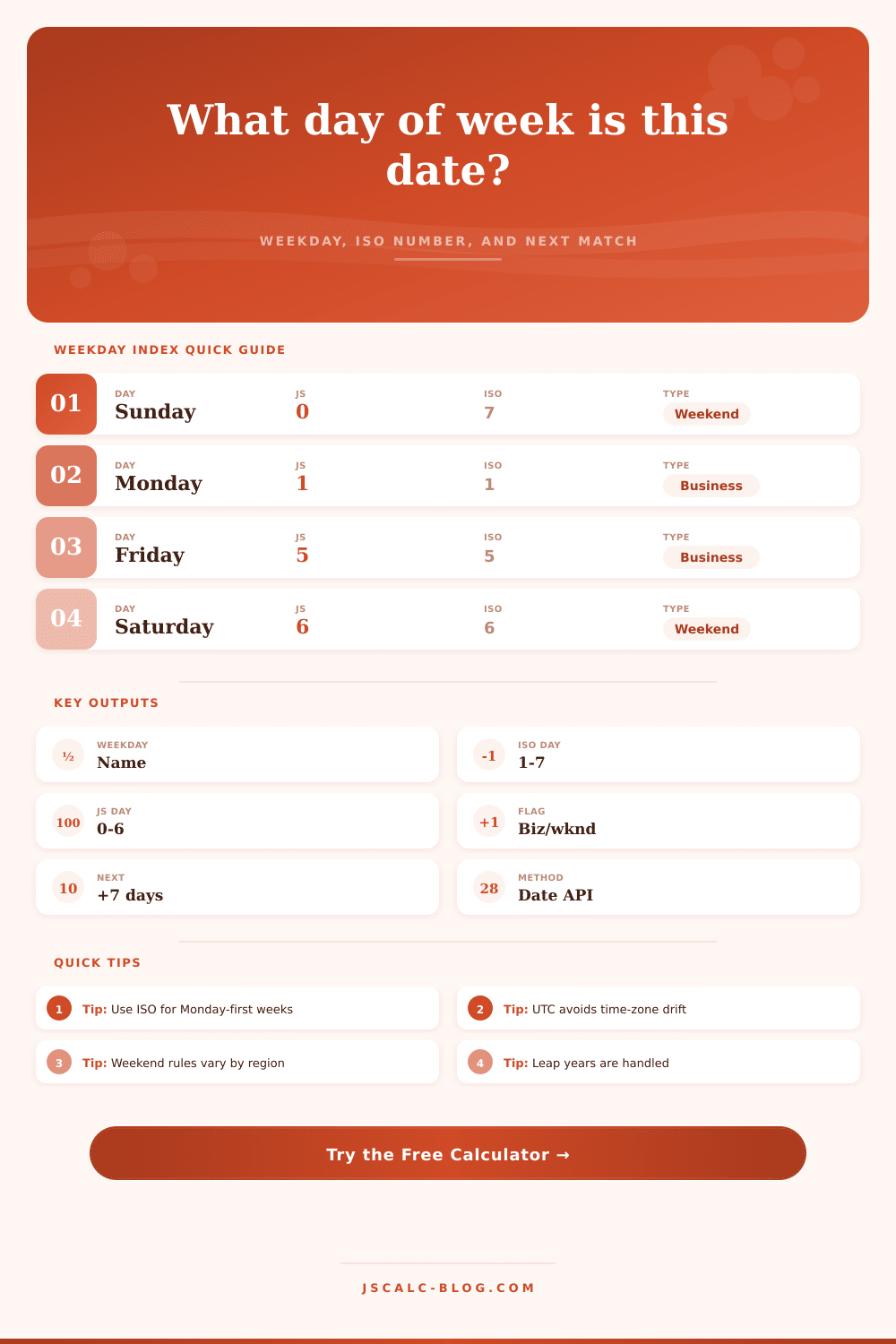
Day of Week From Date Calculator
Enter a calendar date to find its weekday, ISO weekday number, weekend or business-day status, and the next date with the same weekday.
Weekday Result
JavaScript Date
Sunday is 0 and Saturday is 6.
ISO Weekday
Monday is 1 and Sunday is 7.
Sakamoto Check
Uses month offsets and leap-year adjustment.
Zeller Check
Zeller h uses Saturday as 0.
| Nearby date | Weekday | ISO day | Business flag | Offset |
|---|---|---|---|---|
| 2026-07-28 | Tuesday | 2 | Business | 0 |
| Weekday | JS index | ISO day | Zeller h | Typical Sat-Sun status |
|---|---|---|---|---|
| Sunday | 0 | 7 | 1 | Weekend |
| Monday | 1 | 1 | 2 | Business |
| Tuesday | 2 | 2 | 3 | Business |
| Wednesday | 3 | 3 | 4 | Business |
| Thursday | 4 | 4 | 5 | Business |
| Friday | 5 | 5 | 6 | Business |
| Saturday | 6 | 6 | 0 | Weekend |
| Method | Index range | Zero or first day | How this calculator uses it |
|---|---|---|---|
| JavaScript Date | 0 to 6 | Sunday = 0 | Main actual result from getUTCDay() |
| ISO weekday | 1 to 7 | Monday = 1 | Displayed for schedules and week-number work |
| Sakamoto style | 0 to 6 | Sunday = 0 | Formula cross-check with month offset table |
| Zeller style | 0 to 6 | Saturday = 0 | Shown as h, then mapped back to weekday name |
| Weekend rule | Custom | User-selected | Controls business or weekend flag only |
| Next same day | +0 or +7 | Depends on option | Finds the next matching weekday date |
| Preset | Example date | Why it helps | Weekend rule | Cross-check focus |
|---|---|---|---|---|
| Today Check | 2026-07-28 | Current-day sanity check | Sat-Sun | Date API versus ISO |
| New Year 2027 | 2027-01-01 | Year boundary weekday | Sat-Sun | Day-of-year reset |
| Leap Day 2028 | 2028-02-29 | Leap-year date support | Sat-Sun | Sakamoto leap adjustment |
| Tax Day | 2027-04-15 | Deadline weekday check | Sat-Sun | Business flag |
| ISO Week Start | 2026-12-28 | Monday-first week view | Sat-Sun | ISO index |
| Fiscal Cutoff | 2026-09-30 | Month-end reporting | Sat-Sun | Next same weekday |
| Historical Date | 1970-01-01 | Known Thursday anchor | Sat-Sun | Zeller mapping |
| Fri-Sat Weekend | 2026-08-07 | Regional weekend test | Fri-Sat | Business rule |
Humans are terrible at performing mental arithmetic spanning months. For example, you might know that June comes before July, but you have to look up which exact weekday July 15th falls on in your phone. If you’re someone who schedules something that matters, you need a day of week calculator. It does the hard work for you and turns your date into business status flag, an ISO number, and the day of the week it falls on.
There’s one important caveat: The calculator relies on UTC time internally. That means that if it’s 11 PM on a Tuesday where you live, in Los Angeles for example, then your local clock will make you think the day has passed. But an international colleague in Tokyo or a server somewhere else may already be well into Wednesday. Anchoring the calculations based off UTC solves this problem by preventing midnight drift from messing up your schedule. Enter a date, and it tells you the truth, free of any ambiguity caused by time zones.
Why You Need a Day of Week Calculator
The separation of indexing systems is also important. There are two major standards: the ISO index (Monday is day one, Sunday is day seven), and the JavaScript index (Sunday is day zero). On paper, this all seems pedantic nonsense, but in practice, it’s relevant for business logic. If you’re building an app that uses dates for payroll calculations (i.e., to determine if someone is eligible to get paid by working Monday through Friday), then you’d want to use the ISO standard. It matches the way people around the globe sets up their work weeks. That said, the tool shows both. You can visually see the difference between same date under different conventions and avoid making expensive mistakes in your automated scripts.
But there’s one more thing: You can adjust the weekend rule. Many would assume the weekend consists of just Saturday and Sunday, but that’s not true everywhere. For example, in much of the Middle East, it’s Friday and Saturday. And so if you’re sending something across the globe to someone whose region has that kind of workweek, putting “Friday” into your software as a business day won’t do you any favors. With this flag, you can switch the calculator so it accounts for reality wherever you’re shipping things. Before it turns into a logistical nightmare, it’ll force you to see when your customers’ non-standard days off are. It’ll help you visualize where they really live and what their calendar look like.
It gets even more complicated with leap years. Every four years we get an extra day, specifically on February 29th, which throws off the beat for anything that happens at the same time each year. So if you have a contract renewing each year on February 28th, then suddenly the following year, due to the leap day, it will renew on March 1st. This calculator handles that. It takes the year you input, figures out whether or not that’s a leap year (and uses the right leap-year logic) and reports back what day of the week it’ll be. You don’t have to split hairs over whether or not it’s a century year, or divide by four in your brain. The math happens behind the scenes, but results are correct.
A side-by-side table of the Sakamoto and Zeller equations is also provided. The Sakamoto and Zeller formulas is some of the older algorithms used to determine which day of the week something falls on. Nowadays programming languages has dates as built-in objects, but it is still an interesting bit of math to study. You might find yourself needing to verify how you calculated a date in an old system. Being able to see the result of the Zeller congruence next to what moddern JavaScript spits out will be a welcome cross check. This serves as a reminder that although we’ve outsourced our date math to the browser, it’s not like this is new.
All of this comes back to knowing what day of the week it is… But not simply to help you schedule your dentist appointment. Knowing what day it is helps you structure time in a meaningful way. When do you plan on launching your product? When should I file my taxes? What’s the best day for me to get married? The answer is the day of the week. And the calculator provides that answer immediately. With a single click, you convert a confusing date into an understandable label. You know exactly where you sit within the week. You should of not need to guess. Just get up and go.