ETA Calculator
Estimate arrival time from remaining distance, average speed or pace, planned stops, delay allowance, rounding, and a manual timezone offset.
Use the distance still to go, not the original route length.
Moving average in the selected distance unit per hour.
Example: 8.5 means 8 minutes 30 seconds per mile or kilometer.
Use -4 for UTC-04:00, 5.5 for UTC+05:30, or 8 for UTC+08:00.
| Preset | Mode | Distance | Speed or pace | Stop plan |
|---|
| Activity | Typical speed | Pace per mile | Pace per km | Best use |
|---|---|---|---|---|
| City traffic | 18 mph / 29 km/h | 3:20 min | 2:04 min | Dense local driving |
| Suburban driving | 35 mph / 56 km/h | 1:43 min | 1:04 min | Mixed lights and roads |
| Highway driving | 65 mph / 105 km/h | 0:55 min | 0:34 min | Open road estimates |
| Easy running | 6 mph / 9.7 km/h | 10:00 min | 6:13 min | Training runs |
| Road cycling | 15 mph / 24 km/h | 4:00 min | 2:29 min | Commutes and rides |
| Moderate hiking | 2.5 mph / 4 km/h | 24:00 min | 14:55 min | Trail planning |
| Small boat | 18 kn / 33 km/h | 3:20 min per nmi | 1:49 min | Marine ETAs |
| Situation | Stop minutes | Delay percent | Fixed buffer | Reason |
|---|---|---|---|---|
| Short errand | 0 to 10 | 5% | 5 min | Parking, lights, elevator time |
| Highway trip | 10 to 25 | 8% to 12% | 10 to 20 min | Fuel, restrooms, slow exits |
| Delivery route | 4 to 8 each | 10% to 20% | 10 min | Drop-off dwell time varies |
| Airport transfer | 0 to 5 | 15% to 30% | 20 to 40 min | Late arrival has high penalty |
| Running event | 0 to 2 | 0% to 5% | 0 to 5 min | Aid stations and course crowding |
| Trail hike | 5 to 15 each | 15% to 30% | 15 to 45 min | Terrain, photos, navigation |
| Freight leg | 20 to 45 | 10% to 25% | 30 to 60 min | Inspection, gates, dispatch windows |
| Offset input | Meaning | Example cities | When to adjust |
|---|---|---|---|
| -8 | UTC-08:00 | Los Angeles standard time | Use -7 during daylight time |
| -5 | UTC-05:00 | New York standard time | Use -4 during daylight time |
| 0 | UTC | London winter, Reykjavik | Use 1 for UK summer time |
| 1 | UTC+01:00 | Paris winter, Lagos | Use 2 for much of Europe in summer |
| 5.5 | UTC+05:30 | India standard time | Half-hour offsets are valid |
| 8 | UTC+08:00 | Singapore, Perth, Beijing | Check regional daylight rules |
| 9.5 | UTC+09:30 | Adelaide, Darwin | Some locations change seasonally |
| Step | Formula | What it controls | Common mistake |
|---|---|---|---|
| Travel time | remaining distance / average speed | Moving portion of the trip | Using posted speed instead of real average |
| Pace conversion | speed = 60 / pace minutes | Running, cycling, hiking, marine pace | Mixing mile pace with km distance |
| Stops | stop count x minutes per stop | Planned non-moving time | Hiding stops inside speed and double counting |
| Delay | travel time x delay percent | Traffic, terrain, weather, uncertainty | Adding delay only after the ETA is late |
| ETA | start/current time + travel time + stops/buffer | Arrival clock time | Forgetting timezone offset or date rollover |
When estimating how long it’ll take, factor in slow traffic and red lights. A lot of people just divides miles by mph. That doesn’t account for uncertainty!
You don’t have to try to manually convert minutes to hours; the calculator does that for you. It will also tell you whether a stop is eating into your buffer or adding to your total time. Planned stops are an afterthought for most. “The clock stops when I stop to get gas and then wait for inspection.” Nope. Clock never stops.
How to Plan Your Trip Time
A delivery route might look like a three-hour drive on a map, but if you add four stops at eight minutes each, you’ve added thirty-two minutes of non-moving time to your day. That is thirty-two minutes of total non-moving time.
A complex logistics leg looks very different than a simple errand, as illustrated by the reference table. Moving time versus dwell time has to be separated. Don’t double count for average speed, which includes time spent idling at lights. Don’t double count by adding those same minutes back in as stops. That’s the trick, knowing what you’re measuring.
How fast are you going? That’s a question more important than many realize. Sixty-five miles an hour on the highway feels different than creeping along in city traffic where your average speed might be barely eighteen miles per hour.
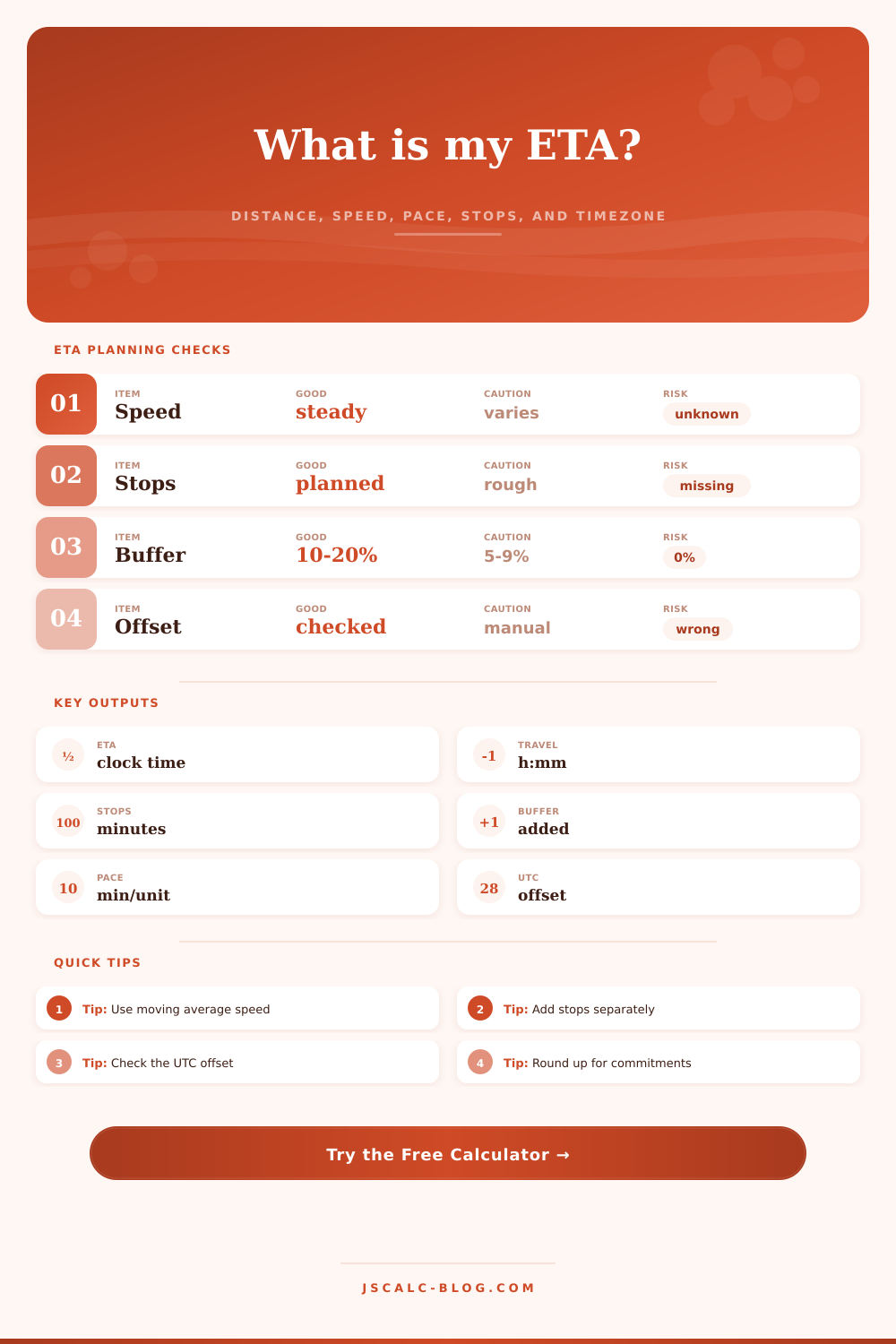
For mixed situations (technical terrain, weather, or just general urban congestion), you can add a delay percentage to your profile with the tool. It’s not pessimism; it’s risk management. Adding a ten-percent buffer goes from rushing to arrive to arriving calmly. One surprise traffic jam turns into a crisis without it. Sometimes that little bit of extra room makes all the difference between being late or on time.
If you’re planning a trip across a dateline (or working with people in various parts of the world), there’s another complication: timezones. Get those wrong and you could be setting your whole schedule off by hours. With this calculator, you can manually specify an offset for any timezone, ensuring that the total time aligns with local clock where you arrive. A four-hour mismatch can mean missing a flight or a meeting. Double-check the offset to what the real-world place will be when you arrive.
And then there’s rounding. Rounding is another psychological trick. When the calculator says your ETA is seven-forty-one, round it up to eight o’clock or seven forty-five. This creates a safer estimate that doesn’t force you to drive slower. This is especially true when penalty for being late is high (such as delivering something or picking someone up from airport). Notice how in the comparison grid, the fast and slow cases moves the timeline around? Better to show up early and wait versus showing up late and say sorry.
The device has marathon pacing and bike commute presets. I like that it allows you to switch from entering speed to entering pace, which is what runners understand (minutes per mile vs. Miles per hour. Miles per hour). It’s easier for me to enter eight minutes/mile than to figure out that’s the same as 12 mph. That means less thinking required on my part (less brainpower) and it automatically converts to speed/pace for you, no math required. Plan a route without needing to be a mathematician.
Just be honest about your conditions. Your ETA isn’t a prophecy; it’s an admission of what you intend to do now, given your assumptions about things that might go wrong. An ETA is more than a guess. It’s a plan with realistic speeds, reasonable buffer times, and stop time accounted for. It’s math (and there are some variables in there). If you forget about traffic, if you don’t include stops, then you’re not planning. You’re wrong. Plan with all the inputs and create a schedule that has a chance at standing up to real life. That’s how you transform a stressful guess into a solid plan.
And remember: The clock doesn’t care how confident you feel. Let the math handle it.