Date Countdown Calculator
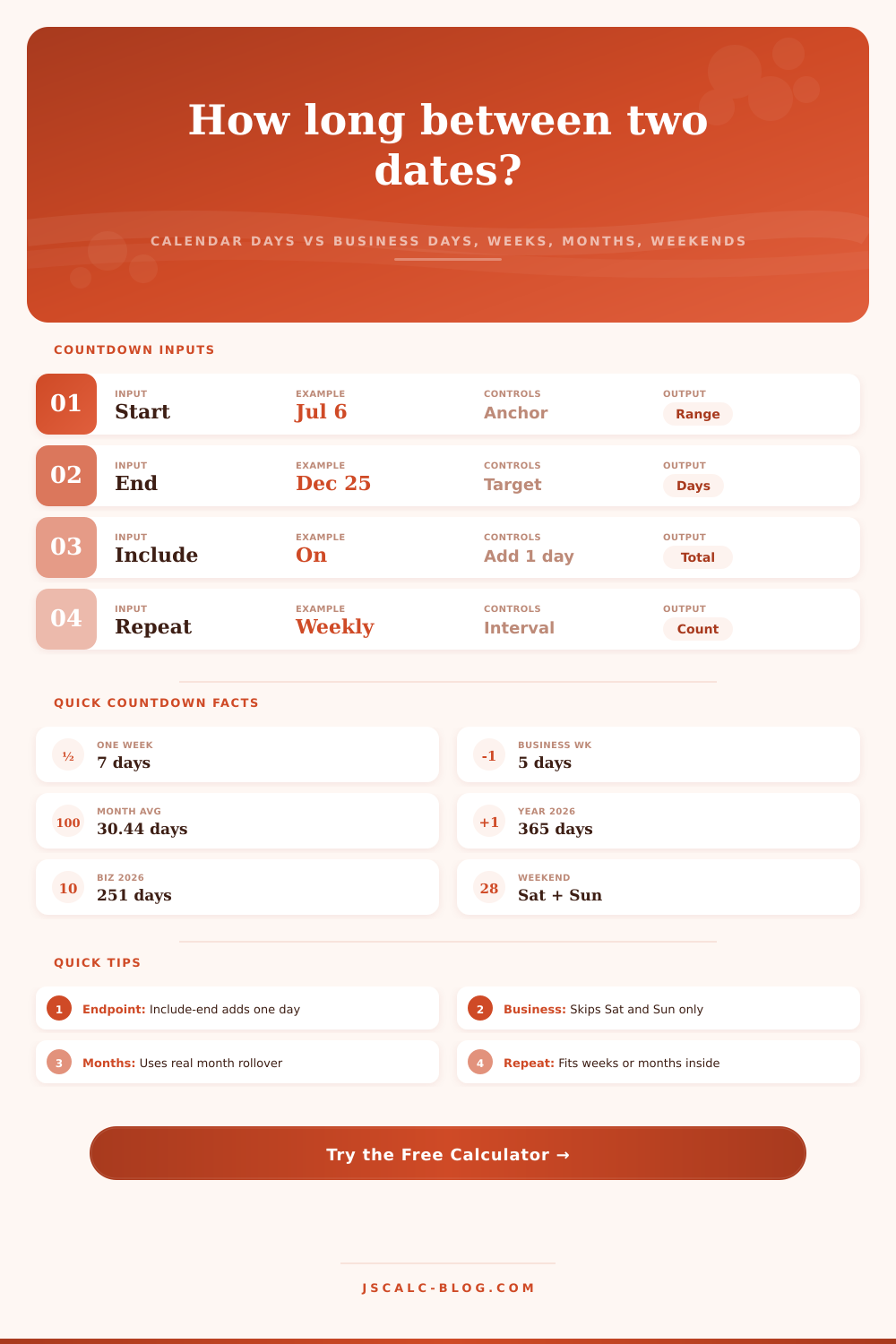
Count the exact gap between a start and end date as calendar days, business days, whole weeks, calendar months, and weekends spanned, with include-end and repeat-interval options.
🎯Real Countdown Presets
📝Countdown Inputs
Shows how many whole intervals fit in the gap.
Sets which two days count as the weekend.
🔢Unit Snapshot
🗓Days in Each Month (2026)
| Month | Calendar Days | Business Days | Weekend Days |
|---|---|---|---|
| January | 31 | 22 | 9 |
| February | 28 | 20 | 8 |
| March | 31 | 22 | 9 |
| April | 30 | 22 | 8 |
| May | 31 | 21 | 10 |
| June | 30 | 22 | 8 |
| July | 31 | 23 | 8 |
| August | 31 | 21 | 10 |
| September | 30 | 22 | 8 |
| October | 31 | 22 | 9 |
| November | 30 | 21 | 9 |
| December | 31 | 23 | 8 |
Business and weekend counts assume a Monday-to-Friday working week and ignore public holidays.
🗂Countdown Comparison Grid
| Date Gap | Calendar Days | Business Days | Weeks + Days | Months + Days | Weekend Days |
|---|---|---|---|---|---|
| 1 work week | 7 | 5 | 1 wk 0 d | 0 mo 7 d | 2 |
| 2-week sprint | 14 | 10 | 2 wk 0 d | 0 mo 14 d | 4 |
| Net-30 terms | 30 | 22 | 4 wk 2 d | 1 mo 0 d | 8 |
| 45-day escrow | 45 | 33 | 6 wk 3 d | 1 mo 15 d | 12 |
| 60-day notice | 60 | 44 | 8 wk 4 d | 2 mo 0 d | 16 |
| 90-day quarter | 90 | 65 | 12 wk 6 d | 3 mo 0 d | 25 |
| Half year | 182 | 130 | 26 wk 0 d | 6 mo 0 d | 52 |
| Full year 2026 | 365 | 261 | 52 wk 1 d | 12 mo 0 d | 104 |
Sample values assume the range starts on a Monday. Business and weekend counts shift by a day or two when the start weekday changes.
⚖Include-End vs Exclude-End
| Range | Exclude End | Include End | When To Use |
|---|---|---|---|
| Mon to Fri same week | 4 days | 5 days | Include for shift or trip length |
| Jul 6 to Jul 6 | 0 days | 1 day | Include to count a single day |
| Jul 6 to Aug 6 | 31 days | 32 days | Exclude for pure gap to a deadline |
| 1st to last of July | 30 days | 31 days | Include to count the whole month |
| Contract 30-day term | 30 days | 31 days | Check the wording of the clause |
📏Unit Conversion Reference
| Unit | Equals | In Days | Notes |
|---|---|---|---|
| 1 week | 7 days | 7 | 5 business + 2 weekend |
| 1 fortnight | 2 weeks | 14 | 10 business + 4 weekend |
| 1 month (avg) | 1/12 year | 30.44 | Real length is 28 to 31 |
| 1 quarter | 3 months | 91.31 | About 65 business days |
| 1 common year | 365 days | 365 | 261 business days in 2026 |
| 1 leap year | 366 days | 366 | Adds Feb 29 every 4 years |
⚙How The Math Works
💡Countdown Tips
I’m sure at this point you’re thinking “counting days should be intuitive”. But that’s only true if the number doesn’t matter. If the number does matter, for example. It gets tricky for certain task.
You can count seven days easily enough, which is the same as a week. But do you know how many of those day are realy available to work? Most people don’t. And most schedules is built on calendar days instead of business hours. Life is scheduled in working hour. Working hours are hard to count.
How to Count Workdays Correctly
Both kinds of interval are in one handy-dandy calculator. Enter your starting date and end date into the box and it will spit out the number of real day (and the total span, for what it’s worth). Why? Because a 30 day invoice period might appear as a month on paper, but in reality you’re down to just twenty-two worth of workdays when you account for the weekends. Because a 30 day invoice period might appear as a month on paper, but in reality you’re down to just two weeks worth of workdays when you account for the weekends. The calculator do all that subtraction for you; so you know exactly how long you’ve got left once the Saturdays and Sundays get carved away.
One other decision to make is if you’ll include the last day. It might not seem like much, but it can make the difference of a single day. If you’re calculating something on a shift or rental period basis, then you’d want to include the end date (since it’s still part of the experience). If you’re counting down towards some sort of midnight deadline though, you typically won’t include the end date (because you’re tracking how many days until the thing happens). A lot of folks don’t catch themselves here and end up being one day short or one day early.
To add even more accuracy to your calculations, there’s a repeat interval feature. Instead of being told “you’ve got 90 days,” it will say “you’ve got two full months” (or however many whole week or month will fit into that timeframe). This comes into play when doing things on a repeated schedule: monthly reports, biweekly payroll. It’ll tell you exactly how many times you can do this thing before running out of time.
Then there’s your buffer, what you should of plan for. Real-world scheduling is messy because not every week look the same. Different companies defines the “work week” differently. Holidays change the number of business days in a week. Some teams starts on Monday, while others start on Sunday. The calculator lets you tweak it to match your own definition of the weekend. This helps avoid mistakes where you assume you’re following a regular Monday-through-Friday routine when you’re actualy on a rotated schedule.
It’s critical to tell business urgency apart from calendar accuracy. It may sound like a lot: a half-year is approximately one-hundred eighty-two days. There are nearly forty fewer working days then that once you remove the weekends. The pressure comes from available working hours, not just the number of day that pass. The number of days passing on the wall clock rarely matches your sense of urgency around a deadline. It’s typically the number of workdays you’re afforded that increase the pressure.
To make things clearer, there are some reference tables on the page which break down the quarters and months into their component parts. As you can see from those tables, a “normal” month isn’t a constant amount of time, as its usefulness depends on where it falls on the weekly calendar. There’s no need to memorize these values; just use them to develop an intuitive feel about making estimates later. For example, you might notice that in some year July has fewer business days then August, just due to weekend alignment.
It’s all about setting expectations: at the end of the day, accurate counting is about managing expectations and providing clarity to prevent conflict. If you’re keeping track of a lease, a probation period, or a project sprint, understanding it clearly will avoid conflict. There will be less arguing if we’re all on the same page regarding what “thirty days” realy means when it comes to usable time. The math doesn’t consider your stress level, but knowing the number empowers you to get a more realistic timeline. You’ll know exactly where you stand so you can negotiate better timelines. As long as you start with the proper input and understand what your daily capacity produce, you won’t guess anymore.
Time is limited, but who counts it is completely in your hands.