Countdown Days Hours Minutes Calculator
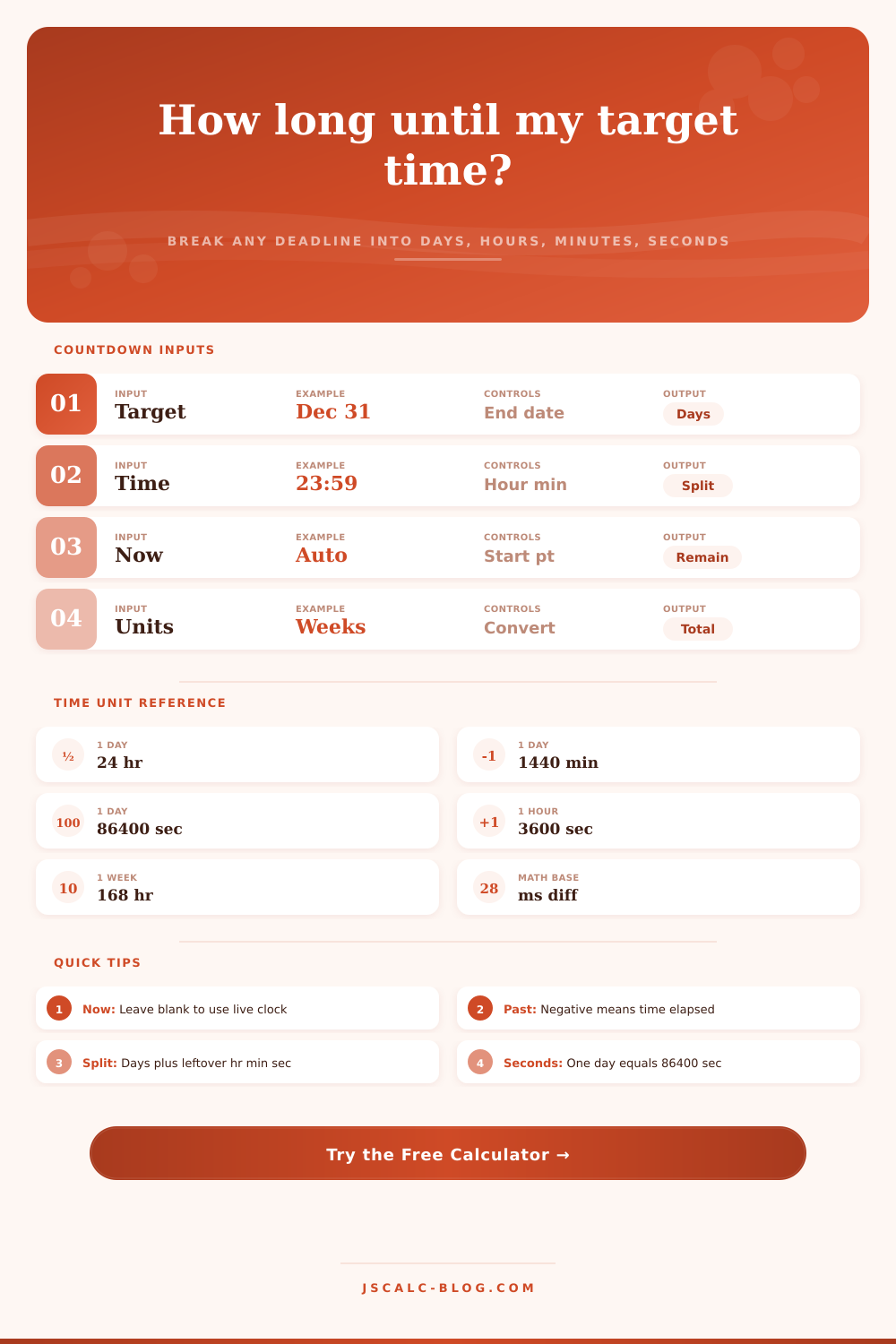
Enter any target date and clock time to break the remaining interval into exact days, hours, minutes, and seconds, plus total weeks, hours, minutes, and seconds as alternate units. Past targets show elapsed time.
🎯Real Countdown Presets
📝Target and Start Inputs
Used only when start point is set to custom.
24-hour clock. Seconds assumed zero.
🔢Alternate Unit Totals
📏Time Unit Conversion Reference
| Unit | In Seconds | In Minutes | In Hours | In Days |
|---|---|---|---|---|
| 1 second | 1 | 0.016667 | 0.000278 | 0.0000116 |
| 1 minute | 60 | 1 | 0.016667 | 0.000694 |
| 1 hour | 3,600 | 60 | 1 | 0.041667 |
| 1 day | 86,400 | 1,440 | 24 | 1 |
| 1 week | 604,800 | 10,080 | 168 | 7 |
| 30 days | 2,592,000 | 43,200 | 720 | 30 |
| 365 days | 31,536,000 | 525,600 | 8,760 | 365 |
🗂Interval Comparison Grid
| Example Gap | Days | Hours | Minutes | Seconds | Weeks |
|---|---|---|---|---|---|
| 90 minutes | 0.0625 | 1.5 | 90 | 5,400 | 0.0089 |
| 1 hour | 0.0417 | 1 | 60 | 3,600 | 0.0060 |
| 12 hours | 0.5 | 12 | 720 | 43,200 | 0.0714 |
| 1 day | 1 | 24 | 1,440 | 86,400 | 0.1429 |
| 2.5 days | 2.5 | 60 | 3,600 | 216,000 | 0.3571 |
| 3 days | 3 | 72 | 4,320 | 259,200 | 0.4286 |
| 7 days | 7 | 168 | 10,080 | 604,800 | 1 |
| 30 days | 30 | 720 | 43,200 | 2,592,000 | 4.2857 |
| 100 days | 100 | 2,400 | 144,000 | 8,640,000 | 14.286 |
📋Common Countdown Targets
| Target | Typical Time | Best Split To Watch | Notes |
|---|---|---|---|
| New Year | 00:00 Jan 1 | Days + hr + min + sec | Local midnight, rolls yearly |
| Rocket launch | Exact T-0 time | Hours + min + sec | Precise to the second |
| Exam start | 09:00 morning | Days + hours | Fixed clock time matters |
| Flight boarding | Gate close time | Minutes + seconds | Arrive before boarding ends |
| Product sale | 23:59 end day | Days + hours | Ends late on final date |
| Live event | Kickoff hour | Hours + minutes | Same-day countdown |
⚙How The Math Works
| Step | Formula | What It Produces |
|---|---|---|
| Millisecond gap | target.getTime() − start.getTime() | Signed difference in ms |
| Total seconds | gap ÷ 1000 | Every second in the interval |
| Total minutes | gap ÷ 60000 | Every minute in the interval |
| Total hours | gap ÷ 3,600,000 | Every hour in the interval |
| Total days | gap ÷ 86,400,000 | Every day in the interval |
| Total weeks | gap ÷ 604,800,000 | Every week in the interval |
| Split days | floor(totalSec ÷ 86400) | Whole-day part of the split |
| Split hours | floor((totalSec mod 86400) ÷ 3600) | Leftover hours after days |
| Split minutes | floor((totalSec mod 3600) ÷ 60) | Leftover minutes after hours |
| Split seconds | totalSec mod 60 | Leftover seconds after minutes |
💡Countdown Tips
Yeah, you know what I’m talking about. There’s a project due or a plane to catch in X number of minutes/hours/days. You look at your watch and start trying to do that mental math: How much time has passed? Subtract it from the goal time. Except now your brain trips over the numbers, and that’s where this thing come in.
It turns any point forward into tidy increments. Accuracy matter. A lot of folks simply use days as their metric, but that’s not accurate. A 5:00 PM Friday deadline isn’t the same thing than a 9:00 AM Friday deadline. The latter will be on the same calendar day, yes. But when you input the actual minute and hour your targeting for your deadline, the calculator does the rest.
Why This Tool Is Helpful For You
We need to plan accurately. We can’t sit there guessing if we’ve got 18 hours or six. And guess what? You might have exactly two hours and fifteen minutes left before you leave for the airport. Knowing that makes the difference between having time to relax and racing to get through security.
Time is a continuum; we slice it up into chunks when we plan things, though. A day has 24 hours; an hour has 60 minutes; a minute has 60 seconds. That’s not even the same number system (base ten doesn’t really work for time), which is why doing it manually is so hard; you have to carry over the leftover bits from one unit to another. The tool turns it back into a raw number of milliseconds from now until whenever you want. Then it breaks that down to something you can understand.
It lets you pick your starting point (either a specific time in the past or right now), which makes it good for planning ahead but also calculating how long something’s taken so far. So if you put in a date that’s in the past, answer comes back with negatives, because that means “how many minutes/hours/days have I lost since then?” It’s good for checking how long ago an important life event happened or just going over a project timeline. Time flows both ways; only the sign on the answer change.
What you get back isn’t just hours or days. You also get totals in minutes, seconds, and even weeks (because seeing total number of seconds can really give it some perspective). Eighty-six thousand four hundred seconds, for instance, that’s a whole lot of small units packed into one turn around the planet. So if you look at time in seconds you shrink it right down, whereas when you look at it in weeks you expand it out into the great unknown. It’s all laid out nicely on the page with the reference table that shows you how everything relates to everything else without having to do the division yourself.
The problem comes from not paying attention to the time of day. After all, if there’s a date then it must be midnight, right? Wrong. Sales often end at 11:59 PM, meetings start at 08:00 AM, and business deadlines are rarely at midnight. The clock is important, so pay attention to it. Otherwise, you might overestimate how much time you have by almost a full day. That can cause some pretty major planning problems.
Timezone oddities are accounted for automatically; the tool assumes that you’re referring to your local machine‘s time. You do not need to fiddle with offsets. Just type out the date on your local calendar and let ‘er fly. That way it stays easy to use. Complicated is the enemy of useful. We want an answer to “how much time do I have” that doesn’t involve a PhD in astronomy or clockmaking.
But even more importantly, from a psychological view, seeing that breakdown helps. Because, while a big list of days sounds daunting, it doesn’t sound doable. But when we break it down into hours, it sounds like something we might actualy be able to achieve. It allows us to put things on our calendar in terms of hours instead of days, which helps us better break up the looming deadline into smaller chunks, easier to manage. This in turn reduces your stress or anxiety and increases your efficiency.
We have only so much time and none of it can be returned. Whether it’s waiting for a rocket launch or simply a Friday evening, when we track our time accurately we respect its true worth. Once we know how much time remains, we no longer guess; we plan instead, and with this clarity we make better decisions. It takes some work to set it up right, but the math is easy and it’s all worthwhile in terms of what it does for us.