Common Area Maintenance Calculator
Estimate tenant CAM share, CAM per square foot, monthly CAM, gross-up adjustments, admin fee, exclusions, occupancy proration, cap effect, and reconciliation.
| Scenario | Building sqft | Tenant sqft | Share | Total CAM | CAM psf | Monthly CAM | Reconciliation |
|---|
| Test | Gross-up | Cap | Total CAM | Annual share | Occupied share | After-cap recon |
|---|
| Line item | Common treatment | Calculator input | Review focus | Typical check |
|---|---|---|---|---|
| Landscaping | Usually recoverable | Annual CAM budget | Seasonality and scope | Compare contracts |
| Parking lot sweeping | Usually recoverable | Annual CAM budget | Frequency and area | Check invoices |
| Common utilities | Usually recoverable | Annual CAM budget | Meter allocation | Match utility bills |
| Management admin | Lease-specific | Admin fee percentage | Allowed base and cap | Read clause wording |
| Vacancy gross-up | Lease-specific | Occupancy gross-up percentage | Variable expense only | Confirm method |
| Capital repairs | Often excluded or amortized | Exclusions | Useful life and lease limits | Remove if barred |
| Owner marketing | Often excluded | Exclusions | Tenant benefit | Trace GL codes |
| Late fees or penalties | Often excluded | Exclusions | Owner controllability | Flag one-time items |
Your CAM (common area maintenance) fees always startle you with their size. Why should I be paying so much to maintain that grassy strip between my building and next one? It’s just landscaping! That is what your landlord’s accounting department does, they make the magic happen when you enter your lease details. All of a sudden, an abstract number on a bill become a real figure you can justify.
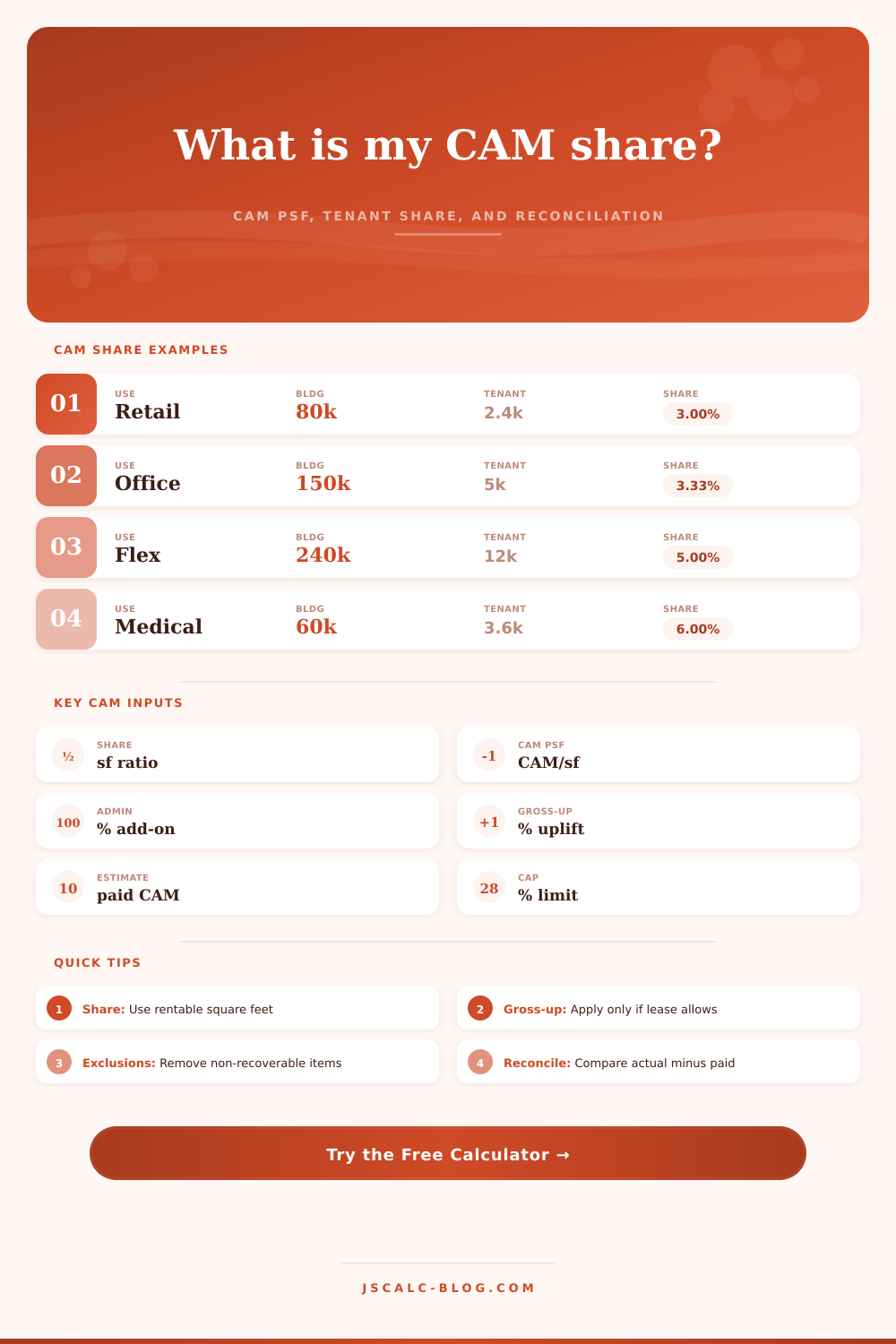
To understand CAM, you have to know that it’s not about the total dollars; it’s about allocation. You pay based off your square-footage relative to entire rentable space in building. So if you take up two-thousand four-hundred feet within an eighty-thousand foot building, you’re paying ~three-percent of the entire pie. The headline cost isn’t nearly as important than that number, since it informs just how sensitive your bill will be to any increase in operating expenses.
How Your CAM Fees Are Calculated
If your lease covers a lot of floor space or if you’re in a small building, then your rate will move less wildly with the tide. But if you’re in a tiny suite within a huge complex, then you’ve got bigger risk-per-square-foot. It’s a volume game hiding behind service fee.
So now we understand what’s in that pie. Now it’s time to get down to figuring out what percentage of that total pie is yours (i.e., your share). This part is largely a matter of learning what to include (and exclude) from that pie. Just like a smart landlord who knows how to make an expense report, the calculator lets you subtract these items upfront to figure out your share. Many things aren’t recoverable, for instance, owner marketing efforts or capital improvements, which don’t contribute any continuing value to running the property on a day-to-day basis. You would of assumed you are overpaying if you do not set these aside before looking at your figures, even if math is correct. Separating recoverables from non-recoverables provides clarity.
There’s also the gross-up factor, which makes everybody scratch their heads if they’ve never seen the fine print of a triple net lease. The gross-up assumes 100% occupancy (so your vacancy won’t depress the other guys’ cost base). But it doesn’t protect you from paying for empty space: if there are fewer active tenant, the landlord spreads fixed costs over those fewer people. Standard practice is that you apply this % after exclusions but before admin fees. This is what the calculator does. When the space is partially occupied, you end up with an effective rate paid a bit higher than normal. Yet it’s fair because without the gross-up, the others would of have to carry the load even more. It seems unfair until you see that point.
Then there’s the stack of administrative fees. These typically runs in the ten percent range of the adjusted total, which is slightly less than the 10% “management fee” line item above. It represents cost of keeping track of invoices and vetting vendors. It also includes reconciling them into monthly statements. Some leases set this to a flat dollar, or even limit its size; but here, we model it as a simple increase off the recoverable base. The security guard or the snow removal guy is only part of the bill; the rest pays for management overhead. That is what makes this different than an expense. Acknowledging that difference enables you to resist the temptation to inflate the admin rate if true expenses is low.
The real work happens during reconciliation. The calculator takes what you think you paid annually (based on your estimates) and subtracts it from what you actualy spent; if there’s a negative number, you get a credit; if there’s a positive number, you owe money. Depending on how your lease was written, however, it might have a cap on expenses that can be controlled, leaving other items like insurance and taxes uncapped. To avoid being stuck with runaway costs, the calculator will automatically adjust the reconciliation amount down to the negotiated cap. Be sure to read this section closely, because some leases is far less generous, you don’t want any nasty surprises when the real bills come due and they’re higher than your estimate!
In other words, all of this isn’t an accounting trick; it’s how we divide up the risks between us. If the landlord runs their business efficiently, they save money (variable cost). In return, you get less certainty: if the landlord doesn’t run things efficienty, you pay a premium for that lack of certainty (fixed cost). The tool lets you check that assumption, your personal situation. Against what you’re seeing. After receiving your first bill, the surprise subsides. You replace it with a firmer grasp of what you’re really being charged for.