Average Velocity Calculator
Find average velocity in kinematics three ways: from total distance over total time, from the constant acceleration rule v_avg = (vi + vf) / 2, or by summing several legs. Enter any units and read the result in m/s, km/h, mph and ft/s, plus acceleration and the average speed versus average velocity distinction.
🏁Choose a Mode
🔥Real Motion Presets
📏Motion Inputs
Path length for average speed, or straight-line displacement for average velocity.
Total duration of the trip, including any stops that count.
Speed at the start, entered in the output unit chosen below.
Speed at the end, for the constant acceleration rule.
Used to compute acceleration a = (vf - vi) / t.
Fill Leg 3 and Leg 4 with real numbers to include them; zero-time legs are ignored.
Sets the unit for vi and vf, and the headline result card.
Controls rounding on every result card.
🔢Kinematics Formula Snapshot
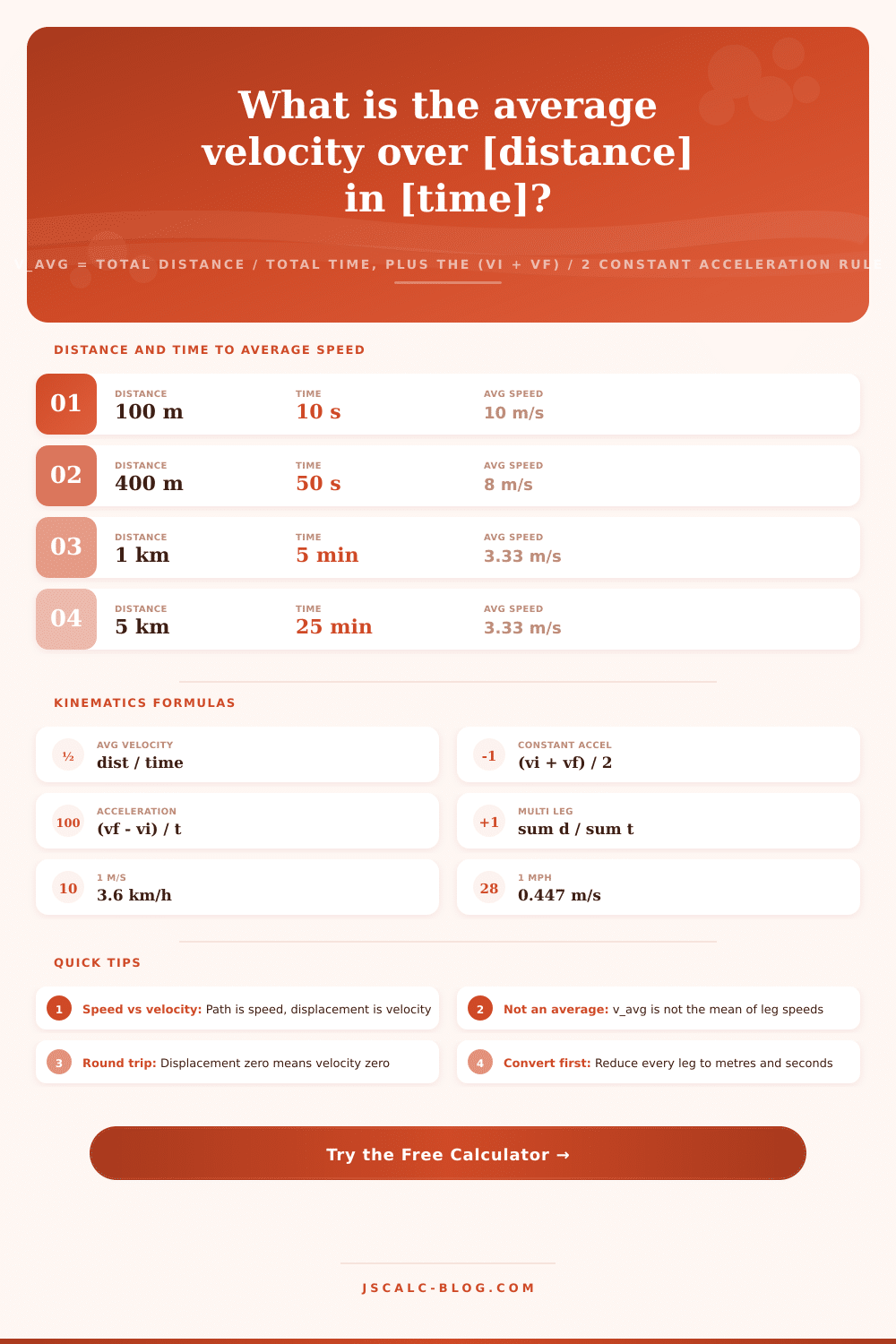
📋Distance and Time to Average Speed
| Distance | Time | Average Speed m/s | Same in km/h |
|---|---|---|---|
| 100 m | 10 s | 10.00 m/s | 36.0 km/h |
| 400 m | 50 s | 8.00 m/s | 28.8 km/h |
| 1 km | 5 min | 3.33 m/s | 12.0 km/h |
| 5 km | 25 min | 3.33 m/s | 12.0 km/h |
| 10 km | 1 hr | 2.78 m/s | 10.0 km/h |
| 42.2 km | 3.5 hr | 3.35 m/s | 12.1 km/h |
| 300 mi | 5 hr | 26.82 m/s | 96.6 km/h |
| 60 mi | 1 hr | 26.82 m/s | 96.6 km/h |
📏Speed Unit Conversions
| From 1 unit | m/s | km/h | mph | ft/s |
|---|---|---|---|---|
| 1 m/s | 1.000 | 3.600 | 2.237 | 3.281 |
| 1 km/h | 0.2778 | 1.000 | 0.6214 | 0.9113 |
| 1 mph | 0.4470 | 1.609 | 1.000 | 1.467 |
| 1 ft/s | 0.3048 | 1.097 | 0.6818 | 1.000 |
| 1 knot | 0.5144 | 1.852 | 1.151 | 1.688 |
| Mach 1 air | 343.0 | 1235 | 767.3 | 1125 |
🔄Average Speed vs Average Velocity
| Property | Average Speed | Average Velocity |
|---|---|---|
| Based on | Total path length | Net displacement |
| Type | Scalar, no direction | Vector, has direction |
| Formula | path / total time | displacement / total time |
| Sign | Always positive | Can be negative |
| Round trip | Stays positive | Zero, start equals end |
| Relation | Speed ≥ velocity magnitude | Never exceeds speed |
🏃Everyday Speed Comparison Grid
| Activity | m/s | km/h | mph | ft/s | Note |
|---|---|---|---|---|---|
| Casual walk | 1.4 | 5.0 | 3.1 | 4.6 | Strolling pace |
| Brisk walk | 2.0 | 7.2 | 4.5 | 6.6 | Power walking |
| 5K jog | 3.3 | 12.0 | 7.5 | 10.9 | 25 min pace |
| Elite marathon | 5.7 | 20.5 | 12.7 | 18.6 | 2 hr race |
| Sprint 100 m | 10.2 | 36.7 | 22.8 | 33.5 | Usain Bolt avg |
| City driving | 13.9 | 50.0 | 31.1 | 45.6 | Urban limit |
| Highway cruise | 29.1 | 104.6 | 65.0 | 95.3 | Freeway speed |
| Commercial jet | 250 | 900 | 559 | 820 | Cruise altitude |
⚙Formula Breakdown
💡Average Velocity Tips
When you finally arrive at your destination following a lengthy road trip, maybe you plug the address into Google Maps and notice that “average” speed was lower than speedometer indicated while driving. If you’re a student or traveler, you know this puzzle has nothing to do with current speed but everything to do with total velocity (also known as average velocity). Average velocity take into account every shift in speed, detour, or stop along the way, so it’s one number that reflects your entire trip. Knowing this will make it easier to map out realistic travel plans, or even ace a few physics tests!
Average velocity is defined simply enough but in practice, it can be tricky. Average velocity = Total Displacement / Total Time. But there’s one important detail: Velocity is a vector quantity, which means that it has both a magnitude and a direction. For example, say you run a single complete lap around a 400-meter running track. Your starting position matches your ending position, meaning that your displacement are zero. So regardless of how fast (or slow) your legs feel right now, your average velocity is zero meters per second. This means you can chooses to use either the straight-line distance for velocity calculations or total path length for calculating speed. Small distinction, big difference.
Understanding Average Velocity
But what if you don’t have the full distance? What if you only know your start and end speeds? Then you use constant acceleration formula. How is that? Well, when you start moving (a car starts from a stoplight) until you reach some other speed (highway speed), it doesn’t accelerate constantly, rather it accelerates at a steady rate. When this happens, you can simply takes an average of your starting and finishing speed. So we add them both together and then divide by 2. That’s a handy little shortcut which will save you time with uniform motion.
Mode two on the calculator uses that shortcut, letting you plug in your start speed, end speed, and time. It’ll even calculate your acceleration for you! It tells you how fast your speed changed every second. But real life isnt that smooth. In most trips, there is several legs that travel at different speeds. You’ll go fast on the highway, slow through construction zones, and sit in traffic while entering an exit ramp.
Don’t fall into the trap of taking the direct average of these individual speeds. Just because you drove 60 kilometers per hour for an hour followed by 20 kilometers per hour for an hour doesn’t mean your average speed was 40 kilometers per hour. It depends on how much distance you cover at each rate. Because slower segments take longer, they pull down the average more different than faster segments pull it up. Instead, add up all the distances and divide by sum of all the times. In multiple legs mode, the system combine all those segments into one single unit.
This prevents it from mistakenly assuming that each leg contributed equally to your total trip just because it didn’t spent enough time at a certain pace. It also eliminates unit conversion. Messy math happens when you mix minutes and hours with seconds, miles and kilometers. Internally, it converts everything into its base units so calculations will be correct. This works whether you want miles per hour or meters per second displayed in the end result. Enter a road trip estimate in miles per hour or a physics equation in meters per second and results will update accordingly. No more being bogged down by conversion factors, just the numbers themselves.
But at the end of the day, what’s average velocity? It is a way to understand context. It provides context for why you’re moving where you’re moving, what’s efficient, and whether you’re getting somewhere fast or slow. Context that can help you know both your destination and the route that got you there. If you don’t know how to do it right, knowing your speed on a speedometer isn’t enough. It doesn’t give you a sense of whole trip. Instead, it gives you a broken set of speeds and stops until a clear pattern emerges in the data. This data tells story of how fast or slow you moved throughout your trip. You should of known that moddern physics can be tricky, but actually its quite fun once you recieve the right data.