Anniversary Calculator
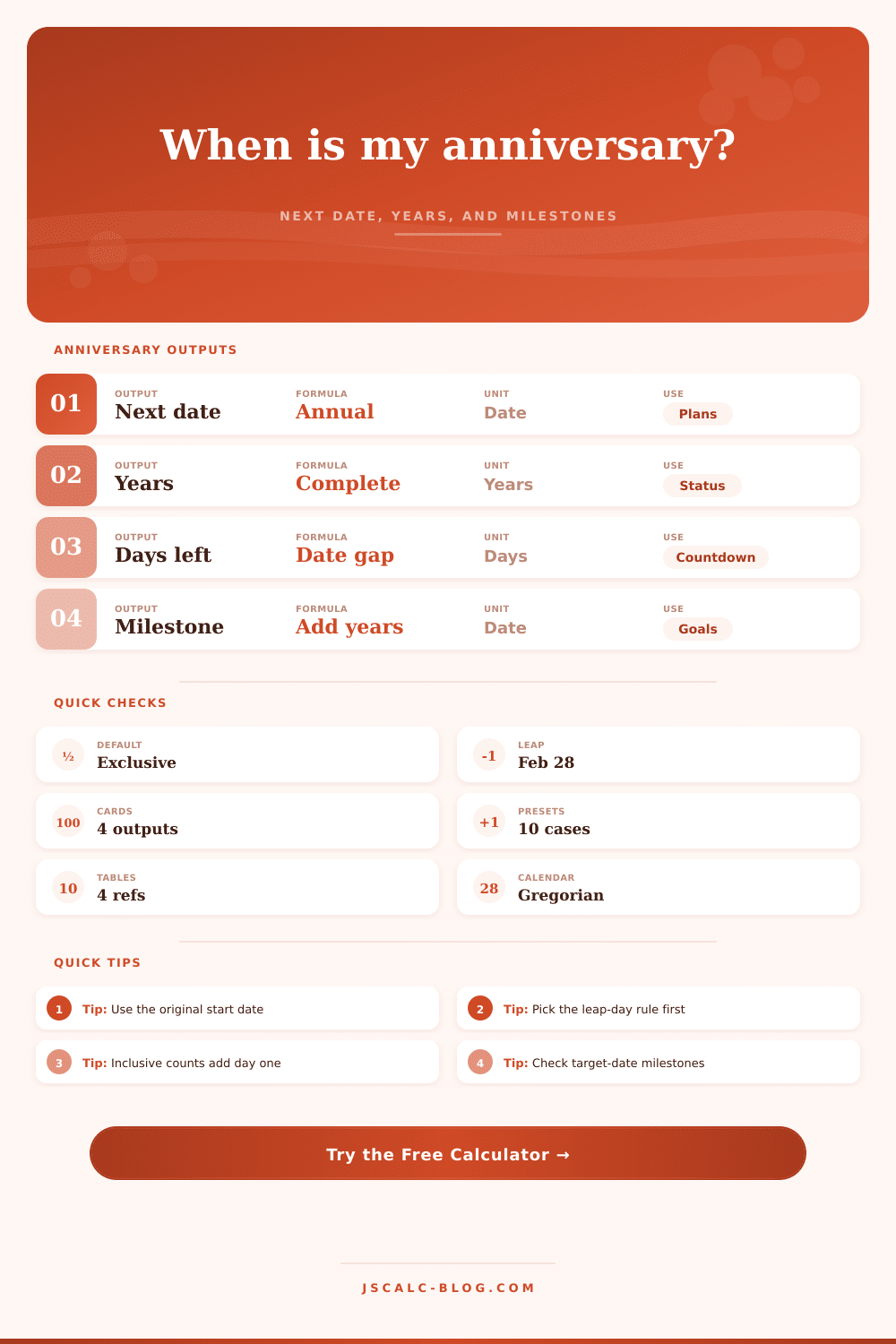
Find the next anniversary from a start date and current date, count completed years, compare a future target date, and map upcoming milestone years.
📌Anniversary presets
⚙Calculator inputs
Anniversary results
📊Current calculation snapshot
📆Anniversary timeline table
| Anniversary year | Date | From as-of date | Status | Milestone note |
|---|
📐Formula and counting reference
| Need | Formula | What changes it | Result in this tool |
|---|---|---|---|
| Next anniversary date | Start month/day placed in the first year on or after the as-of date | Leap-day rule for Feb 29 starts | September 24, 2026 |
| Years completed | As-of year minus start year, minus 1 if this year's anniversary has not arrived | As-of date and leap-day rule | 9 completed years |
| Days until next | Next anniversary date minus as-of date in UTC calendar days | Inclusive/exclusive counting option | 58 days |
| Milestone date | Start date plus selected milestone years | Milestone year and leap-day rule | 10th on September 24, 2026 |
📋Milestone year lookup table
| Milestone | Date from start | Days from as-of | Planning label |
|---|
🧭Preset comparison table
| Preset | Typical start | Best target | Milestone focus | Counting rule |
|---|---|---|---|---|
| Wedding 10th | Original ceremony date | Celebration weekend | 10, 25, 50 | Exclusive |
| Work Start | Hire or first-service date | Review date | 1, 5, 10 | Include end |
| Business Launch | Public launch date | Campaign date | 3, 5, 10 | Exclusive |
| Subscription Renewal | Activation date | Renewal cutoff | 1, 2, 3 | Include end |
| Home Purchase | Closing date | Household plan date | 5, 10, 25 | Exclusive |
| Leap-Day Start | February 29 event | Non-leap year check | 4, 8, 12 | Rule-based |
🗂Comparison grid
💡Anniversary calculator tips
Track anniversaries. Unless you’re married to a mathematician, most of us keep mental calendar. Everything goes fine for about three years until you realize that asking when an anniversary falls require a phone check and browser search. You remember the wedding day clearly. You remember the wedding day clearly.
Then there’s this pesky leap year thing that reminds you that February 29th only exists every four years. And then deciding whether to include or exclude start and end dates throws off count by another day. Little things, right? Except when you’re trying to coordinate a plane ticket with an anniversary present.
How to Calculate Your Anniversary
The calculator above will do all the calendar math stuff so you can concentrate on the fun part. What gets trickier (and what realy depends on your definition of “start” and “end”) is that sometimes there’s a known date, like with a wedding. With something like a new product launch, it might get foggier. Do you mark the day as starting when someone sign the contract? Or once they log-in? Set an anchor as-of date to help you answer those questions.
Use this with the date planner to plan ahead for a party around some future milestone. Plug in intended date to calculate number of full years since that moment, so your banner shows the right count. But most manual calculations will break on leap years. So if you began on February twenty ninth, how does that work out for your anniversary on a non-leap year? Well, some people choose February twenty eighth; other people choose March first. To handle this kind of situation, the interface allow you to pick one of those rules. Pick the right rule and it lines up date according to your tradition or policy. So you’re not celebrating too soon or later than expected, assuming calendar is going to bail you out. It isn’t.
The other area where it helps is in precision: If you’re interested in how many more days are left, then you want precise information. For example, what’s left? Precisely? You can choose between exclusive or inclusive counting: Exclusive counting, this means that the day you enter or exit do not count. This is typical for tickers on websites. Inclusive counting means that both starting and ending dates are counted. Think of it like this, do you consider today first day? If yes, then inclusive counting makes sense. If no, then there’s one less day in your count. One day can make a big difference between rushing an order or having enough time to reframe a photo.
Because milestones have cultural significance, we wanted them treated specialy. These include 10th anniversaries (a big one), 25th, 50th, etc. The tool highlights those. It also lets you know exactly when that will occur. Use this to help plan further out. Want to celebrate your 10th anniversary over the weekend? If your 10th anniversary falls on a Tuesday in a leap year, you can plan to celebrate over the weekend.
How does it do this? While the year jump, it keeps the month and day intact. The reference table has an illustration of this. What happens is that people generalize all anniversaries as being the same. A brand launch gets a marketing campaign, and a work anniversary earns some modest recognition. There are preset buttons to help categorize the event. Yet the math doesn’t change. It’s how you interpret the results based off the context you choose to provide.
This isn’t simply about a date calculation. It’s a map of important moments in time. But in the end, an anniversary is a measure of continuity. It is a reminder that you’ve continued on your journey, despite the detours and changes along the way. For businesses just as much as marriages, time is the connecting thread. And respecting the past means getting the date correct.
The calculator takes out the guesswork and provides a definitive timeline. From there, you can consider the gap between now and then and determine how best to fill it in. That’s when the work starts.