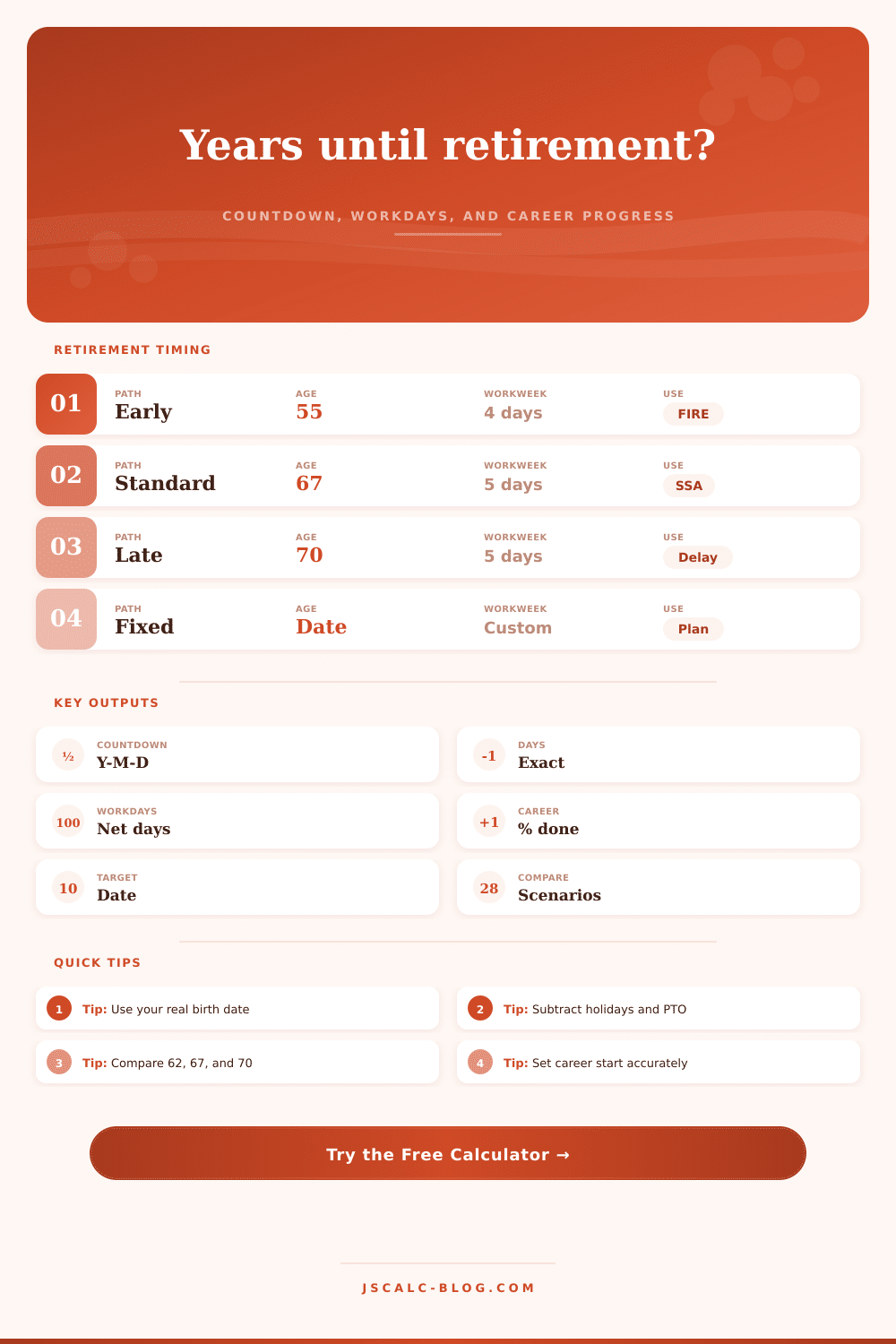
Years Until Retirement Calculator
Calculate the exact years, months, and days until retirement, then estimate career progress and working days remaining from your own schedule.
| Scenario | Target date | Countdown | Workdays left | Career completed |
|---|---|---|---|---|
| Run the calculator to compare retirement dates. | ||||
| Planning age | Common use | Countdown method | What to verify |
|---|---|---|---|
| 55 | Early retirement or FIRE | Birth date plus 55 years | Healthcare bridge and career length |
| 57 | Some public-sector rules | Birth date plus 57 years | Service-year eligibility |
| 60 | Pension or educator target | Birth date plus 60 years | Plan-specific reduction factors |
| 62 | Early Social Security claiming age | Birth date plus 62 years | Monthly benefit reduction |
| 65 | Medicare eligibility age | Birth date plus 65 years | Coverage start date |
| 67 | Common full retirement age anchor | Birth date plus 67 years | Your exact birth-year rule |
| 70 | Delayed claiming target | Birth date plus 70 years | Whether work continues full time |
| Fixed date | Company, contract, or personal date | Explicit calendar target | Day count and work schedule |
| Workweek | Days per week | Approx days per year | Good for |
|---|---|---|---|
| Monday-Friday | 5 | 260 to 262 | Office and standard payroll planning |
| Sunday-Thursday | 5 | 260 to 262 | Regional teams using Sunday starts |
| Tuesday-Saturday | 5 | 260 to 262 | Retail, service, and support schedules |
| Monday-Saturday | 6 | 312 to 314 | Operations, clinics, and field work |
| Monday-Thursday | 4 | 208 to 210 | Compressed workweeks |
| Tuesday-Friday | 4 | 208 to 210 | Part-time or four-day teams |
| Weekend only | 2 | 104 to 105 | Weekend roles and phased work |
| Every day | 7 | 365 or 366 | Owner-operator or on-call planning |
| Output | Formula | Notes | Unit |
|---|---|---|---|
| Target date | Birth date + target age, or explicit date | Age mode preserves month and day where possible. | Date |
| Countdown | Target date - start date | Calendar borrow method returns exact years, months, days. | Y-M-D |
| Career completed | Elapsed career days / total career days x 100 | Uses career start through target retirement date. | Percent |
| Gross workdays | Count selected weekdays between start and target | Target day is optional. | Days |
| Net workdays | Gross workdays - prorated holidays - prorated PTO | Subtractions scale to the remaining calendar span. | Days |
| Work hours | Net workdays x average hours per day | Use your usual day, not your longest day. | Hours |
The period of time between today and the end of work is special. The anxiety is not strictly financial (i.e., “oh no, will I save enough money?”). It’s also about time (“oh my god, I only have X number of years left”). You may be able to guess how many years remain: forty? Fifty five? That’s all well and good, but having an exact number does impact how it feels. Fifteen years and three months sounds different then fifteen years and three weeks. It’s enough to change whether you’re willing to consider a risky career path. It also changes what your next target for monthly savings are.
Plug in your birthdate, plug in your desired retirement date, and let the calculator do the math. You won’t have to jump ahead 10 years before realizing that you missed a leap year. You won’t have to count by hand anymore. You won’t have to pretend you’ll work all day every day until you retire.
Why Exact Dates Matter for Retirement
Most retirement calculators don’t account for net workdays. They just count calendar days, which end the discussion right there. Except that calendar days include those pesky holidays and vacations. In reality, your workload is far less grueling than the calendar implies. That’s why this tool breaks out the numbers: One measures the time left in your life (calendar days), while the other tracks the time left on the scheduled grinder (net workdays).
That second figure come into play when you’re trying to determine whether you should continue working full-time or if you have the luxury of phasing into retirement. It’s a subtle difference, but one with an enormous impact on how stressful your last few years feel.
Most folks make their mistake here: Your entry for paid holidays and personal time off. Folks are far too optimistic about their PTO usage. They estimate they use 15 vacation days per year when in fact it’s only 10. That means your projected retirement date is incorrect. And that’s important, because your Social Security or pension benefits almost always depend on specific dates. Going ahead one month mean a smaller permanent monthly payout. By running the number through the tool, you can find this exact date. And you don’t want to miss out!
The tool also lets you run several scenario against each other. Perhaps you’re wondering whether it makes sense to retire at age sixty-two (even with the lower benefit). The tool provides a concrete method of checking this tradeoff by comparing the number of net workdays remaining between age 62 and 67. The tool visually lays out these tradeoffs using a comparison grid.
Career Completion Percentage: Another helpful metric is your career completion percentage. How much further along have you come? Do you find yourself at 40%? You may not want to burn yourself out yet. Are you at 90%? You could be freer to take a less stressful job. That will help put a frame around why you’re dissatisfied with the way things are going.
The last year always seems so long. Breaking it up by hours and weeks make it seem more manageable. It’s a concrete way to see something that used to feel very vague and scary.
In summary: Retirement planning isn’t so much about complicated financial tools as it is about controlling expectations. What exactly are you working towards? A vague goal is difficult to achieve. A concrete goal; such as a date with a clear number of days left in the office, is something you can aim for. The calculator gives you that perspective. It transforms a hazy goal into a timeline that’s possible to manage.
Print out the result and stick it on the fridge. Let the numbers do their job. When you know how many there are, you no longer have to worry about the unknown; you can plan for the known.