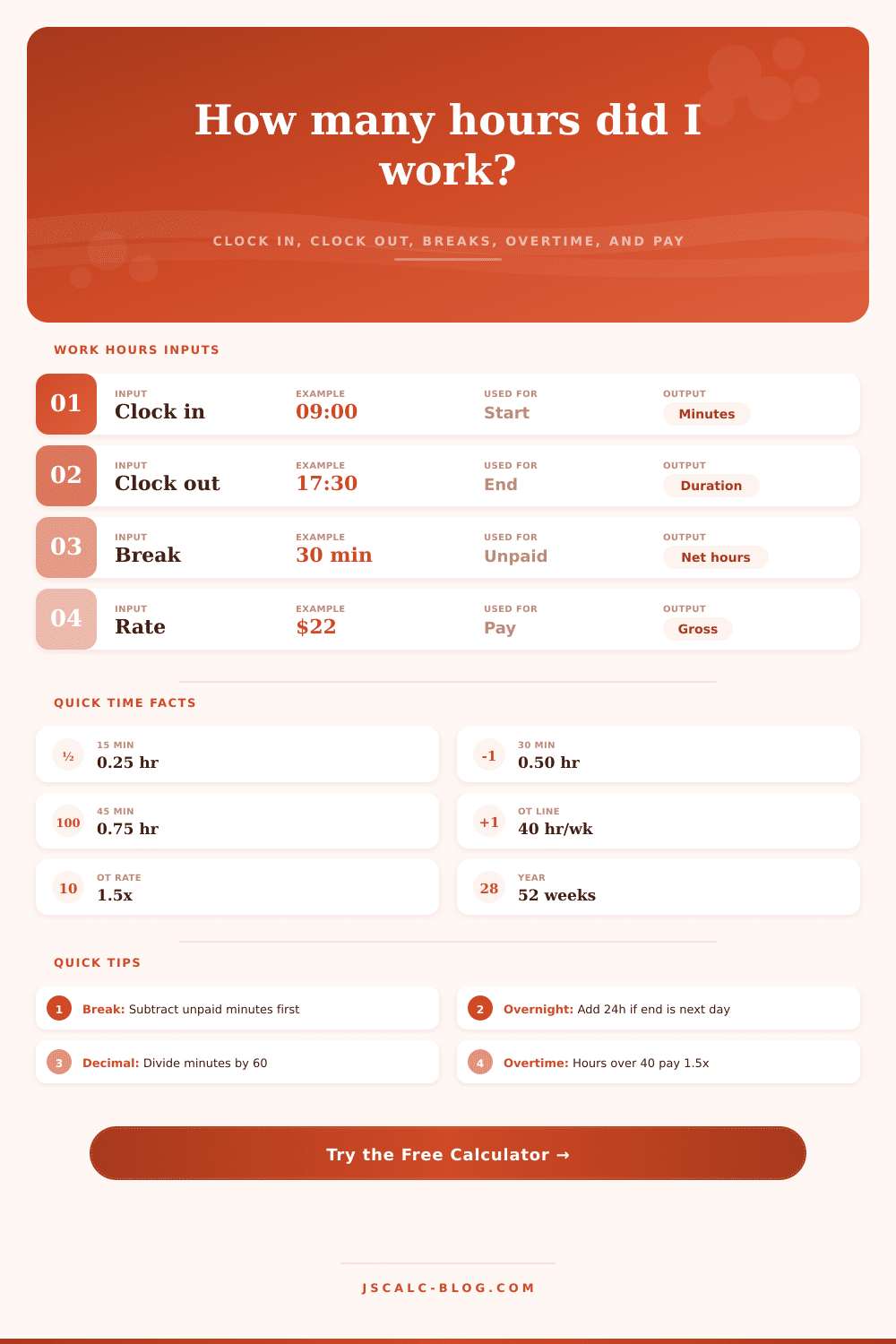
Work Hours Calculator
Turn clock in and clock out times into daily worked hours, weekly totals, overtime split, decimal hours, and gross pay. Handles unpaid breaks, overnight shifts crossing midnight, and split shifts.
🕑Real Shift Presets
📝Shift Inputs
Only used when split shift is set to yes.
📈At A Glance
⏱Minutes To Decimal Hours
| Minutes | Decimal Hours | Minutes | Decimal Hours |
|---|---|---|---|
| 5 min | 0.08 | 35 min | 0.58 |
| 10 min | 0.17 | 40 min | 0.67 |
| 15 min | 0.25 | 45 min | 0.75 |
| 20 min | 0.33 | 50 min | 0.83 |
| 25 min | 0.42 | 55 min | 0.92 |
| 30 min | 0.50 | 60 min | 1.00 |
📅Weekly Hours To Annual
| Weekly Hours | Per Month (x4.33) | Per Year (x52) | Full-Time? |
|---|---|---|---|
| 10 hrs | 43 hrs | 520 hrs | Part-time |
| 20 hrs | 87 hrs | 1,040 hrs | Part-time |
| 30 hrs | 130 hrs | 1,560 hrs | Near full |
| 40 hrs | 173 hrs | 2,080 hrs | Full-time |
| 45 hrs | 195 hrs | 2,340 hrs | Full + OT |
| 50 hrs | 217 hrs | 2,600 hrs | Full + OT |
🗂Shift Pattern Comparison
| Pattern | Hours/Day | Days/Week | Weekly Hours | OT Hours | Gross at $22 |
|---|---|---|---|---|---|
| 9-5 with 30m lunch | 7.5 | 5 | 37.5 | 0.0 | $825 |
| 8-5 with 1h lunch | 8.0 | 5 | 40.0 | 0.0 | $880 |
| 4x10 compressed | 10.0 | 4 | 40.0 | 0.0 | $880 |
| Nurse 12h (3 shifts) | 11.5 | 3 | 34.5 | 0.0 | $759 |
| Night shift 8h | 7.5 | 5 | 37.5 | 0.0 | $825 |
| Overtime week | 10.0 | 5 | 50.0 | 10.0 | $1,210 |
| Double shift day | 15.5 | 4 | 62.0 | 22.0 | $1,606 |
| Retail part-time | 5.5 | 4 | 22.0 | 0.0 | $484 |
⚙Full Formula Breakdown
📋Overtime And Break Reference
| Topic | Common Rule | How It Works | Effect On Pay |
|---|---|---|---|
| FLSA overtime | Over 40 hrs/week | Extra hours paid at 1.5x | Raises weekly gross |
| Daily overtime | Over 8 hrs/day (some states) | Counts per shift, not per week | Set threshold to match |
| Double time | Over 12 hrs/day (some states) | Paid at 2x base rate | Use 2x multiplier |
| Unpaid meal break | 30 min typical | Removed from worked time | Lowers paid hours |
| Paid rest break | 10 min per 4 hrs | Stays inside worked time | Do not subtract it |
💡Practical Time Tips
Everyone thinks they understand their workday until they attempt to quantify it. Sure, you’re at your job from 8 to 5, that’s a nine-hour day, right? Except then you realize there are 30 minutes of unlogged break time and an hour for lunch that isn’t paid. That add up pretty quickly.
With a work hours calculator, someone else does the math while you think through the rules of scheduling. After all, payroll system doesn’t care about minutes; it cares about tenths of hours.
Why You Should Use a Work Hours Calculator
You are not tracking unpaid breaks. This is the largest error on the part of the worker. You work 8 hours but don’t get paid for a half-hour lunch. Whether you go outside or sit at your desk during that time, those thirty minutes won’t be counted as earned. Once you put in how long your break is, the calculator will account for it: only billable time will be included.
Why does it matter? For hourly workers approaching their overtime cap, every hour of extra work add up to big money over a fifty-two week year. Not accounting for unpaid breaks can represent significant unpaid labor over time. Knowing the difference between paid time and clocked time help you fight for payment that reflects reality.
Then there are overtime rules (which differ from state to state), making things even more complicated. A lot of places make you get paid 1.5x what you normaly do after you work 40 hours within a given week. Other places have “daily” overtime, where each hour over eight per day are considered premium (regardless of how much you’ve already worked that week). You can set those limits in the calculator to whatever they’re set at locally or as defined in your contract.
Why does it matter? Because incorrect limit could change the amount of money you think you’ll see. Say you live in California: Working under only federal rules would be different than working under both federal and state rules. Not only will overtime kicks in later, but it’s calculated differently. Knowing when you’re eligible for bonus pay isn’t just about clocking more hours.
Hours can be as important as quantity. Are they spread out or compressed? How does your schedule affect when you’re working? Schedules affects perception of number of hours worked as well.
• Split-shifts: If your shift crosses midnight, it can cause tricky overnight calculations that require adding 24 hours to get the right math. When a shift crosses midnight, adding 24 hours will correct this.
• Nightshifts involve tricky math for time spent between midnight and noon, so the tool automatically adjust to avoid miscounting overnight hour. This works for anyone whose workday doesn’t conform to traditional business hours… Factory workers, security guards, nurses.
The most frequent mistakes are the ones related to converting to decimals: In most cases, your pay will depend on whether you use 8.15 or 8.25 when entering eight hours and fifteen minutes into your timesheet. Why? Because payroll software work with hours expressed in decimals. So, 8.25 means “eight hours and 15 minutes.” And why 0.25 instead of just 0.15? Because 15 minutes is one-quarter of an hour. Ten minutes roughly translates to 0.16. Small discrepancies due to this decimal conversion accumulates if not corrected.
You don’t want that! Use the reference table below to find out the most commonly used conversions (and stop wasting brain cells trying to remember them at night). Knowing how to translate minutes into decimals quickly save headaches during payroll periods and ensures you get paid for every minute you earned.
It’s not just for the paychecks, though, it’s for insight into the worth of your time. If you’re curious about your work-life balance, knowing exactly how many hours you’ve worked, including billable and non-billable hours, can help. Knowing your non-billable hours can help. You put in the numbers; the calculator spits them out.
Plug in a realistic version of your day, complete with your overtime and lunch break. Then see the actual price tag on your time. That is important information when you negotiate salary increases or weigh career decisions. Vague “I’m working too hard” emotions become clear, concrete facts.
This is why tracking down to the minute. It’s so you know: Clock In. Record your clock-out time.