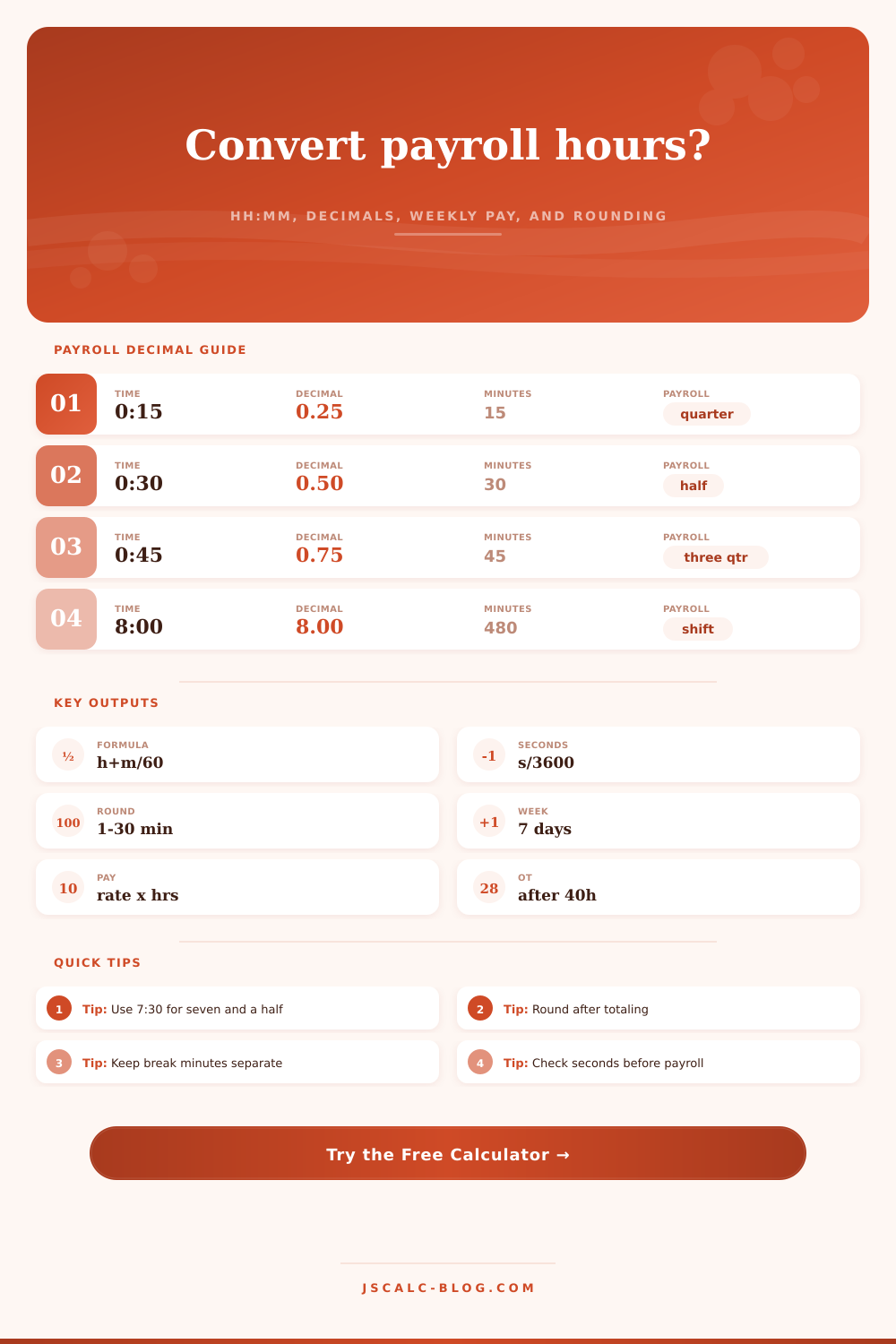
Payroll Hours to Decimal Calculator
Convert payroll time from HH:MM, HH:MM:SS, separate hours, weekly entries, or clock punches into decimal hours, rounded payroll hours, and gross pay.
⚡Payroll Presets
🔢Timecard Inputs
The calculator keeps seconds until rounding is applied.
Accepts 7:30, 07:30:45, 7h 30m, or 450m.
Minutes over 59 are normalized into hours.
Use 7.5 for 7 hours 30 minutes.
Subtracted after the entered duration is converted.
📅Weekly Entries
Weekly mode totals all seven day boxes. Leave unused days at 0:00.
📊Payroll Conversion Results
🧭Live Comparison Grid
📌Payroll Factor Cards
📐Formula Method
📋Reference Tables
| HH:MM | Decimal | Minutes | Payroll note |
|---|---|---|---|
| 0:06 | 0.10 | 6 | Tenth-hour block |
| 0:15 | 0.25 | 15 | Quarter hour |
| 0:30 | 0.50 | 30 | Half hour |
| 0:45 | 0.75 | 45 | Three quarters |
| 1:00 | 1.00 | 60 | One hour |
| 7:30 | 7.50 | 450 | Common net shift |
| 8:00 | 8.00 | 480 | Standard day |
| 10:00 | 10.00 | 600 | Four-day schedule |
| Minutes | Decimal | Fraction | Rounding use |
|---|---|---|---|
| 1 | 0.0167 | 1/60 | Exact minute logs |
| 5 | 0.0833 | 1/12 | Small increments |
| 6 | 0.1000 | 1/10 | Tenth-hour payroll |
| 10 | 0.1667 | 1/6 | Planning blocks |
| 12 | 0.2000 | 1/5 | Fifth-hour math |
| 15 | 0.2500 | 1/4 | Quarter-hour time |
| 30 | 0.5000 | 1/2 | Half-hour entries |
| 45 | 0.7500 | 3/4 | Three-quarter hour |
| Input style | Example | Parsed as | Decimal |
|---|---|---|---|
| HH:MM | 8:15 | 8 hr 15 min | 8.2500 |
| HH:MM:SS | 8:15:30 | 8 hr 15 min 30 sec | 8.2583 |
| Text duration | 8h 15m | 8 hr 15 min | 8.2500 |
| Minutes text | 495m | 495 minutes | 8.2500 |
| Decimal | 8.25 | 8.25 hours | 8.2500 |
| Parts | 8, 15, 30 | 8 hr 15 min 30 sec | 8.2583 |
| Punch pair | 08:00-16:30 | 8 hr 30 min | 8.5000 |
| Weekly | 5 x 8:00 | 40 hours | 40.0000 |
| Exact time | 15-min nearest | 6-min nearest | Effect |
|---|---|---|---|
| 7:52 | 7.75 | 7.90 | Different payroll block |
| 7:53 | 8.00 | 7.90 | Quarter hour changes |
| 8:02 | 8.00 | 8.00 | Both hold near 8 |
| 8:04 | 8.00 | 8.10 | Tenth-hour changes |
| 8:07 | 8.00 | 8.10 | Nearest 15 still flat |
| 8:08 | 8.25 | 8.10 | Quarter hour changes |
| 8:22 | 8.25 | 8.40 | Increment choice matters |
| 8:38 | 8.75 | 8.60 | Different rounded pay |
💡Payroll Conversion Tips
Clock in at eight, take a half hour for lunch, clock out at five. Seems like an eight-hour workday, right? Except that number on the clock doesn’t always reflect what’s on your paycheck. Hours and minutes turn to decimals, a bridge between experienced time and what you get paid. It seems like basic math but this is where most pay disparities lurk. Plug in details of your shift and let calculator convert the rest. You don’t need to make a wild guess as to how additional minute will affect the sum.
But it’s the base-sixty/base-ten problem. We measure time in sixties. Thirty is half a sixty, not half an hour. But we measure money in tens. Thirty doesn’t equal zero point three hours; it equals zero point five hours. Use your minutes as if they’re dollars and either you’ll be paying too little to your workers or charging too much from your customers. Zero point seven five, not zero point four five: That’s what forty-five minutes represents on the reference table. Figuring out this fraction correctly is step one toward proper payroll.
How to Calculate Your Pay Hours Correctly
Things get more complicated when you add rounding. Financially and legally speaking, many businesses chooses to round their time to the nearest six-minute increment or maybe even a quarter hour. (Spreadsheets look nice and neat that way.) Rounding to the nearest fifteen minutes turns seven hours and twenty-two minutes into seven point five. Seven hours and twenty-three minutes rounds to seven point seven five. The difference of one minute create a different decimal result and ultimately changes amount on your check. Should you sum the exact minutes first or round each day separately? Summing first will typically be more accurate for the employee, although rounding daily can cause errors to cancel each other out or add up across the week. It’s a tradeoff, is it better to be convenient than accurate?
The picture becomes more complicated when we add in breaks. Before we can round anything, let’s remove an unpaid thirty minute lunch break. In this example, you worked for 8 hours including a thirty minute break. This means that your net time are 7.5 hours (8 hours… 30 minute break). And if we deduct then round, then everything is nice and clean. We have a round number of 7.5. But what happens if we round it the other way first? Things start to get messy. You could end up with messy math if you round the gross time first instead of subtracting the break. The tool allows you to enter separate break minutes. This maintains a clear audit trail. You can see total gross hours, how much was deducted and then resulting net hours all on one screen. Transparency eliminates disputes.
There’s also the matter of overtime thresholds. For example, at most places, workers gets paid time and a half for anything beyond 40 hours in a single week. However, if you round up to 40 hours even when it would of been under 40 without rounding, you have hit overtime. You will then have to pay yourself that way for every additional hour. You can configure your overtime multiplier in the calculator along with a weekly threshold and it breaks out the total into the “overtime” bucket and the “regular” bucket accordingly. No more accidentally tripping over line or missing out on your entitlement because of some rounding quirk. Just paying people what their actual hours deserve based off the law, as opposed to just what the clock says they did.
The daily entries aren’t really the story (it takes a week to tell that story). Some days are short and some days is long. Seven days of inputs get gathered into a week, which will smooth out the variance for your week. Four ten hour days equals forty hours. Five eight hour days also equals forty hours. It changes how you feel each day about the workload and how tired you will be. However, it does not change total amount of time worked during the week. For managers who are planning labour costs, this view help them see if they’re off-track and how much drift there is from the planned hours in the budget.
The audit changes with the second. The paycheck seldom does. Most payroll systems will round to the next minute or increment, ignoring seconds. If you’re a contractor or consultant billing by the hour, though, those seconds count; they accumulate over time. The tool maintains seconds all the way through rounding at the end. That means you can choose to ignore them if it’s in your policy, or make sure you’re accurate if necessary. It’s about choosing the right level of detail for your use case.
Trust matters in payroll math. Trust that they’re paying you right and you feel respected for it. When the conversions are off, you start to get resentful. If you’re an employee reading over your paystub, or an HR manager who’s doing payroll math, knowing how those decimals work will empower you. It will open up the black box. You’ll be able to look through the window of what happened and see, with total clarity, how their time turned into your money. And that’s more valuable than a couple of pennies saved from bad rounding.
Time is money…if it’s being translated honestaly.