Invoice With Tax Calculator
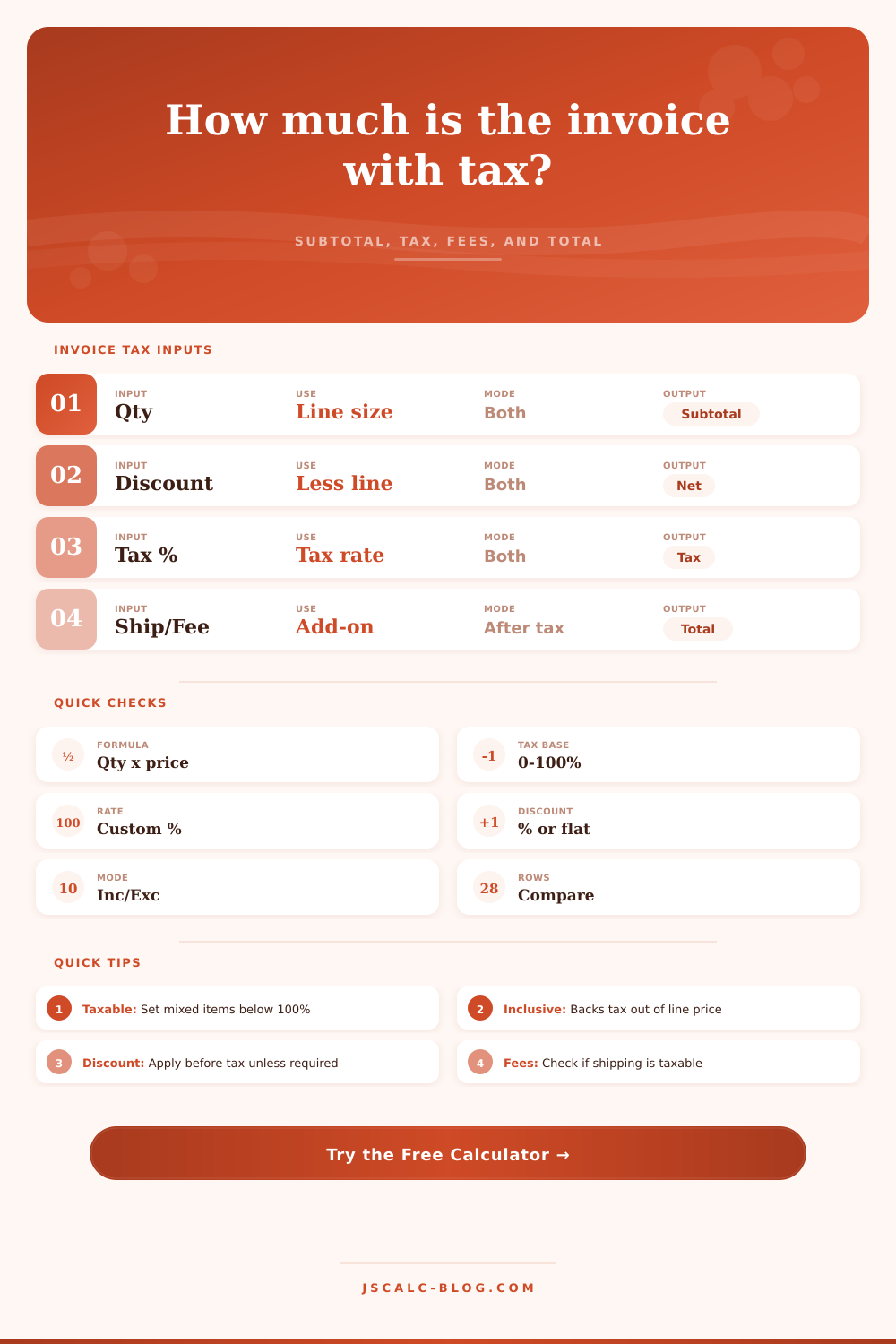
Estimate a taxed invoice from quantity, unit price, discount, taxable percentage, tax mode, shipping, fees, and optional payment collected.
Each preset fills a complete invoice pattern, including tax mode and taxable percentage.
| Scenario | Subtotal | Taxable base | Tax | Total | Balance |
|---|
| Mode | What unit price means | Tax formula | Total behavior |
|---|---|---|---|
| Exclusive | Before tax | Taxable amount x tax rate | Tax is added to subtotal |
| Inclusive | Already includes tax | Embedded taxable base x rate | Tax is split out of the line |
| Partial taxable | Mixed line | Subtotal x taxable percent x rate | Only selected share is taxed |
| Taxable fee | Fee in tax base | Fee x tax rate | Fee adds tax before final total |
| Non-taxable fee | Fee outside base | No fee tax | Fee adds after tax |
| Payment received | Credit after total | No tax impact | Reduces balance due only |
| Adjustment | Typical place | Affects subtotal? | Affects tax? | Calculator field |
|---|---|---|---|---|
| Quantity change | Line item | Yes | Yes, if taxable | Quantity |
| Unit price change | Line item | Yes | Yes, if taxable | Unit price |
| Percent discount | Before tax | Yes | Usually yes | Discount percent |
| Flat discount | Before tax | Yes | Usually yes | Flat discount amount |
| Freight | After or in tax base | No line effect | Depends on setting | Shipping taxable? |
| Deposit | After total | No | No | Payment received |
| Invoice mix | Taxable percent | Why it fits | Example subtotal | Tax base at 8% |
|---|---|---|---|---|
| All taxable goods | 100% | Every line is taxable | $1,000 | $1,000 |
| Goods plus exempt service | 70% | Service share excluded | $1,000 | $700 |
| Mostly labor | 25% | Small material share | $1,000 | $250 |
| Tax-exempt buyer | 0% | Certificate or exemption | $1,000 | $0 |
| Taxable shipping | 100% + fee | Shipping added to base | $1,000 | $1,020 |
| Inclusive mixed invoice | 60% | Tax backed out of share | $1,000 | $573.61 |
gross line = quantity × unit price
subtotal = quantity × unit price less discount
tax = taxable amount × tax rate
total = subtotal + tax + shipping/fees
Exclusive tax uses the discounted subtotal as the pre-tax subtotal. Inclusive tax backs embedded tax out with pre-tax subtotal = discounted line / (1 + taxable percent × tax rate).
But as experienced entrepreneurs know, what appears to be a straightforward bill often masks a jumble of fees and taxes. What appears to be a addition problem with percentage thrown on at the end turns out not to be so straightforward.
If nothing else, simply knowing whether your taxing environment is “inclusive” or “exclusive” can shift bottom line without you even noticing. In an exclusive environment, the tax are outside the cost you quoted, which is how it is typically done in retail. In a inclusive environment, the tax is included in the unit price. And getting that right is everything: You’ll either overcharge customers or swallow more than you bargained for.
Why a Sales Tax Calculator Is Helpful
The above calculator will crunch numbers for you, including any discounts (another one of those places people go wrong). That’s because the tool know about the details of these various sales tax modes, and it does the math with the right discount treatment.
When is the discount calculated? Does it happen before or after taxes? A lot changes depending on when you apply that discount. If the discount happens first, then you’re lowering the taxable base, the tax is less. If it happens second, then you’re simply lowering your bill but the tax stays the same. While most jurisdictions mandate that the discount happen before taxes, this tool lets you see the effect immediately.
Want to create an invoice that’s part goods, part service? Tweak the taxable percentage accordingly. This way you’ll charge only what the law say is taxable.
Then there’s shipping and handling costs. Shipping can be taxed in some states, while others don’t tax it at all; even those that do will tax it based off the taxability of the underlying item. The tool has an option to set whether shipping is taxable or not which changes total output (while leaving everything else intact).
It also allows you to enter any amount of deposits/payments recieved, critical for tracking cash flow. While that won’t alter the subtotal or the tax liability, it will show you precisely what you have yet to collect. And that’s where most people go wrong when building their own spreadsheet: They’re focused on top-line revenue numbers and fail to think about actual money walking out the door.
Also, the treatment of fees is different here too. In some places, service fees may or may not be taxable. You can model those scenarios with the toggles for fee taxability and the taxable percentage. A software license could have different taxes applied to it vs This applies to the support time billed in addition to that. The page has a reference table laying all that out, and you can see how each change ripples across the bottom-line number.
That’s where you get a sense of what’s going on under the hood with the numbers, you’re not blindly plugging things in. You begin seeing the effect of changes to something such as the discount rate on the effective tax burden.
The point is not simply to produce a number. It’s to explain what makes up that number. Even though two numbers may be the same total, one with a high subtotal and lower effective tax rate could appear more attractive than another with a low subtotal and high tax rate.
The effective tax metric removes the distraction of shipping or other non-taxable fees. It reveals actual cost of the tax on the final number. That clarity can inform your pricing decision. Maybe the effective tax is higher than anticipated. Perhaps you should of increase your unit price, or change your discount strategy.
It transforms a static calculation into a dynamic business planning tool.
Those little math errors add up over time. A penny or two off here and there per invoice adds up into thousands of dollars per year.” A specialized calculator eliminates the human element and simplifies the process.
This allows for uniformity so when clients see their invoices they know what’s going on, and that builds confidence. If a client ask why something was charged, you’ll be able to reference exactly where it came from; down to the line item and tax rule.
Transparency is just as important as accuracy. No more guesswork. Invoicing should be about confidence and clarity. You’re sending documents that adhere to the regulations where you live, and you’re accurately representing your value. When the right tool take the guesswork out, you can focus on doing the actual work that makes money.
If you sell hours of consulting time, items for sale, or some combination of the two, knowing how fees, discounts, and taxes interact is essential. That’s where the math begins. But the true value comes from having control over your finances. Plug in your numbers, see the results and move forward confidentally.