Invoice Due Date Calculator
Enter an invoice date and payment terms to get the exact due date, add early-payment discount terms like 2/10 Net 30 to find the discount deadline and savings, and set a today date to see days remaining and whether the bill is current, due soon, or overdue.
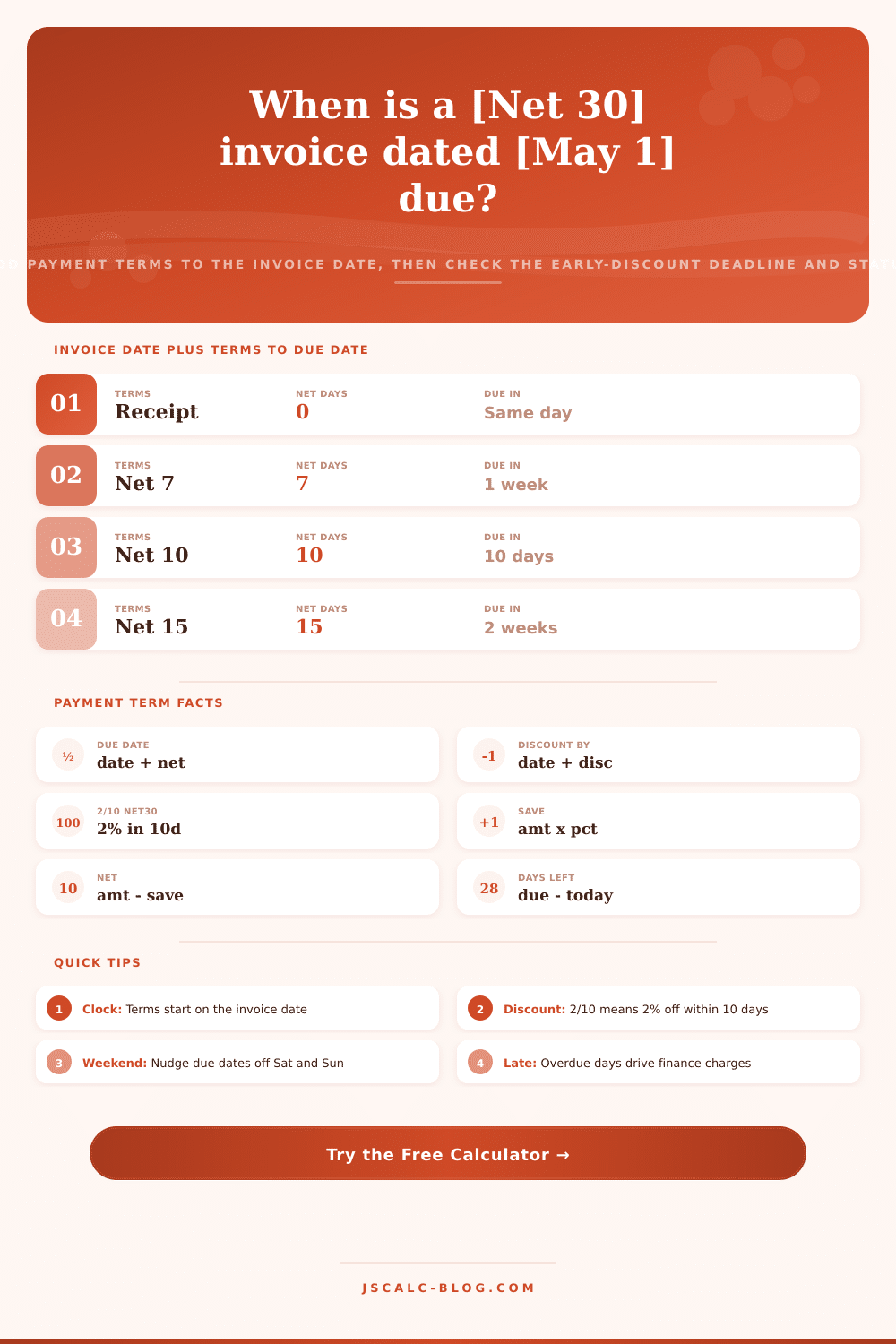
🎯Common Payment Term Presets
📝Invoice Details
The date the invoice is issued; the payment clock starts here.
Net days added to the invoice date to set the due date.
Used only when Payment terms is set to Custom days.
Total billed before any early-payment discount.
Percent off if paid within the discount window, e.g. 2 for 2/10.
Days from the invoice date to still earn the discount, e.g. 10.
Reference date used to compute days remaining and status.
Only changes how amounts are displayed on the cards.
🔢Formula Snapshot
📋Standard Net Payment Terms
| Term | Net Days | Rough Length | Typical Use |
|---|---|---|---|
| Due on receipt | 0 | Same day | Deposits, one-off jobs |
| Net 7 | 7 | 1 week | Freelancers, small gigs |
| Net 10 | 10 | 10 days | Fast-turn suppliers |
| Net 15 | 15 | About 2 weeks | Services, agencies |
| Net 30 | 30 | About 1 month | Most B2B invoices |
| Net 45 | 45 | About 6 weeks | Larger vendors |
| Net 60 | 60 | About 2 months | Enterprise buyers |
| Net 90 | 90 | About 3 months | Corporate, government |
💰Early-Payment Discount Notation
| Notation | Discount | Pay Within | Full Due | Reads As |
|---|---|---|---|---|
| 2/10 Net 30 | 2% | 10 days | 30 days | 2 percent off in 10 |
| 1/10 Net 30 | 1% | 10 days | 30 days | 1 percent off in 10 |
| 2/10 Net 60 | 2% | 10 days | 60 days | 2 percent off in 10 |
| 1/15 Net 45 | 1% | 15 days | 45 days | 1 percent off in 15 |
| 3/10 Net 30 | 3% | 10 days | 30 days | 3 percent off in 10 |
| 2/20 Net 60 | 2% | 20 days | 60 days | 2 percent off in 20 |
| Net 30 | 0% | None | 30 days | No early discount |
📅Days in Terms Reference
| Net Days | Weeks | Calendar Note | Example: Invoice May 1 |
|---|---|---|---|
| 7 | 1.0 | Same month | Due May 8 |
| 15 | 2.1 | Same month | Due May 16 |
| 21 | 3.0 | Same month | Due May 22 |
| 30 | 4.3 | Rolls to June | Due May 31 |
| 45 | 6.4 | Rolls to June | Due Jun 15 |
| 60 | 8.6 | Rolls to June | Due Jun 30 |
| 90 | 12.9 | Rolls to July | Due Jul 30 |
📊Terms Comparison and Discount APR
| Terms | Net Days | Discount | Discount By | Effective APR of Discount | Best For |
|---|---|---|---|---|---|
| Due on receipt | 0 | None | — | — | Cash-tight sellers |
| Net 15 | 15 | None | — | — | Fast cash flow |
| 1/10 Net 30 | 30 | 1% | Day 10 | About 18% | Mild incentive |
| 2/10 Net 30 | 30 | 2% | Day 10 | About 37% | Strong incentive |
| 3/10 Net 30 | 30 | 3% | Day 10 | About 56% | Aggressive pull-in |
| 2/10 Net 60 | 60 | 2% | Day 10 | About 15% | Long-term buyers |
| 1/15 Net 45 | 45 | 1% | Day 15 | About 12% | Vendor programs |
| Net 60 | 60 | None | — | — | Enterprise deals |
| Net 90 | 90 | None | — | — | Corporate, government |
⚙Formula Breakdown
💡Invoice Timing Tips
When an invoice is dated the last week of May with Net 30 terms, it doesn’t land in late June. It arrives in mid-June: the calendar days cross the month boundary; you try to count them yourself; it’s a recipe for error.
But the tool above perform that calculation for you, converting abstract payment terms into concrete dollar amounts and dates, in real time. You type in invoice date and choose the net term. Then, the precise due date appears along with early-discount window and any current over/under status. You no longer have to guess. That leaves more time to manage your cash flow, and less time fiddling with calendar math.
How to Use Invoice Payment Tools
Payment terms are effectively a loan agreement based off the header of your bill. An example is net 30. It means the customer owes you money within 30 days from invoice date (i.e., the day the invoice was created). It doesn’t mean “30 days after you recieve this invoice in the mail” or “30 days after you approve it for payment.”
Unless your contract specifically says so, the invoice’s due date won’t be extended by mail-delivery delays. It also won’t be extended if some office drone takes their sweet time before forwarding it to accounts payable. Net 7 typically indicates that someone requires immediate cash (they need cash now), which might be a sign of a freelancer with a fast-turnaround gig, or a service provider with urgent cash-flow requirements.
On the other hand, Net 90 is more common in large corporate settings where lengthy procurement processes require a long leash to get budget approval.
Early-payment discount window This is where big bucks are typically earned. You see the phrase “2/10 Net 30,” for example? It means that if you pay within ten days (instead of the whole 30), you get a 2 percent discount. Sounds nice! But let’s annualize it: That’s about a 37 percent effective interest rate.
In other words, smart accounts payable teams view this discount as a high-return investment; not a luxury that can be ignored. Unless your company has the cash available, you’ll almost always save more by taking advantage of it than by letting that same money linger at a low interest rate in your checking account.
Use our calculator above to plug in the numbers… It’ll tell you when to pay to reap the reward and just how much youre saving. These dates also get complicated depending on if it’s a holiday or weekend. If, for example, your thirty-day period falls on a Sunday, the actual due date is that Sunday, though no bank clears checks on Sundays. While most companies silently accept that payment can come through on the final business day prior to the weekend, rigid software systems automatically trigger late fees.
Best practice: In the results section, the status indicator show if a bill is due, coming due soon, or already overdue. These statuses are based off the reference date you selected. Having some buffer days visible allows you to focus first on bills before they enter the red zone.
There is a distinction between final due date and the discount deadline. The latter may be just 10 days while the former is 30, which means you’re missing out if you don’t pay within those 10 days, even if it’s day 11 or day 30 that you end up paying. And the breakdown panel will list all substituted numbers as well, so you can look through the logic and see exactly how savings are derived from the principal amount. What was once a black-box calculation becomes a checkable ledger entry that the finance team can verify with no need to second-guess where it came from.
Whether you should pay early and save two percent versus keeping money around for more room to manage your cash comes down to your personal financial situation. In other words: Is your working capital limited? You may want to keep that money in reserve for an additional 20 days instead of saving two percent. On the flip side, do you have plenty of cash in reserves? You’ll be leaving money on the table if you don’t take advantage of these discounts.
These discounts can help lower your cost of goods sold (or service) expenses. The tool’s presets make it easy to test scenarios (e.g., compare the impact of a standard Net 15 vs. You can compare the impact of a standard Net 15 to a discounted 2/10 Net 30 offer. This also helps you understand which outflows is most likely to change your projected cash flow.
Invoice management boils down to visibility and timing: not only do you want to know when payments are due, but also how much you stand to lose if they aren’t paid on time. When you map out these discount + date calculations, you go from receiving passive billing statements to making active financial decisions. Whether you are buying or selling invoices (meaning you either issue them as a freelancer or approve them), clarity is key to getting the most value and avoiding mistakes.
Remember, time IS money when it comes to payment terms, so keep your eyes on that calendar.