Days Left in the Quarter Calculator
Find the quarter end date, calendar days left, business days left, percent elapsed, and close-window status for calendar or fiscal quarters.
Run the calculator to compare alternate fiscal starts.
| Quarter | Months | End date | Normal length | Leap-year length |
|---|---|---|---|---|
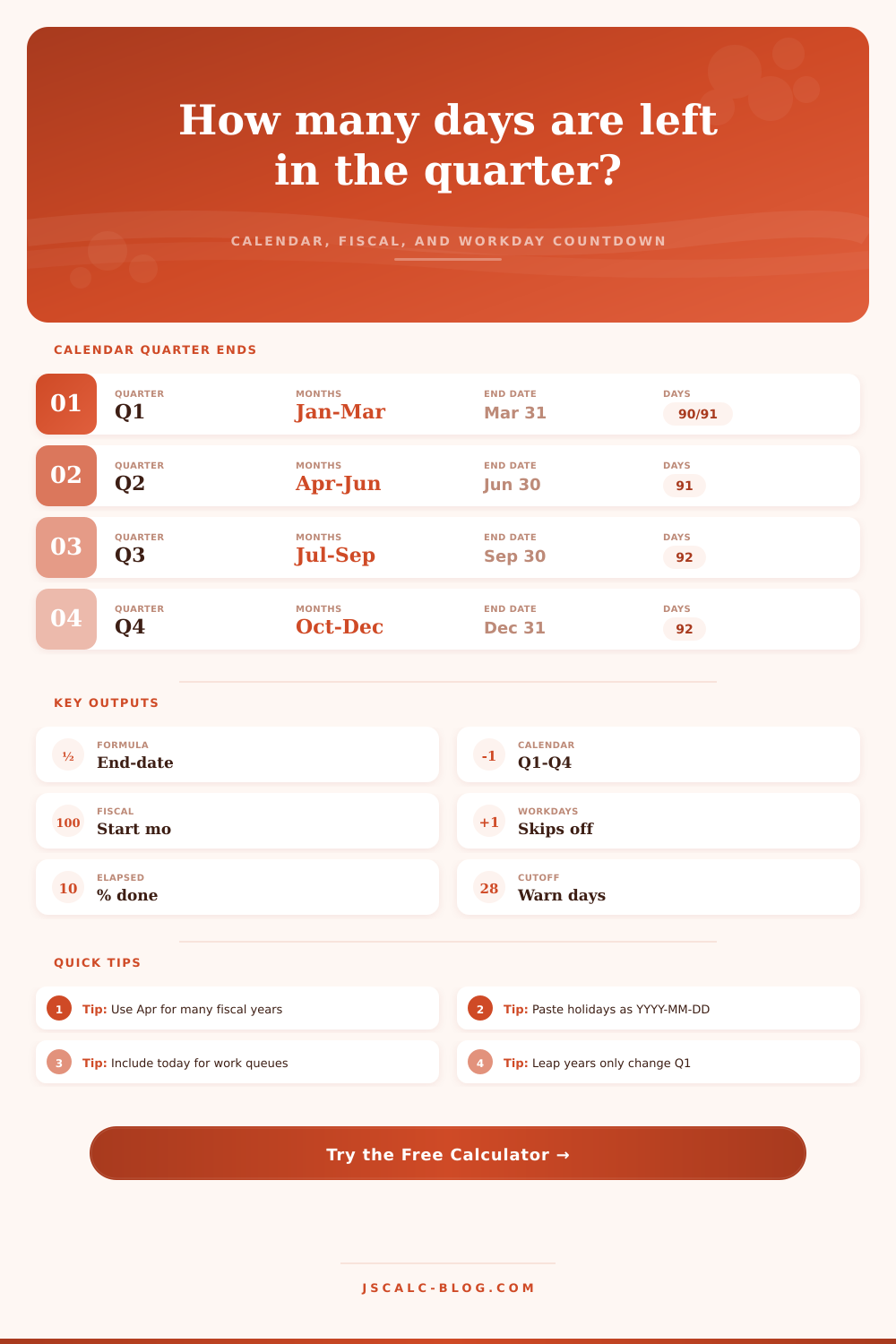
| Q1 | January through March | March 31 | 90 days | 91 days |
| Q2 | April through June | June 30 | 91 days | 91 days |
| Q3 | July through September | September 30 | 92 days | 92 days |
| Q4 | October through December | December 31 | 92 days | 92 days |
Leap years only change Q1 because February has 29 days.
| Fiscal start | Fiscal Q1 | Fiscal Q2 | Fiscal Q3 | Fiscal Q4 |
|---|---|---|---|---|
| January | Jan-Mar | Apr-Jun | Jul-Sep | Oct-Dec |
| February | Feb-Apr | May-Jul | Aug-Oct | Nov-Jan |
| April | Apr-Jun | Jul-Sep | Oct-Dec | Jan-Mar |
| July | Jul-Sep | Oct-Dec | Jan-Mar | Apr-Jun |
| October | Oct-Dec | Jan-Mar | Apr-Jun | Jul-Sep |
| Days left | Close status | Typical use | Watch item |
|---|---|---|---|
| 60 or more | Early quarter | Set targets, book campaigns, start projects | Do not confuse quarter length with 90 days |
| 30 to 59 | Middle quarter | Check pipeline, staffing, deliverables | Business days may be much lower |
| 15 to 29 | Late quarter | Confirm close tasks and reporting inputs | Holiday weeks can compress the schedule |
| 0 to 14 | Close window | Finalize collections, renewals, reconciliations | Use an inclusive rule only when your process needs it |
| Option | What it counts | Best for | Formula note |
|---|---|---|---|
| Start tomorrow | Business days after the selected date | Remaining work after today | Loop from selected date + 1 |
| Include selected date | Selected date if it is open, plus future days | Queues that can still move today | Loop from selected date |
| After close | Same as start tomorrow | End-of-day status reports | Selected date excluded |
| Holiday list | Any matching open weekday is skipped | Company closures and market holidays | Holiday dates are exact matches |
Yeah, I get it. It’s late August. The A/C has been running overtime, and all of a sudden you’re staring at calendar wondering if there are really enough days to reach the end of the quarter. What is worrying you? It is not simply about meeting a deadline, but rather what happens when you can’t see the finish line. How does clock tick down under such pressure?
Once you enter your own fiscal rules and date into the calculator (above), it will do the math for you. So now you don’t have to try and remember if next holiday is on a Friday or Tuesday. Half the equation are how that number affects your workload.
Why You Should Count Days Correctly
The problem: most folks consider a quarter as being 90 days. No, no, no. It’s 90, 91, 92, and in certain years (i.e. Leap years) it’s back to 91. Why? Because February fluctuates. Depending on whether the year is divisible by four, it will either shrink or grow. This tiny difference cause trouble with basic mental calculations. Think you’ve got three weeks to go? Nope; you’ve got three weeks and two days. Forgot about a holiday? Yeah, now you’re down a day.
The chart below do a great job of showing this in a table, depicting just how much Q1 bulges in a leap year and how the rest holds steady. Sure, it’s a minor detail. But when you’re planning product launches and scheduling critical meetings, details matter.
People get trapped because they confuse “calendar days” with “business days.” On a calendar, its just another spot on the grid. A business day is a day that you can actualy use. So let’s say you have twenty days remaining in the quarter and you feel pretty comfy. Next thing you do is you look at workdays and see that six of them has been eaten by weekend and a federal holiday. Now you’re down to fourteen. You see? Most people makes the mistake of planning for calendar instead of capacity. It is not the number of dates but the number of hours your team will be able to contribute.
The tool allows you to exclude certain weekdays or paste in a list of company holidays. This helps you better understand your runway, and it will look a lot more realisticly.
The other layer of confusion come from fiscal quarters. Maybe you begin each year in January, maybe October, maybe even April. In any case, if your year begins on April 1, then your Q2 runs July-September. Your brain, which is likely accustomed to calendar time, thinks Sept 30th are the end of the year. It isn’t. It’s the end of your second quarter. If your mental model doesn’t match your real fiscal calendar, you will miss your targets and misreport results. The system needs to know what month you start your year so it knows when to set the end date. It’s not just a label shift, it moves everything along the timeline.
And then, there’s the whole issue of what you’re counting. Are you counting today? What about the end date? Do you count up until the very minute it turns midnight on last day? Or do you write out reports at the end of the day before? Does this mean you include the first day, or exclude it? Excluding vs including counts will make your answer 1-2 days different than expected. And while that may sound pedantic, when you’re scrambling for a final reconciliation it’s the difference between a calm closing week and a panicked weekend. Choose your count method based off what actualy happens in your workflow.
Mostly planning is managing expectations. If you know what’s on the runway, you can focus. If you have a short runway, then you can say no to new projects. If you’re near the close window, then you can speed up collections. Procrastination is child of uncertainty. Action is the child of clarity.
You don’t need to predict the future perfectly. You only need an accurate map of today. The moment that you lay out the days, the uncertainty evaporates and you can drive the rest of the way with your eyes wide open.