Wildcard Mask Calculator
Convert a CIDR prefix or a dotted subnet mask into the wildcard mask used by Cisco access control lists and OSPF network statements, count how many addresses the mask matches, and reverse a wildcard back to its subnet mask and prefix length.
🔄Choose an Input Mode
🎯Common ACL and OSPF Presets
📝Network Inputs
Used to show the finished ACL and OSPF lines.
Number of leading 1 bits in the subnet mask.
Enter a real contiguous mask such as 255.255.255.0.
A 1 bit means any value, a 0 bit means it must match.
Action label shown in the generated example line.
How the matched address total is displayed.
🔢Wildcard Snapshot
📋CIDR to Mask to Wildcard Chart
| CIDR | Subnet Mask | Wildcard Mask | Addresses |
|---|---|---|---|
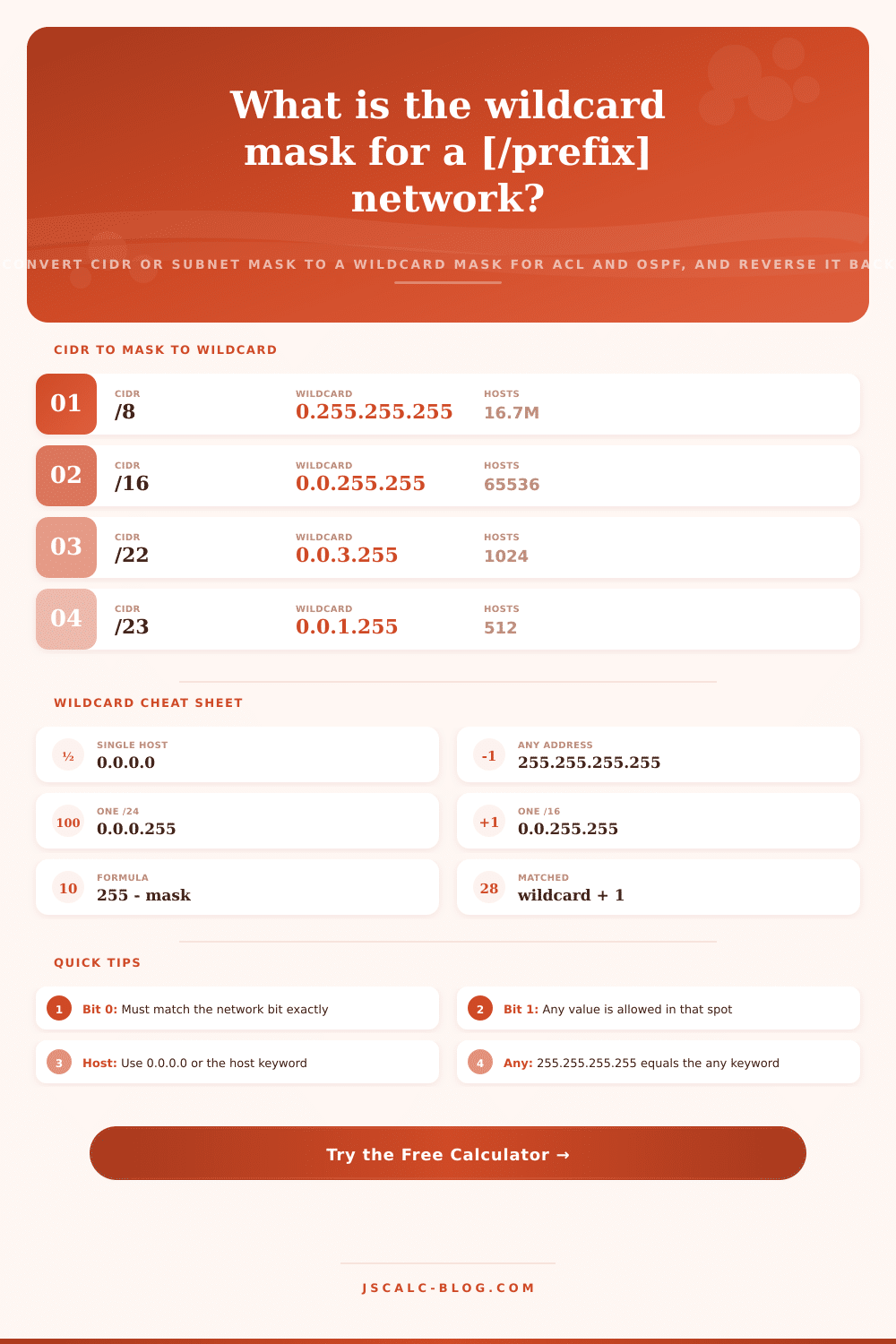
| /8 | 255.0.0.0 | 0.255.255.255 | 16,777,216 |
| /16 | 255.255.0.0 | 0.0.255.255 | 65,536 |
| /22 | 255.255.252.0 | 0.0.3.255 | 1,024 |
| /23 | 255.255.254.0 | 0.0.1.255 | 512 |
| /24 | 255.255.255.0 | 0.0.0.255 | 256 |
| /25 | 255.255.255.128 | 0.0.0.127 | 128 |
| /26 | 255.255.255.192 | 0.0.0.63 | 64 |
| /27 | 255.255.255.224 | 0.0.0.31 | 32 |
| /28 | 255.255.255.240 | 0.0.0.15 | 16 |
| /30 | 255.255.255.252 | 0.0.0.3 | 4 |
| /32 | 255.255.255.255 | 0.0.0.0 | 1 |
🛡Common ACL Wildcard Patterns
| Goal | Wildcard | Shorthand | Meaning |
|---|---|---|---|
| Match one host | 0.0.0.0 | host x.x.x.x | Every bit must match |
| Match one /24 | 0.0.0.255 | 0.0.0.255 | Last octet is free |
| Match one /16 | 0.0.255.255 | 0.0.255.255 | Last two octets free |
| Match one /8 | 0.255.255.255 | 0.255.255.255 | Last three octets free |
| Match anything | 255.255.255.255 | any | All bits are free |
| Two hosts /31 | 0.0.0.1 | 0.0.0.1 | Last bit is free |
| Even subnets | 0.0.0.254 | step of 2 | Bit 0 stays fixed |
🌐OSPF Network Statement Examples
| Network | Wildcard | Area | Network Statement |
|---|---|---|---|
| 10.0.0.0 | 0.0.0.255 | 0 | network 10.0.0.0 0.0.0.255 area 0 |
| 172.16.0.0 | 0.0.255.255 | 10 | network 172.16.0.0 0.0.255.255 area 10 |
| 192.168.1.0 | 0.0.0.63 | 1 | network 192.168.1.0 0.0.0.63 area 1 |
| 10.10.10.4 | 0.0.0.3 | 0 | network 10.10.10.4 0.0.0.3 area 0 |
| 10.1.1.1 | 0.0.0.0 | 0 | network 10.1.1.1 0.0.0.0 area 0 |
| 0.0.0.0 | 255.255.255.255 | 0 | network 0.0.0.0 255.255.255.255 area 0 |
🗃Wildcard Comparison Grid
| Prefix | Subnet Mask | Wildcard Mask | Addresses | Example ACL Line |
|---|---|---|---|---|
| /32 | 255.255.255.255 | 0.0.0.0 | 1 | permit ip host 10.1.1.5 any |
| /30 | 255.255.255.252 | 0.0.0.3 | 4 | permit ip 10.0.0.0 0.0.0.3 any |
| /29 | 255.255.255.248 | 0.0.0.7 | 8 | permit ip 10.0.0.8 0.0.0.7 any |
| /27 | 255.255.255.224 | 0.0.0.31 | 32 | deny ip 192.168.5.0 0.0.0.31 any |
| /26 | 255.255.255.192 | 0.0.0.63 | 64 | permit ip 192.168.5.0 0.0.0.63 any |
| /24 | 255.255.255.0 | 0.0.0.255 | 256 | permit ip 192.168.10.0 0.0.0.255 any |
| /23 | 255.255.254.0 | 0.0.1.255 | 512 | permit ip 10.20.0.0 0.0.1.255 any |
| /22 | 255.255.252.0 | 0.0.3.255 | 1,024 | permit ip 10.20.0.0 0.0.3.255 any |
| /16 | 255.255.0.0 | 0.0.255.255 | 65,536 | permit ip 172.16.0.0 0.0.255.255 any |
| /8 | 255.0.0.0 | 0.255.255.255 | 16,777,216 | permit ip 10.0.0.0 0.255.255.255 any |
⚙Formula Breakdown
💡Wildcard Mask Tips
Cisco network configurations use an ordinary subnet mask in some places, such as for interfaces. However, they uses an inverted mask in other places, such as for an access control list or when setting up an OSPF network statement. That’s one of the more confusing aspects of configuring Cisco networks, and this page solves it using the wildcard mask calculator.
The way you can think about it is a wildcard mask is just like a subnet mask, except backwards. Instead of the bits that represent the network being set to 1 in a subnet mask, they’re marked with zeros in a wildcard mask. And instead of the bits that have any value, they’re set to 1. This tool takes either a dotted subnet mask or a prefix in CIDR format and turns it into a wildcard mask; then it reverses a wildcard mask back into a prefix length and subnet mask. It also tells how many address the mask covers.
How to Use the Wildcard Mask Calculator
A wildcard mask is a 32-bit value that is applied against an IP address to determine which bits the router should care about. Read it bit by bit. If there’s a zero, then the corresponding address bit has to be equal to the reference network exactly. If there’s a one, then it’s a wildcard and anything passes through. Because it’s the inverse of a subnet mask, a zero indicates host space while a one indicates the network portion.
Because they’re inverses, you can simply subtract each octet from 255 and flip one into the other. For example, the subnet mask 255.255.255.0 turns into a wildcard of 0.0.0.255 because it says match the first three octets and don’t care about the last.
And why does it work? Starting with whatever you’ve got, there are three input options on the calculator. Given any prefix length (CIDR to Wildcard), you get a built subnet mask flipped upside down. You can copy that subnet mask from an interface. This allows Subnet Mask to Wildcard to return the wildcard directly.
Paste a wildcard into Wildcard to Mask to run the inverse, which recovers the subnet mask, prefix, and how many addresses will be matched. All four result cards repeat across all modes, making it easy to jump around and double check from a different angle. The secret is knowing what’s realy getting measured.
Everything revolves around these two simple relationships. First the wildcard: per octet, the wildcard is 255 minus the mask octet (so 255.255.255.192 inverts to 0.0.0.63). Or more generally, in full 32-bit form, the wildcard is the bitwise NOT of the mask, i.e., each one becomes a zero and each zero becomes a one.
Going the other way from a prefix, the mask is just the top n bits of a 32-bit number set to one and the remaining bits set to zero; invert that and you’ve got the wildcard. The number of addresses matched by the wildcard is simply the wildcard itself plus one, or equivalently two raised to the power of the host bits. An /24 matches 256 addresses (i.e., it has eight host bits).
This is where people get confuseder. Okay, now you have an ACL that allows the network 192.168.10.0 with a prefix of /24. You could also express this in English as saying, “I require an ACL entry that allows the network 192.168.10.0 with a prefix of /24.” Your subnet mask is 255.255.255.0. From there we subtract 255 from each octet and that’s our wildcard: 0.0.0.255. And that’s where the match-all statement comes in; that’s the entire /24 range (matching 256 addresses), so the complete line looks like this: permit ip 192.168.10.0 0.0.0.255 any
Because if you want a single host, then the wildcard reduces down to 0.0.0.0, and Cisco lets you express that using the host keyword. On the other end, a wildcard of 255.255.255.255 means everything and is written simply as any.
This brings us back to the point. The advantage here is that Wildcard masks outperform Subnet masks. The reason? Subnet masks are required to be contiguous; that’s why you see all the ones together up-front. There’s no such restriction on a wildcard mask, which allows it to fit random scattering of bits that a subnet mask couldn’t possibly describe.
For example, the wildcard 0.0.0.254 resolves just one bit (the least significant) and releases the remaining seven bits in the final octet: It matches all the even hosts within a range. You could turn the reference around and match all the odd hosts. This way network engineers will craft a single ACL statement that touches each fourth subnet, or permit just the even VLANs, etc., actions that might require numerous different statements otherwise.
From a running config handed to you for troubleshooting, what does this wildcard cover? That’s the kind of pain in the ass it can be, but not with the reverse mode. From there, subtract each octet of the wildcard from 255 (to rebuild the subnet mask), and determine the prefix by counting the number of leading ones. If the wildcard is 0.0.1.255, the mask is 255.255.254.0 (23 network bits), which is a /23 matching 512 addresses. Knowing both the prefix and how many addresses match verifies if an inherited rule was too broad or narrow.
Two different features are powered by the same wildcard math: in the access control list (ACL), the wildcard restricts the range of source or destination addresses that a given permit/deny statement applies to; in OSPF, the network statement with a wildcard determines what interfaces is part of what area. Type in an IP address and the calculator spits back both an OSPF network statement and an example ACL line… Just cut/paste a working command directly into your config.
For your first try, choose a subnet that’s close to your destination: perhaps an access VLAN like a /26 or a point-to-point link like a /30; then adjust the fields for your address. As you modify the prefix, keep an eye on the addresses-matched card: it will double/halve the block at each bit, providing the fastest way to check against an over-broad rule.
Memorize the few wildcards you’ll type the most often from the reference tables… And fall back to reverse mode when you’re not sure if a previous config matches what you think. The formulas are clearly presented. Every outcome is displayed in copy-and-paste format. This calculator transforms wildcard masks from a potential error source into a routine task: you should of always known exactly what you’re matching.