Viewing Distance Calculator
Find how far to sit from your TV or monitor. Enter the screen diagonal, resolution and aspect ratio to get the pixel-sharp minimum distance plus the SMPTE and THX recommended seating distances for the most immersive, clear picture.
🎥Real Screen Setup Presets
📏Screen and Room Inputs
The advertised diagonal, entered in inches.
Sets how wide the panel is for a given diagonal.
Picking a preset fills the pixel fields for you.
Shifts the highlighted best distance closer or farther.
Native pixel columns across the screen width.
Native pixel rows down the screen height.
Lower angle means pixels stay visible from farther.
Every result card and table uses this unit.
🔢Distance Rules at a Glance
📋Recommended Distance by Screen Size and Resolution
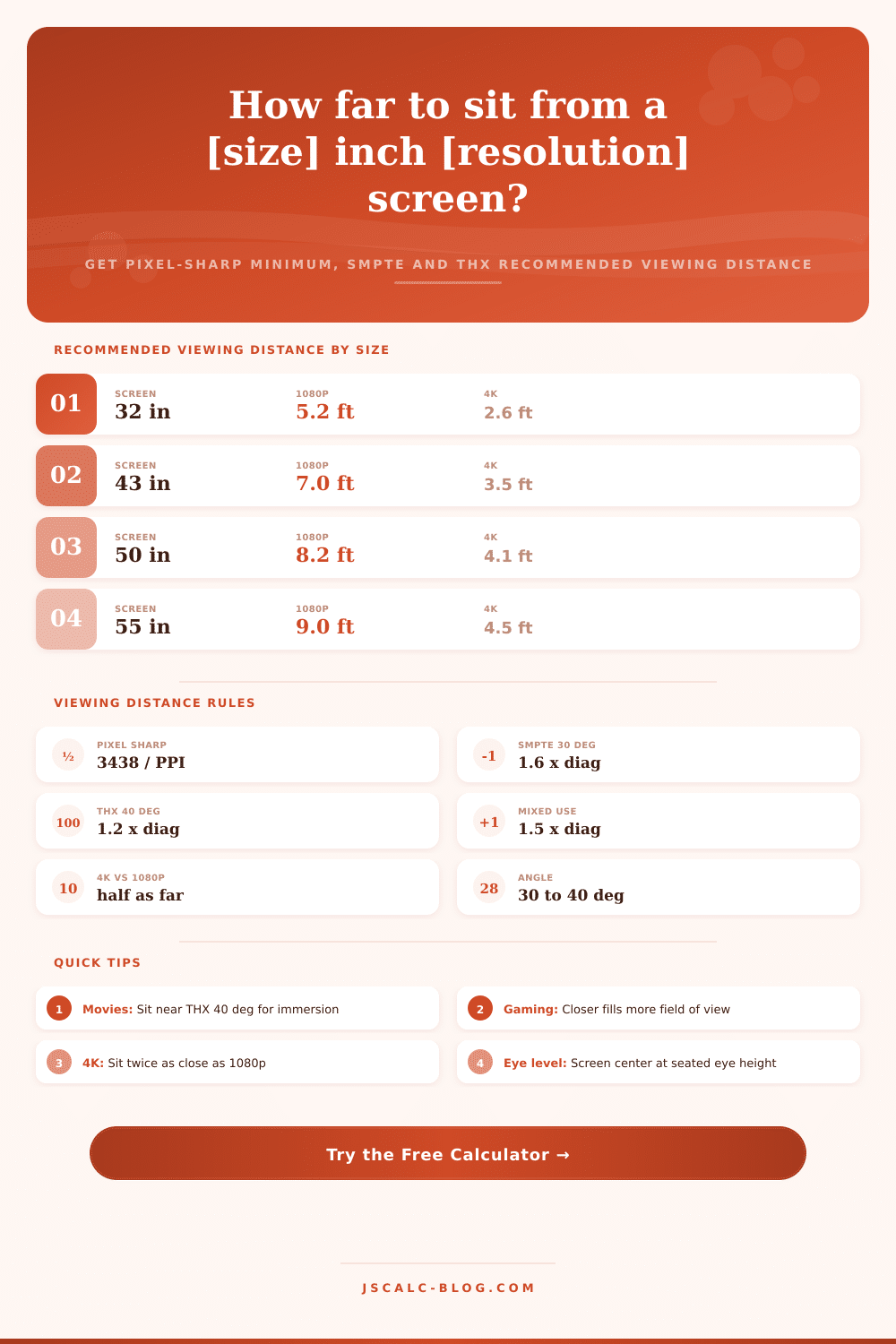
| Screen (16:9) | 1080p Min | 4K Min | SMPTE 30 deg | THX 40 deg |
|---|---|---|---|---|
| 32 inch | 4.3 ft | 2.1 ft | 4.3 ft | 3.2 ft |
| 43 inch | 5.8 ft | 2.9 ft | 5.7 ft | 4.3 ft |
| 50 inch | 6.8 ft | 3.4 ft | 6.7 ft | 5.0 ft |
| 55 inch | 7.5 ft | 3.7 ft | 7.3 ft | 5.5 ft |
| 65 inch | 8.8 ft | 4.4 ft | 8.7 ft | 6.5 ft |
| 75 inch | 10.2 ft | 5.1 ft | 10.0 ft | 7.5 ft |
| 85 inch | 11.5 ft | 5.8 ft | 11.3 ft | 8.5 ft |
| 98 inch | 13.3 ft | 6.6 ft | 13.1 ft | 9.8 ft |
📐Viewing Angle Standards
| Standard | Horizontal Angle | Distance vs Width | Distance vs Diagonal | Feel |
|---|---|---|---|---|
| THX max | 40 degrees | 1.37 x width | 1.2 x diagonal | Most immersive |
| THX min | 36 degrees | 1.54 x width | 1.34 x diagonal | Cinema close |
| SMPTE | 30 degrees | 1.87 x width | 1.63 x diagonal | Balanced |
| Mixed use | 26 degrees | 2.17 x width | 1.89 x diagonal | Everyday TV |
| Relaxed | 20 degrees | 2.84 x width | 2.47 x diagonal | Casual, far |
| Minimum | 10 degrees | 5.72 x width | 4.99 x diagonal | Too far back |
🔭How Resolution Changes How Close You Sit
| Resolution | Pixel Rows | Sharpness vs 4K | Min Distance Factor | Best For |
|---|---|---|---|---|
| 720p HD | 720 | One third | 3.0 x the 4K min | Small bedroom sets |
| 1080p FHD | 1080 | Half | 2.0 x the 4K min | Older TVs, streaming |
| 1440p QHD | 1440 | Two thirds | 1.5 x the 4K min | Desktop monitors |
| 4K UHD | 2160 | Reference | 1.0 x baseline | Modern TVs, films |
| 8K UHD | 4320 | Double | 0.5 x the 4K min | Very large screens |
⚙Formula Breakdown
💡Placement and Comfort Tips
Bigger is better; we’ve all heard it. But how big should that big screen be? How much deeper then your couch do you need for that new TV? Will your neck start to ache trying to take everything in? Is that pixelation on the edge of the display bothering you? For most of us, there’s a disconnect between what marketers tells us about immersing ourselves in movies and video games versus just getting something that fits in our living room.
Use the Pixel Pitch Calculator. Simply enter your screen resolution and dimensions into this handy calculator, and it’ll spit out an answer as to whether or not your big screen will look like one big screen, or a sea of pixels staring back at you. This isn’t purely about ensuring the TV fits onto the wall, it’s also about balancing field of view with pixel density.
How to Pick the Right TV Size
Sit too close to the TV and the pixels will reveals themselves. If you sit too close to the TV, your eyes will be able to see the pixels as distinct points of light, making the overall image appear grainy or soft. Sit too far from the TV and it won’t seem like as much of a presence in your visual field. You’ll feel less immersed than you should of been given its size (which is why big screens exist).
The sweet spot is a pretty small window. You want the image to look detailed without being so large that it stops filling your peripheral vision and feeling engaging. Resolution plays a bigger role than most buyer expect. Doubling your pixels-per-inch (PPI); which happens when you step up from a 1080p to a 4K panel on a TV of equal physical dimensions… Allows you to view content at about half the distance without seeing its pixel construction. So while a 65-inch 4K TV is still razor-sharp from a four-foot distance, a 1080p model of identical size will require almost nine feet to obscure its coarser pixel grid. In other words: Higher PPI moves the “too close” line toward the screen. It increases your seating arrangement options.
Where you sit depends off industry standards. According to the SMPTE standard, the ideal viewing angle is roughly 30 degrees. That typically means being seated about 1.6 times the screen’s diagonal. For combined content such as sports, news and streaming series, that’s been deemed a reasonable balance.
If you want a more immersive, movie-theater-like experience, THX-certified seating goes broader: 40 degrees. That’s equivalent to around 1.2 times the diagonal. When seated so closely, the picture will be dominant in your field of vision. In practice, it’s less about precise numbers and more about content type. Those who watch mostly movies will lean toward the THX distance, which will fill your vision with the action and draw you further into the story. People who game frequently may sit even closer so they can react as quickly as possible at the expense of peripheral comfort. General home-viewing defaults to SMPTE recommendation, which is a good baseline. You get good clarity without much neck strain.
Depending on what you intend to watch, the tool will adjust the recommended viewing distance to match. That way you’re able to determine your sweet spot without having to remember how to do trigonometry. Geometry gets tweaked slightly as well by aspect ratio. If you’re watching on a standard 16:9 TV, it’s not going to have the exact same width-to-diagonal relationship as a wider ultrawide monitor or even an old-school 4:3 display. Screen width go into the equation to calculate viewing angle. In order to get the same 30 or 40-degree field of view, you’ll need to be sitting further back when changing aspect ratios. Once you choose your panel type, the calculator will automatically adjust to make sure distance recommendations match the actual shape of your screen instead of just its diagonal size.
The last variable is mounting height. How high off the ground should the screen be mounted? You want the center of the screen to line up with eye-level while sitting. On average, our eyes are about 40 to 48 inches from the ground when we sit on a sofa. If we look up or down, then we become uncomfortable because of the distortion and fatigue in our bodies. Changing the resolution won’t fix this. Now that you’ve determined what distance works best for you and checked it against the configuration of your room, set your mounting height where you’re looking straight ahead.
Back to the earlier point: The screen needs to feel like a window to another world, not like an appliance mounted to the wall. Luxurius displays should of felt better.
Naturaly, big screens can absorbs more light. A armchair is not for watching movies. It’s moddern technology that makes things differant than before. You must recieve the right setup. This is based on the furnitures you have.
Sitting too close to the TV and pixels will be visible. The screen looks bad if it was too small. Everything seems different when it sits in a room. We should of checked the size first. It’s a big difference than what I thought. You can see the pixelation clearly. Don’t use a old tv.
He says the TV are great. They is good for movies. The screen look amazing. Most people likes this.