Dot Pitch Calculator
Find the dot pitch, the center-to-center spacing between adjacent pixels, in millimeters. Enter a resolution with a diagonal size, a physical screen width with a horizontal pixel count, or a known PPI, and get pixel spacing in mm, pixels per mm, physical pixel size in microns, and the equivalent pixels per inch.
🖥Choose an Input Mode
🎯Real Screen Presets
📝Screen Inputs
Native horizontal resolution, e.g. 1920 for 1080p.
Native vertical resolution, e.g. 1080 for 1080p.
Panel diagonal as advertised, in inches.
Measured width of the lit area, in millimeters.
Pixels spanning that measured width.
Enter PPI directly to convert straight to dot pitch.
Controls rounding on the dot pitch cards.
Show the hero dot pitch in mm or microns.
🔢Formula Snapshot
📋Common Screens and Dot Pitch
| Screen | Resolution | PPI | Dot Pitch |
|---|---|---|---|
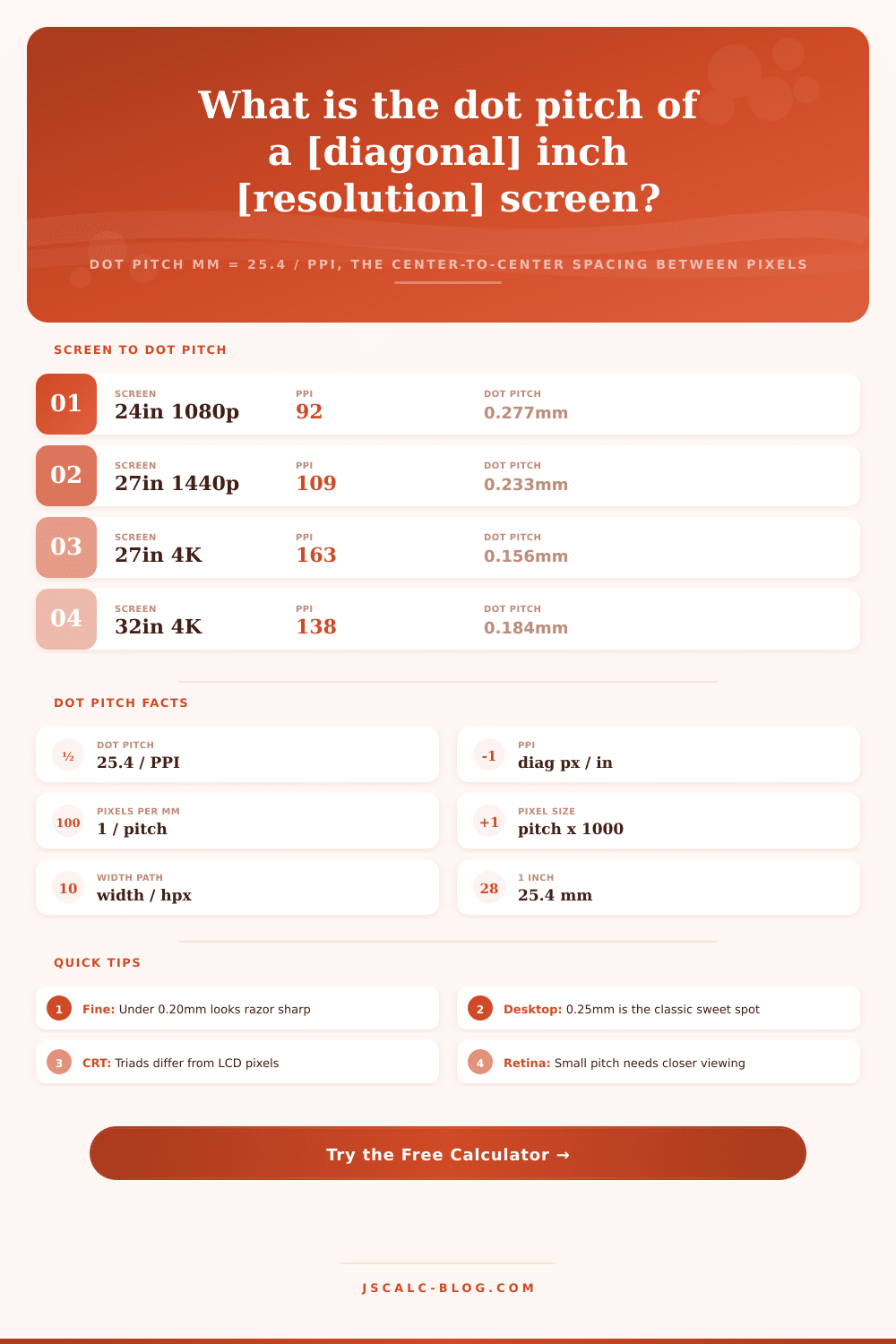
| 24in monitor | 1920 x 1080 | 92 PPI | 0.277 mm |
| 27in monitor | 2560 x 1440 | 109 PPI | 0.233 mm |
| 27in 4K | 3840 x 2160 | 163 PPI | 0.156 mm |
| 32in 4K | 3840 x 2160 | 138 PPI | 0.184 mm |
| 15.6in laptop | 1920 x 1080 | 141 PPI | 0.180 mm |
| 34in ultrawide | 3440 x 1440 | 110 PPI | 0.232 mm |
| Phone OLED | 2400 x 1080 | 460 PPI | 0.055 mm |
| 43in 4K TV | 3840 x 2160 | 102 PPI | 0.248 mm |
📊Dot Pitch to PPI Conversion
| Dot Pitch (mm) | Microns | Pixels per mm | PPI Equivalent |
|---|---|---|---|
| 0.10 mm | 100 µm | 10.0 | 254 PPI |
| 0.15 mm | 150 µm | 6.67 | 169 PPI |
| 0.18 mm | 180 µm | 5.56 | 141 PPI |
| 0.20 mm | 200 µm | 5.00 | 127 PPI |
| 0.25 mm | 250 µm | 4.00 | 102 PPI |
| 0.28 mm | 280 µm | 3.57 | 91 PPI |
| 0.31 mm | 310 µm | 3.23 | 82 PPI |
🌐Fineness Quality Bands
| Band | Dot Pitch Range | PPI Range | Typical Device |
|---|---|---|---|
| Ultra fine | Under 0.08 mm | Over 320 | Flagship phones |
| Very fine | 0.08 - 0.14 mm | 180 - 320 | Tablets, Retina |
| Fine | 0.14 - 0.20 mm | 127 - 180 | 4K desktops |
| Standard | 0.20 - 0.27 mm | 94 - 127 | 1440p monitors |
| Coarse | 0.27 - 0.31 mm | 82 - 94 | Budget 1080p, CRT |
| Very coarse | Over 0.31 mm | Under 82 | Large TVs, signage |
🗃Resolution and Diagonal Comparison Grid
| Diagonal | Resolution | Diag Pixels | PPI | Dot Pitch | Pixel Microns |
|---|---|---|---|---|---|
| 21.5 in | 1920 x 1080 | 2203 | 102 PPI | 0.248 mm | 248 µm |
| 24 in | 1920 x 1080 | 2203 | 92 PPI | 0.277 mm | 277 µm |
| 27 in | 2560 x 1440 | 2937 | 109 PPI | 0.233 mm | 233 µm |
| 27 in | 3840 x 2160 | 4406 | 163 PPI | 0.156 mm | 156 µm |
| 32 in | 3840 x 2160 | 4406 | 138 PPI | 0.184 mm | 184 µm |
| 34 in | 3440 x 1440 | 3729 | 110 PPI | 0.232 mm | 232 µm |
| 15.6 in | 1920 x 1080 | 2203 | 141 PPI | 0.180 mm | 180 µm |
| 6.1 in | 2400 x 1080 | 2632 | 431 PPI | 0.059 mm | 59 µm |
| 13.3 in | 2560 x 1600 | 3020 | 227 PPI | 0.112 mm | 112 µm |
| 43 in | 3840 x 2160 | 4406 | 102 PPI | 0.248 mm | 248 µm |
⚙Formula Breakdown
💡Dot Pitch Tips
The most trustworthy number on a display spec sheet is its dot pitch. Dot pitch are measured in millimeters; it’s the real-world distance between two adjacent pixel. That means if you look up the dot pitch, you know exactly how big each pixel is on glass. Why? That dot pitch directly relates to how clear the image is (crisp versus jagged) and your ability to see the screen’s grid structure.
Just plug in the diagonal size and resolution into the calculator above. It’ll do the math for you… Saving you from guessing at conversions. And it’ll give you a tangible sense of scale.
What Is Dot Pitch and Why It Matters
That’s where most folks get hung up, thinking it sounds better, pixels per inch. It sounds like you’re getting more for your money and it feels like it too… Except PPI doesn’t tell you anything about the physical panel itself; it’s just a density measurement. Enter: dot pitch. Cutting through all the noise, dot pitch measures actual center-to-center pixel spacing in real world units. If the dots is spaced a quarter of a millimeter away from each other, we say it has a dot pitch of 0.25 mm. That means there are approximately four pixels per millimeter of display. Small as it may be, it makes all the difference when it comes to visual comfort.
It’s simple geometric math. First apply the Pythagorean theorem to calculate the diagonal pixel count using horizontal and vertical pixel counts. On a 1920 by 1080 display, this would be roughly 2203 pixels diagonally. Then divide this by advertised diagonal inches to arrive at PPI (which you already know). Since there are precisely 25.4 millimeters per inch, just divide 25.4 by your PPI value and you have the pitch. So a 1080p monitor on a 24-inch screen comes out to roughly 0.277 mm, far more descriptive than any resolution designation.
In some instances, rather than knowing the exact diagonally measured value, you know how wide it is in terms of number of pixels. For example, maybe you’re trying to figure out the dot pitch when you only know physical width and pixel count. In those cases, use the physical width path instead. If a panel measures 1920 pixels across (say) and has an active width of 531 mm, then divide one by other and you get the same 0.277 mm answer. This means going straight to width and skipping diagonal altogether. This is a useful approach when you have salvaged panels without specs, or if you built something yourself from scratch and only need physical sizes. The tool offers three ways to do this: enter PPI from the spec sheet, use measured diagonals, or use the physical width path.
Knowing how to read these numbers and what they mean in terms of everyday viewing will help you understand why one screen looks great while another appear subtly fuzzy. The first number, the so-called hero card, is the dot pitch expressed either as a micron or millimeter (your choice). The micron scale helps you visualize the number; it’s small enough that you can imagine it. A human hair is roughly 70 microns across. So if your phone has a 0.055 mm dot pitch, its pixels are approximately 55 microns wide, or smaller than the width of a hair. This is why we’re unable to discern them from arm’s length away. This is also why some screens appear smooth as butter; others have a barely perceptible grid.
Dot pitch was also used by older CRT displays (typically between 0.25mm and 0.28mm) although back then it had a slightly different meaning. Back then it referred to the distance between phosphor triads behind a shadow mask, which aren’t the neatly squared-off pixels of an LCD screen. The flat panel dot pitch refers to the physical spacing of pixel cells themselves. So they’re both expressed in millimeters and refer to fineness, thus the comparison is fair enough in spirit. Just remember that LCD pixel pitch is measured on one type of structure whereas CRT triad pitch are measured on another.
Whether a dot pitch is good depends entirely on your viewing distance. Sitting 50-70 cm away from your screen means that a dot pitch around 0.25 mm is the sweet spot, that’s when those dots merge into a nice image without becoming obvious pixels. Going lower than 0.20 mm makes the edges of text razor sharp, but most people will switch display scaling on, making their interface elements comfortabley large. Fineness only matters relative to how far away you are sitting. A TV with a dot pitch of 0.30 mm might look perfectly fine when seen from across the room; a phone should have a pitch smaller than 0.06 mm since it sits about a foot from your eyeballs. The table of references on this page helps you put any screen in perspective.
Dot pitch is the physical answer, whether you’re looking up a spec sheet or just wondering how closely packed together all those dots are on your monitor. You should of taken off with a known starting point, say, a 27-inch 1440p monitor. Or, if it’s just you and a ruler, get into the width lane. Compare the pitch in both millimeters and microns. Feel the size. Feel the scale. And know precisely how big your pixels are. How close they’re set. All from one number.