Video Memory Requirement Calculator
Estimate the runtime VRAM a game or 3D app consumes at your target resolution, color depth, buffering, anti-aliasing, and texture tier. The tool adds framebuffers, render targets, the texture pool, geometry, and shadows, then checks whether it fits your graphics card and reports headroom.
🎮Real Scenario Presets
🖥Display and Engine Inputs
Pick a common panel, or choose Custom to type exact pixels.
MSAA multiplies framebuffer and render-target samples.
Horizontal render resolution in pixels.
Vertical render resolution in pixels.
HDR paths store 16-bit float channels, doubling bytes per pixel.
Number of swap-chain images held for presentation.
Extra full-screen render targets on top of the swap chain.
Streaming texture pool, usually the largest VRAM block.
Meshes, vertex and index buffers, animation data.
Cascaded shadow maps, probes, screen-space GI targets.
Desktop compositor, driver caches, other apps.
Total onboard memory of your graphics card.
🔢Formula Snapshot
📊Framebuffer Bytes by Resolution
| Resolution | Pixels | 8-bit (RGBA8) | 10-bit (RGBA16F) | Reads As |
|---|---|---|---|---|
| 720p HD | 921,600 | 3.52 MB | 7.03 MB | Single frame |
| 1080p Full HD | 2,073,600 | 7.91 MB | 15.82 MB | Single frame |
| 1440p QHD | 3,686,400 | 14.06 MB | 28.13 MB | Single frame |
| Ultrawide 1440p | 4,953,600 | 18.90 MB | 37.79 MB | Single frame |
| 4K UHD | 8,294,400 | 31.64 MB | 63.28 MB | Single frame |
| 5K | 14,745,600 | 56.25 MB | 112.50 MB | Single frame |
| 8K UHD | 33,177,600 | 126.56 MB | 253.13 MB | Single frame |
🖼Texture Quality Pool Guide
| Preset | Pool Size | Base Mip Cap | Best For | Typical GPU Class |
|---|---|---|---|---|
| Low | 1024 MB | Up to 1K maps | Esports, handhelds | 4 GB cards |
| Medium | 2560 MB | Up to 2K maps | Balanced 1080p | 6 GB cards |
| High | 4608 MB | Up to 4K maps | 1440p fidelity | 8 GB cards |
| Ultra | 7168 MB | Up to 8K maps | 4K showcase | 12-16 GB cards |
⚙Render Pipeline Multipliers
| Pipeline | Multiplier | Render Targets | Trade-off |
|---|---|---|---|
| Forward / mobile | 1.5x | Color + depth | Cheap VRAM, limited lights |
| Forward+ clustered | 3x | + light lists, depth pre-pass | Many lights, moderate cost |
| Deferred modern | 5x | + albedo, normal, roughness G-buffer | High light count, more VRAM |
| Deferred + ray tracing | 6.5x | + BVH, denoise, GI buffers | Best lighting, heaviest VRAM |
🗄Resolution vs VRAM Comparison Grid
| Resolution | 8-bit FB (MB) | 10-bit FB (MB) | +Triple Buf | Typical Total | Min GPU VRAM |
|---|---|---|---|---|---|
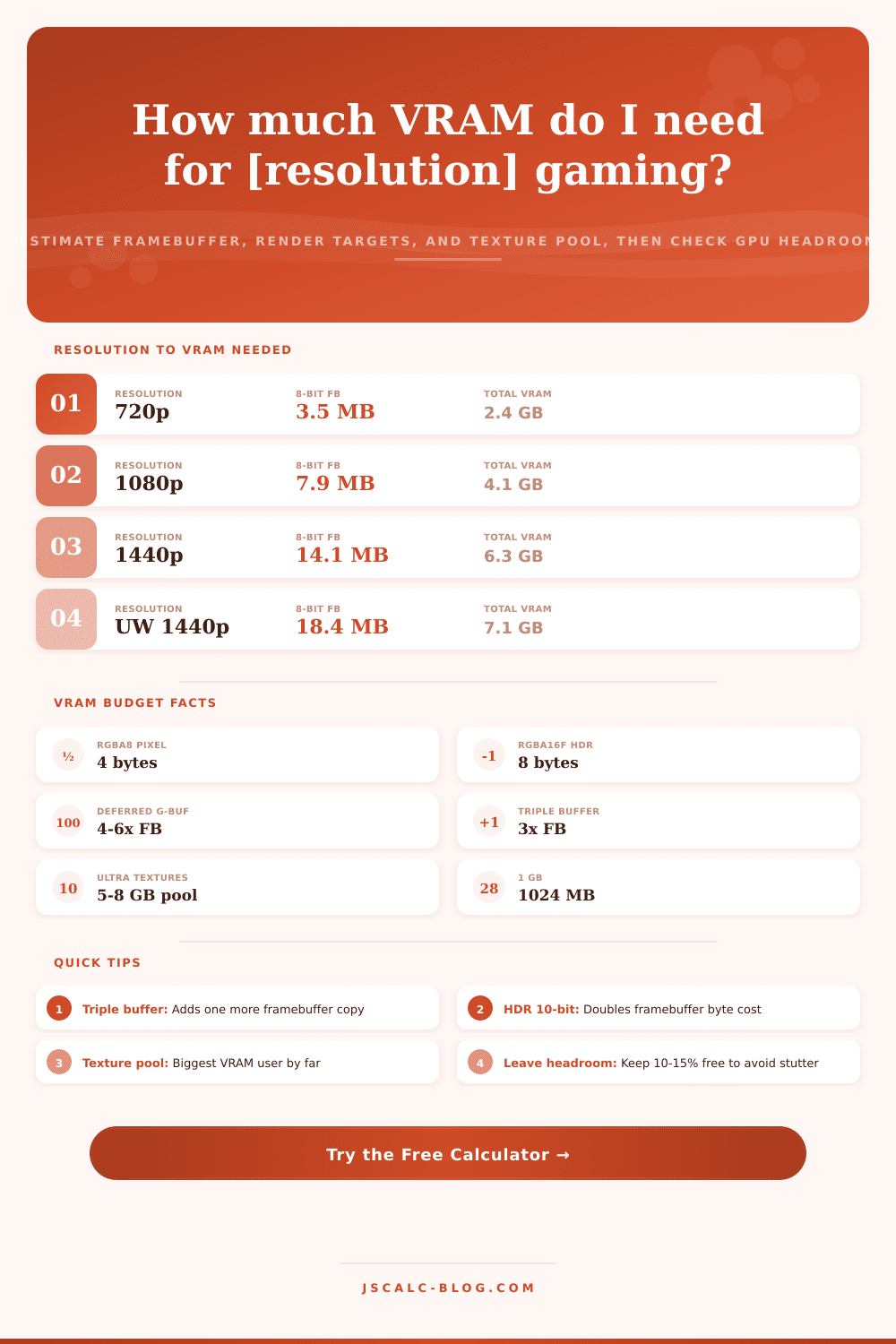
| 720p HD | 3.52 | 7.03 | 10.55 | 2.4 GB | 4 GB |
| 1080p Full HD | 7.91 | 15.82 | 23.73 | 4.1 GB | 6 GB |
| 1440p QHD | 14.06 | 28.13 | 42.19 | 6.3 GB | 8 GB |
| Ultrawide 1440p | 18.90 | 37.79 | 56.69 | 7.1 GB | 10 GB |
| 4K UHD | 31.64 | 63.28 | 94.92 | 9.8 GB | 12 GB |
| 5K | 56.25 | 112.50 | 168.75 | 13.2 GB | 16 GB |
| 8K UHD | 126.56 | 253.13 | 379.69 | 17.6 GB | 20 GB |
📏Byte and Memory Unit Reference
| Unit | Equals | In Bytes | Note |
|---|---|---|---|
| 1 KB | 1024 bytes | 1,024 | Binary kilobyte |
| 1 MB | 1024 KB | 1,048,576 | Binary megabyte |
| 1 GB | 1024 MB | 1,073,741,824 | Binary gigabyte |
| RGBA8 pixel | 4 x 8-bit | 4 | Standard SDR |
| RGBA16F pixel | 4 x 16-bit | 8 | HDR float path |
| 1 megapixel | 1,000,000 px | varies | Pixel count only |
🧮Formula Breakdown
💡VRAM Planning Tips
Why should I care? Graphics cards has details plastered all over their marketing material, but you can’t find the one that actualy impacts performance when reviewing it. They brag about boost clocks and ray tracing cores, yet gloss over if running out of video memory result in stutter. How large an impact does that gigabyte on the box make on game performance?
Turns out it’s much larger than total amount needed to store one image at a time. Keeping dozens of images around, each in a different stage of the pipeline, with textures, lighting and more all handled by GPU is more important. The calculator I made for you takes your pipeline and resolution as input and do the math for you. This way, you don’t have to guess what your buffer count might be or how many of those are open.
Why Video Memory Matters More Than Speed
The framebuffer is an easy place to begin. At typical color depth a raw 1080p image consume fewer than eight megs. But that’s just one copy. To present frames smoothly, the GPU needs multiple buffered copies of each frame, and if you are using anti-aliasing, you multiply that number by your sample count.
Then there are render targets; today’s engines don’t draw to the screen themselves; they produce separate buffer for things like albedo and surface normals and then combine them in a lighting pass. Each of these introduce another full-screen layer of memory consumption. Deferred rendering pipelines can burn five times their baseline framebuffer for those middle steps alone.
And many folks confuse the output resolution with the overall memory cost; that’s just where you start. In terms of memory, the biggest chunk are the texture pool. Since you can’t see everything on-screen at once, the engine streams them in by chunks based off what you’re seeing. A game may hold seven gigabytes of these assets alone on an Ultra preset to ensure that floors and walls is sharp.
If the video memory runs out here, the driver will swap some over the slower system memory bus, which results in pop-in artifacts (textures vanishing or sharpening as you move around). Rather than needing more processing power, you need more capacity. Ditching Ultra-level textures for High free up several gigabytes without much immediate noticeable impact on a typical monitor. However, dropping the resolution impacts the image right away.
And then there’s geometry and shadow maps. Open-world games store complex scenes using cascaded shadow maps to hide light. They also stores vertex data on each mesh and animation states. They’re not as big than textures, but they pile up.
Even when you fire up the game, the operating system imposes hidden costs: Background apps, driver caches and the desktop compositor snatch up your video memory first. To avoid killing performance during transitions between scenes, it leave a buffer. Try to maintain 15% of your memory empty. Sounds wasteful, but this avoids spikes in frame time. A little wiggle-room in that number means you have some breathing-space. If there is zero wiggle, you might of lose sync during an explosion or a busy city-load.
So I reduced it all down to simple words, does it fit? Is it tight? Is it an overflow? That way it becomes a yes/no go-go situation with numbers behind-the-scenes that you fiddle to make it safer.
This all shifts when you understand those layers, because you’re thinking about upgrading hardware. Just having a faster card isn’t necessarily required, as long as your existing card has plenty of memory to run at your desired resolution/setting. Often, it’s less about “how fast” and more about “how much.” Understanding what you actualy need during gameplay can prevent the pursuit of specs that won’t be visible anyway. It’s about getting something that runs stably in-game, not max settings on a piece of paper. Maintaining that precious fifteen percent buffer and honoring the texture pool will save you from stuttering, which I’d argue kills immersion just as much as any graphical downgrade would.