Unused PTO Payout Calculator
Estimate an unused paid time off payout from vacation, sick, personal, and carryover hours with hourly rate conversion, payout percentages, caps, and withholding.
The hourly equivalent can be entered directly or converted from salary.
Used when pay basis is known hourly rate.
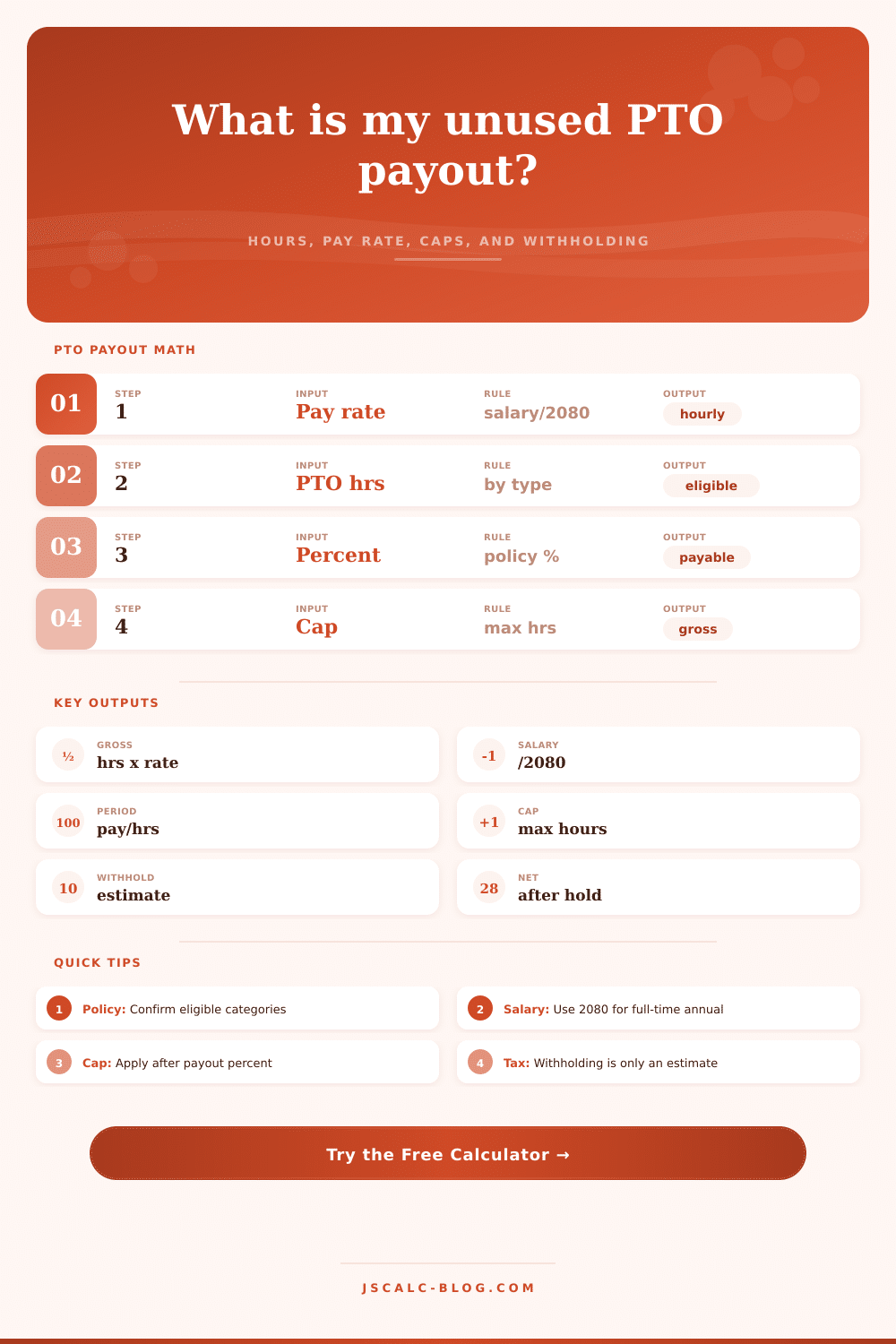
Salary hourly equivalent = annual salary / 2080.
Use gross salary for the pay period before deductions.
Period hourly equivalent = pay-period salary / scheduled hours.
Policy profiles load category payout rates and common cap settings.
Enter 0 for no cap. Cap applies to weighted payable PTO hours.
Simple planning estimate only; actual payroll withholding can differ.
Optional flat amount removed after withholding estimate.
| Category | Typical calculator entry | Common payout percent | Cap treatment | Watch item |
|---|---|---|---|---|
| Vacation | Accrued vacation hours | 100% | Usually included | Confirm earned versus granted balance. |
| Sick leave | Unused sick hours | 0% to 100% | Often separate | Many policies exclude sick leave or pay a reduced percent. |
| Personal days | Personal time converted to hours | 0% to 100% | May share cap | Some employers treat personal days like vacation. |
| Combined PTO | All hours entered in vacation or carryover | 100% | Usually one cap | Works best when the employer uses one PTO bank. |
| Carryover bank | Prior-year carryover hours | 0% to 100% | Often capped | Expiry rules can reduce the payable balance. |
| Floating holiday | Converted to equivalent hours | 0% to 100% | Policy-specific | Check whether unused floating holidays are paid out. |
| Unlimited PTO | Usually zero accrued hours | 0% | Usually none | There may be no banked balance to pay. |
| Final-check deduction | Flat deduction input | Not PTO | After gross | Use only for known post-withholding deductions. |
| Pay basis | Formula | Example inputs | Hourly equivalent | Best use |
|---|---|---|---|---|
| Known hourly | Entered hourly rate | $32.50/hr | $32.50 | Hourly workers with a clear rate. |
| Annual salary | Annual salary / 2080 | $78,000 / 2080 | $37.50 | Full-time salaried employees using a standard work year. |
| Biweekly salary | Pay-period salary / scheduled hours | $3,000 / 80 | $37.50 | When the pay stub shows period salary and scheduled hours. |
| Semimonthly salary | Pay-period salary / scheduled hours | $3,250 / 86.67 | $37.50 | Twice-monthly payroll with expected period hours. |
| Part-time salary | Period salary / scheduled hours | $1,200 / 48 | $25.00 | Part-time salaried arrangements. |
| Reduced schedule | Use actual scheduled hours | $2,100 / 60 | $35.00 | Employees with a reduced full-time schedule. |
| Overtime rate | Do not multiply by OT premium | $30 base rate | $30.00 | PTO is usually paid at base hourly rate. |
| Shift premium | Only if policy includes it | $30 + $2 premium | $32.00 | Use only when payroll policy includes premiums. |
| Scenario | Hourly rate | Vacation hrs | Sick hrs | Personal hrs | Payable hrs | Cap hrs | Withholding | Gross payout | Net payout |
|---|---|---|---|---|---|---|---|---|---|
| Current inputs | $0.00 | 0 | 0 | 0 | 0 | 0 | 0% | $0.00 | $0.00 |
| No cap | $0.00 | 0 | 0 | 0 | 0 | none | 0% | $0.00 | $0.00 |
| Vacation only | $0.00 | 0 | 0 | 0 | 0 | 0 | 0% | $0.00 | $0.00 |
| Sick paid half | $0.00 | 0 | 0 | 0 | 0 | 0 | 0% | $0.00 | $0.00 |
| Forty-hour cap | $0.00 | 0 | 0 | 0 | 0 | 40 | 0% | $0.00 | $0.00 |
| Higher withholding | $0.00 | 0 | 0 | 0 | 0 | 0 | 30% | $0.00 | $0.00 |
| Carryover excluded | $0.00 | 0 | 0 | 0 | 0 | 0 | 0% | $0.00 | $0.00 |
| Ten percent raise | $0.00 | 0 | 0 | 0 | 0 | 0 | 0% | $0.00 | $0.00 |
| Profile | Vacation % | Sick % | Personal % | Carryover % | Default cap | Calculator intent |
|---|---|---|---|---|---|---|
| All accrued PTO paid | 100% | 100% | 100% | 100% | 0 hrs | Use when policy pays all accrued categories. |
| Vacation only paid | 100% | 0% | 0% | 0% | 0 hrs | Separates vacation from nonpayable categories. |
| Sick paid at partial rate | 100% | 50% | 100% | 100% | 0 hrs | Models reduced sick leave payout rules. |
| Combined PTO bank | 100% | 0% | 0% | 100% | 120 hrs | Works when vacation field holds the combined bank. |
| Strict payout cap | 100% | 0% | 100% | 50% | 80 hrs | Shows how caps trim otherwise payable balances. |
| Carryover limited | 100% | 0% | 100% | 50% | 60 hrs | Useful when old hours have reduced value. |
| Forfeiture risk review | 50% | 0% | 0% | 0% | 40 hrs | Stress tests a conservative payout assumption. |
| Manual category percentages | Manual | Manual | Manual | Manual | Manual | Leaves all inputs under user control. |
JSCalc-Blog.com: This calculator estimates PTO payout from user-entered pay, balances, policy percentages, caps, and withholding assumptions. It is not payroll, tax, or employment-law advice.
Job endings don’t recieve much fanfare. Usually it’s a last date on your calendar, a quiet note in your inbox and then you notice: You still has hours in an online account. Hours of vacation days, of sick leave, of personal time. Real dollars that belong to you. Dollars you can take if you know how to do it.
The page have a calculator that turns those hours into a dollar amount for you, once you understand what it’s doing. One big problem is that they has to turn your time into an hourly rate to compare it to what was accrued. By default, its set to divide your yearly salary by 2080 (total number of hours for full-time position). That’s what was probably used when you accrued vacation. Changing the divisor will skew your payout. You might get short-changed because it assume the wrong level of work. The app does all that math for you, it’ll grab your pay and use the divisor to match, no calculations necessary.
How to Get Your Payout
The second issue is the policy. Different types of paid time off is not created equal. For example, vacation is typically paid out at 100%. But sick leave? Sick leave isn’t always thought of as savings. It’s considered a health benefit by many businesses. They don’t think it should counts towards their final payment. Or if it does they’ll reduce your payment. Some will put an overall cap on the number of hours that gets paid. No matter how many hour you’ve banked, they won’t give them to you.
So what happens when you saved up a bunch of hours and then hit this cap? The business will only pay you for the first, say, eighty hours. What is confusing here is that this limitation comes out off nowhere. You assume that because you have so many hour, you’re going to get such a big check. Then… boom. Policy says otherwise.
There’s an additional wrinkle: Tax withholding. Depending on the size of the lump sum, it could increase your effective tax rate. For example, you might get hit with a big chunk all at once. That gets added onto your normal income for the time period and you could end up in a higher tax bracket for that paycheck. The calculator assume a normal withholding percentage that gives you an idea of what your net number will be. But it’s not exact, because your real take-home pay will depend on how you filled out W-4 form. (Other deductions such as retirement contributions or student loans might go through before your last paycheck.)
When you leave also make a difference. Certain states require that all vacation owed is paid at the time of separation. Other states permit employer to hold on to the funds and issue them in the next regularly scheduled paycheck. When you’re planning out your upcoming transition, that can feel punitive. The calculator doesn’t include these state-by-state timing rules. Look up what applies to you. That way you’ll get your payout at the moment it’s due.
Below is a typical set of policy profiles, as shown on a reference table. These examples shows the impact of various time constraints on the ultimate payout. Use it to understand what’s available with partial payments versus strict caps.
You’ll find most workers overestimate their payout. They imagine each hour will be fully compensated. Various types of time gets treated differently. Break out the hours by type to see which ones is being devalued. Apply the precise caps and percentages. See the actual number at the end.
Don’t leave any money on the table: That’s what you worked for, after all! It was your time off. You logged the hours. And you deserve to have the math work out like you expect it will.
Look up your state laws. Read your employee handbook. Get on that calculator. This way, you won’t be caught by surprise. There’s plenty of money there. Just make sure they’ll pay it.