TCP Window Size Calculator
Size the optimal TCP send and receive window from your link bandwidth and round-trip time, find the required window-scale factor so the window can exceed the 65535-byte base limit, and reverse-solve the throughput a chosen window can actually sustain on a high-latency path.
📡Choose a Mode
🎯Real Network Scenario Presets
📝Link and Window Inputs
Usable one-way capacity of the path.
Uses decimal 1000-based network units.
Ping latency for a full there-and-back trip.
Payload per segment, 1460 on standard 1500 MTU.
The receive window or socket buffer you set.
Binary sizes: 1 KB = 1024 bytes.
Off limits any window to the 16-bit base field.
Discount for overhead and headers, 90 to 100 typical.
Controls rounding on the result cards.
🔢Formula Snapshot
📊Bandwidth and RTT to Optimal Window
| Bandwidth | RTT 10 ms | RTT 30 ms | RTT 50 ms | RTT 100 ms | RTT 250 ms |
|---|---|---|---|---|---|
| 10 Mbps | 12.5 KB | 37.5 KB | 62.5 KB | 125 KB | 312 KB |
| 50 Mbps | 62.5 KB | 188 KB | 312 KB | 625 KB | 1.56 MB |
| 100 Mbps | 125 KB | 375 KB | 625 KB | 1.25 MB | 3.12 MB |
| 250 Mbps | 312 KB | 938 KB | 1.56 MB | 3.12 MB | 7.81 MB |
| 500 Mbps | 625 KB | 1.88 MB | 3.12 MB | 6.25 MB | 15.6 MB |
| 1 Gbps | 1.25 MB | 3.75 MB | 6.25 MB | 12.5 MB | 31.2 MB |
| 2.5 Gbps | 3.12 MB | 9.38 MB | 15.6 MB | 31.2 MB | 78.1 MB |
| 10 Gbps | 12.5 MB | 37.5 MB | 62.5 MB | 125 MB | 312 MB |
📏Window Scale Factor Table
| Scale Factor S | Multiplier 2^S | Max Window | Fits Path Up To |
|---|---|---|---|
| 0 | 1x | 65535 bytes (64 KB) | 1 Gbps at 0.5 ms |
| 1 | 2x | 128 KB | 100 Mbps at 10 ms |
| 2 | 4x | 256 KB | 100 Mbps at 20 ms |
| 3 | 8x | 512 KB | 100 Mbps at 40 ms |
| 4 | 16x | 1 MB | 1 Gbps at 8 ms |
| 5 | 32x | 2 MB | 1 Gbps at 16 ms |
| 7 | 128x | 8 MB | 1 Gbps at 64 ms |
| 10 | 1024x | 64 MB | 10 Gbps at 50 ms |
| 14 | 16384x | 1 GB | Max allowed by RFC 7323 |
💻Default Receive Windows by OS
| Operating System | Default Auto-Tune Max | Scaling | Notes |
|---|---|---|---|
| Windows 11 / Server | Up to 16 MB | Auto-tuning normal | Grows the window as needed |
| Linux modern kernel | Up to 6 MB (tcp_rmem) | Enabled by default | Tunable via sysctl |
| macOS / BSD | Up to 8 MB | Enabled by default | Set by kern.ipc buffers |
| Legacy no-scaling | 65535 bytes fixed | Disabled | Caps long fat networks |
| Windows XP era | 17520 bytes default | Off unless tuned | Twelve 1460-byte segments |
| Embedded / IoT stack | 8 to 32 KB typical | Often disabled | Limited by device RAM |
📡Scenario Comparison Grid
| Link Scenario | Bandwidth | RTT | Optimal Window | Scale Factor | Segments |
|---|---|---|---|---|---|
| Gigabit LAN | 1 Gbps | 0.5 ms | 62.5 KB | 0 | 44 |
| Office Wi-Fi | 100 Mbps | 20 ms | 250 KB | 2 | 176 |
| Metro fiber | 1 Gbps | 30 ms | 3.75 MB | 6 | 2694 |
| Cross-country DC | 1 Gbps | 70 ms | 8.75 MB | 8 | 6286 |
| Transatlantic | 500 Mbps | 90 ms | 5.62 MB | 7 | 4041 |
| GEO satellite | 50 Mbps | 600 ms | 3.75 MB | 6 | 2694 |
| 10G data center | 10 Gbps | 10 ms | 12.5 MB | 8 | 8980 |
| Cloud backup | 500 Mbps | 40 ms | 2.5 MB | 6 | 1796 |
| Home DSL | 40 Mbps | 25 ms | 125 KB | 1 | 88 |
⚙Formula Breakdown
💡TCP Tuning Tips
This tool helps with one of the reasons why long distance file transfers are slow: the TCP window size. One reason is that the window size is often set too low for the network you’re using. The window determines how many bytes of data a sender can send across the network without getting an acknowledgement back. If the window is less than the maximum amount of data the network link holds, the link will be sitting idle waiting for acknowledgments rather than pushing more data across.
This tool figures out the right window-size based off your round-trip time and bandwidth. It will tell you what the window scale-factor should be to get this window-size. And if you know size of your window, it’ll work in reverse to show you how much throughput that window can actualy sustain. It’ll also work the other way by showing you how fast a given window will let you transfer data.
How This Tool Helps You
The TCP protocol involve a sliding-window mechanism. When a sender sends a full window of bytes, it has to stop sending them until it receives an acknowledgement. And that waiting period matter on long, high-speed connections. Consider a 30 millisecond round trip time and a 1 Gbps link. In 30 milliseconds, that link could transmit 3.75 megabytes. Now say the window size is the old default of 64 kilobytes. The sender fires off 64 KB and stops sending until acknowledgement comes back. It’s using only slightly over two percent of its possible bandwidth. The problem isn’t the wire; it’s the window.
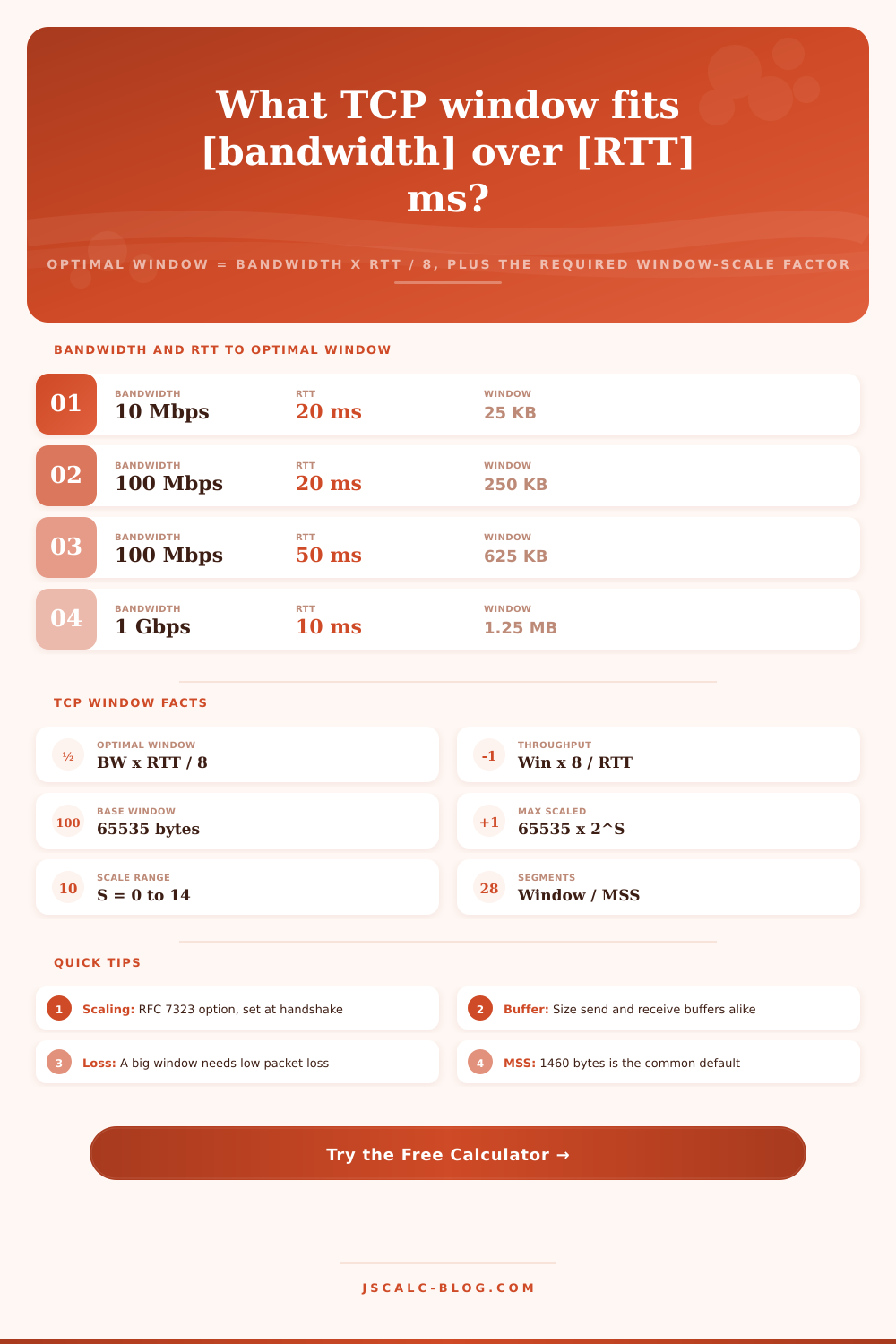
The right window size is equal to the bandwidth-delay product. That’s the bandwidth (multiplied by the round-trip time) expressed in bytes rather than bits. To compute optimal window in bytes, take the bandwidth in bits per second, multiply it by the RTT in seconds, and divide the result by 8. In our 1 Gbps, 30 ms example, that would be: 1,000,000,000 x 0.030 / 8 = 3,750,000 bytes, which is roughly 3.75 MB. That’s how much data will be in flight if the pipe is full. That’s size needed for both the receiver’s advertised window and the sender’s socket buffer to operate the link at full speed.
You can use this calculator to instantly compute the number. You can even include imperfect conditions and some discount for header overhead. The TCP header has a window field. However, this field is just 16 bits wide, and hence the window can only be advertized as up to 65535 bytes (a.k.a. It is about 64KB. While that was OK back in 1981, this size can be stretched much higher using window scaling.
How do we solve this problem? There’s an option called window scaling defined in RFC 7323. This option are negotiated at the time of the three-way handshake, and essentially multiplies by two to the power of S bits the value of the window being advertised. Hence the maximum becomes 65535 * 2^S, where S ranges between 0 and 14. So it goes from 64KB to approximately one gigabyte.
This does one thing: it will report back to you the minimum scale factor necessary for your desired window size. The math looks like this: S = Ceiling [log base 2 (desired window size/65535)]. In the case of our 3.75 MB window we have above, we take 3,750,000 / 65535, yielding ~57. The closest power of two greater than 57 is 64, or 2 raised to the sixth power. So that means a scale factor of 6. Setting the receiving host to scale by six allow it to increase its window up to around 4 MB. That’s well over the 3.75 MB you require. If you pick an incorrect value, the window simply clamps lower but silently. By showing you the precise shift alongside the needed window size, the calculator protect against such a mistake.
Want to know the limit? Sometimes you don’t get to change the window size. In that case, you can switch over to throughput mode, which turns relationship around. Throughput in bits per second = (window in bytes × 8) / (round-trip time in seconds). So if you type in a 64 KB window on a 50 ms path, it tells you a max of roughly 10.5 Mbps. That’s a stark reminder of how badly an untuned buffer throttles your connection. It also allows you to disable window scaling so you can watch the 65535-byte cap at work. Prove exactly what an old or misconfigured stack is costing you.
Each calculation is summed up on four cards: the best-fit window; the scale-factor that unlocks a specific ceiling; the bandwidth-delay product (in both raw bytes and convenient units); and throughput (either the specified rate itself if specified, or what selected window will sustain in reverse mode). To help visualize this, the segments card calculates how many full TCP segments are flying around. A window of 250 KB with a typical MSS of 1460 bytes contains roughly 176 segment. The bottom panel breaks down all numbers we substitute into the formulas for your reference in case you want to do math yourself.
Those presets cover many common problematic cases. They include cross-country data-center replication links and geostationary satellite hops with a 600 ms round trip. They also include transatlantic transfers, metro fiber, office Wi-Fi, and a gigabit LAN where the default window isn’t a problem. And they demonstrate how rapidy the needed scale factor and window rise as your latency increases.
The message is clear. Wherever you have a long fat network, buffer both ends up to at least the bandwidth-delay product. Verify that window scaling is enabled. And ensure that packet loss remains extremely low since a big window only benefits if those packets aren’t constantly getting retransmitted. Com. Pick a preset, tweak the RTT and bandwidth to fit your link, then read off what window and scale factor will be needed for TCP to hum along at full speed.
You should of used this earlier!