Screen Area Calculator
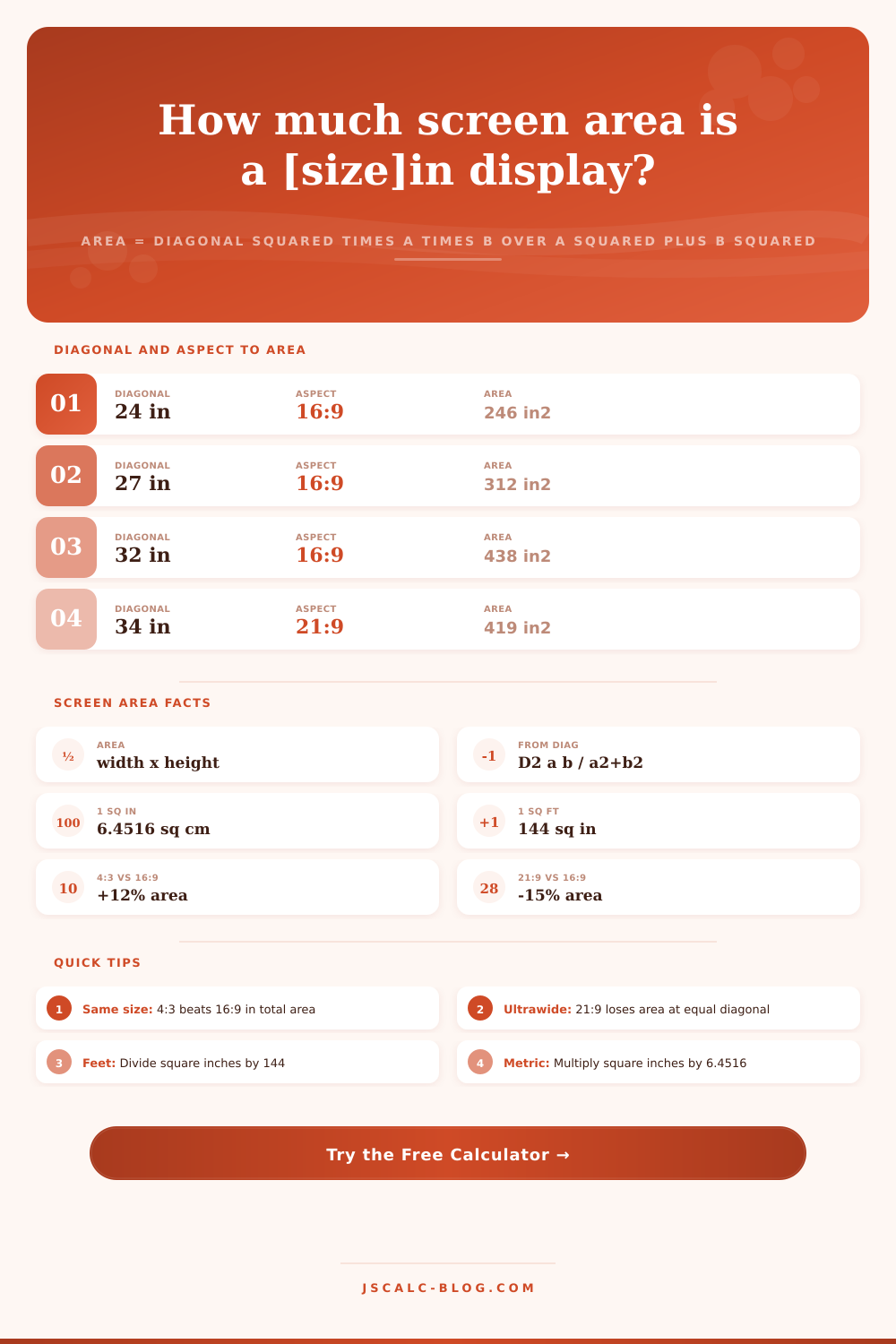
Find the real surface area of any display from its diagonal and aspect ratio. Area equals width times height, and from a diagonal D with aspect a:b it is D squared times a times b divided by a squared plus b squared. See area in square inches, square centimeters, and square feet, and discover why at the same diagonal a 4:3 screen has more area than a 16:9, which beats a 21:9 ultrawide.
🎯Real Screen Presets
🖥Screen Inputs
The advertised corner-to-corner screen size.
Applies to the diagonal field above.
Choose a standard ratio or Custom to type your own.
Width part a. Height part b is set below.
Height part b of the custom a:b ratio.
Sets which unit headlines the width x height card.
Compare to 16:9 at equal size, or to screen B below.
Controls rounding on every result card.
Second screen size, in the same unit as above.
Used when the fourth card compares to a second screen.
🔢Formula Snapshot
📊Area by Size and Aspect Ratio
| Diagonal | Aspect | Width | Height | Area (sq in) |
|---|---|---|---|---|
| 21 in | 16:9 | 18.3 in | 10.3 in | 188 in2 |
| 24 in | 16:9 | 20.9 in | 11.8 in | 246 in2 |
| 27 in | 16:9 | 23.5 in | 13.2 in | 311 in2 |
| 32 in | 16:9 | 27.9 in | 15.7 in | 437 in2 |
| 34 in | 21:9 | 31.3 in | 13.4 in | 419 in2 |
| 49 in | 32:9 | 47.2 in | 13.3 in | 626 in2 |
| 55 in | 16:9 | 47.9 in | 27.0 in | 1293 in2 |
| 65 in | 16:9 | 56.7 in | 31.9 in | 1805 in2 |
📏Same Diagonal, Different Area (30 in)
| Aspect | Width | Height | Area (sq in) | vs 16:9 |
|---|---|---|---|---|
| 1:1 | 21.2 in | 21.2 in | 450 in2 | +17.0% |
| 5:4 | 23.4 in | 18.7 in | 439 in2 | +14.2% |
| 4:3 | 24.0 in | 18.0 in | 432 in2 | +12.3% |
| 3:2 | 25.0 in | 16.6 in | 415 in2 | +8.0% |
| 16:10 | 25.4 in | 15.9 in | 404 in2 | +5.2% |
| 16:9 | 26.1 in | 14.7 in | 385 in2 | baseline |
| 21:9 | 27.6 in | 11.8 in | 326 in2 | -15.3% |
| 32:9 | 28.9 in | 8.1 in | 235 in2 | -39.0% |
🗃Aspect Ratio Area Comparison Grid
| Aspect | Shape | Area factor k | 24 in area | 27 in area | 32 in area | vs 16:9 |
|---|---|---|---|---|---|---|
| 1:1 | Square | 0.5000 | 288 in2 | 364 in2 | 512 in2 | +17.0% |
| 5:4 | Square-ish | 0.4878 | 281 in2 | 356 in2 | 500 in2 | +14.2% |
| 4:3 | Classic | 0.4800 | 276 in2 | 350 in2 | 492 in2 | +12.3% |
| 3:2 | Productivity | 0.4615 | 266 in2 | 336 in2 | 473 in2 | +8.0% |
| 16:10 | Laptop | 0.4494 | 259 in2 | 328 in2 | 460 in2 | +5.2% |
| 16:9 | Widescreen | 0.4273 | 246 in2 | 312 in2 | 438 in2 | baseline |
| 21:9 | Ultrawide | 0.3621 | 209 in2 | 264 in2 | 371 in2 | -15.3% |
| 32:9 | Super wide | 0.2606 | 150 in2 | 190 in2 | 267 in2 | -39.0% |
📐Area Unit Conversions
| Unit | Equals | In Square Inches | Note |
|---|---|---|---|
| 1 sq in | 6.4516 sq cm | 1 in2 | Base imperial area |
| 1 sq cm | 0.155 sq in | 0.155 in2 | Metric area |
| 1 sq ft | 144 sq in | 144 in2 | 12 in by 12 in |
| 1 sq ft | 929.03 sq cm | 144 in2 | Feet to metric |
| 1 sq m | 1550 sq in | 1550 in2 | 10000 sq cm |
| 100 in2 | 645.16 sq cm | 100 in2 | Small monitor slice |
⚙Formula Breakdown
💡Screen Area Buying Tips
The marketing of screen sizes only gives you one number that doesn’t tell you much at all: the size of the picture. The industry advertises diagonals because it sounds bigger, even though that masks actual surface area. A twenty-seven inch monitor might not seem different than a thirty-four inch ultrawide on a spec sheet, but the viewable space can be very different based in their shape. This tool will take your aspect ratio and diagonal length to give you an estimate of true surface area. Results is displayed in square inches, centimeters, and square feet so you can easily compare screens side by side.
When you look past the diagonals the math are straightforward: a screen is a rectangle, whose area is equal to width * height. The diagonal doesn’t determine either of these; only the aspect ratio do. Think of a fixed thirty inch diagonal. Now stretch it out and make it a super ultrawide widescreen… it becomes long and thin. Pull it in tight and make it more square shaped… now it’s tall and full. Despite having the exact same diagonal, they’re both still rectangles and have different areas.
Why Screen Size Matters More Than You Think
Comparing diagonals doesn’t tell you much about how big floor space is. It is like comparing rooms based on the length of one wall; it doesn’t tell you much about size of the room. In fact, we should of probably call it “diagonals,” plural. Because you can change your diagonal in two very different ways.
That’s where the calculator comes in. Plug in your desired aspect ratio, and it applies the Pythagorean theorem to break down the diagonal measurement into its width and height components. Multiply those, and what do we learn? Screens is designed with one truth in mind: their area is determined solely by their shape. You can compare formats this way, by the amount of surface each delivers relative to an inch of diagonal.
In other words, which one produce the biggest constant? Square panels. Classic four-to-three displays aren’t far behind. Ultrawide formats follow below that. Then there’s widescreen sixteen-to-nine. This is where most shoppers trip themselves up. They think the bigger number represent more overall space in a display of equal diagonals… but it doesn’t. A sixteen-to-nine screen has roughly twelve percent less surface area then a four-to-three at any given diagonal. An ultrawide like twenty-one-to-nine yields roughly fifteen percent less surface area on that face.
If you’re looking at the fourth result card, the tool will print out how much larger (or smaller) the screen is as a percentage. You’ll instantly know how much shape bonus or penalty you’re getting. Wide screens gain in horizontal space and lose in height. This works great for multi-tasking. But if you keep the diagonal fixed, you lose out on raw pixels.
The ratios themselves aren’t something you has to remember. Simply enter your figures and the four result cards will be there for you. The top card provides square inches, the industry-standard monitor size unit. The second provides the equivalent in square centimeters using the precise factor of 6.4516. The third displays the precise width by height measurements, just so you know whether it’ll fit on your mount or desk. And finally, the fourth compares the figure with a baseline: a sixteen-to-nine screen of the same diagonal, or another that you input manually. It’s the difference between vague intuition and a hard number. You’ll know precisely how many more inches of surface area you’re giving up for some additional width.
Practical implications for your setup First off, what does this mean in terms of your setup? Say you’re setting up a home theater and go with a sixty-five inch sixteen-to-nine TV. That’s more than eighteen-hundred square inches of image space. Not bad at all! But then say you want to use an ultrawide monitor for work instead… A thirty-four inch twenty-one-to-nine monitor has roughly four-hundred nineteen square inches of real estate. Even though it seems like jumping from a thirty-two-inch to a thirty-four-inch display is quite a leap, the difference when measured by area isn’t too great, the display simply becomes slimmer.
These presets automatically load common setups immediately so you don’t need to do any math yourself to see how the trade-offs play out. A display purchase is a decision on tradeoffs; namely, do you want more total area, or you care more about horizontal span? There’s no incorrect answer, only some hidden costs to each option. Ultrawide displays feel huge because of their width, but that means giving up both height and overall area. Traditional aspect ratios are more compact, as they fit more pixels onto a smaller diagonal space.
Plug your own dimensions into the calculator and take a quick look at the breakdown. Within seconds, you’ll see exactly what size screen is being called out and how large it actualy is. Diagonal is the beginning of the story. Area is the end.