Pomodoro Session Calculator
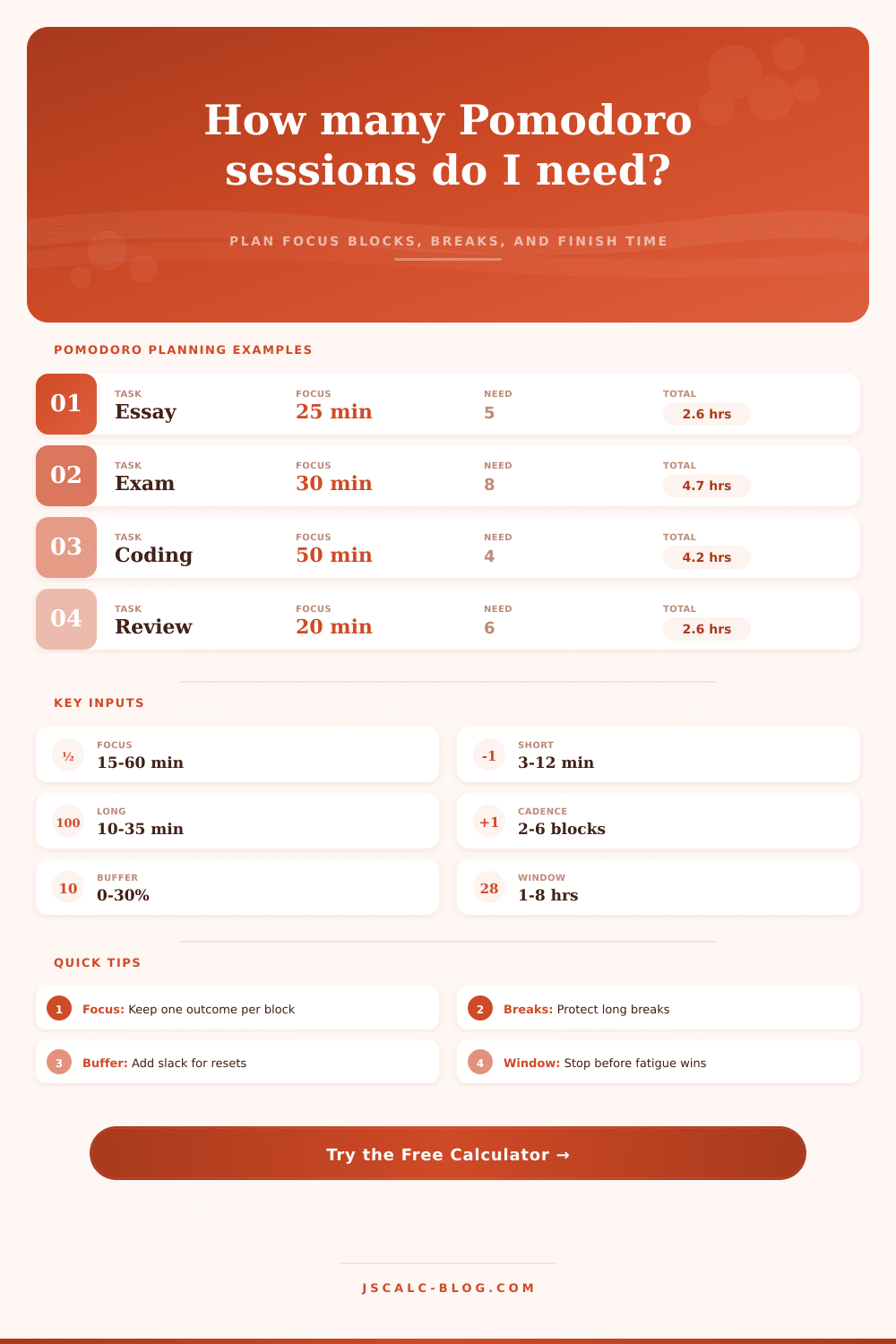
Plan focus blocks, short breaks, long breaks, interruption buffer, available study windows, efficiency, and the clock time when the work should finish.
| Method | Focus | Short break | Long break | Cadence | Best fit |
|---|---|---|---|---|---|
| Classic Pomodoro | 25 min | 5 min | 15-30 min | 4 sessions | General study, chores, reading |
| Micro Pomodoro | 15 min | 3 min | 10 min | 4 sessions | Low energy starts or scattered tasks |
| Writing Sprint | 30 min | 5 min | 20 min | 3 sessions | Drafting, outlining, editing |
| Deep Work 50/10 | 50 min | 10 min | 30 min | 2 sessions | Coding, proofs, dense problem sets |
| Ultradian Lean | 45 min | 8 min | 25 min | 3 sessions | Medium-depth creative work |
| Exam Review Loop | 35 min | 7 min | 25 min | 4 sessions | Flashcards plus practice questions |
| Language Drill Cycle | 20 min | 5 min | 15 min | 5 sessions | Vocabulary, grammar, speaking reps |
| Admin Batch | 18 min | 4 min | 12 min | 4 sessions | Email, forms, small decisions |
| Sessions | 25/5/20 at 4 | 30/5/20 at 3 | 45/8/25 at 3 | 50/10/30 at 2 |
|---|---|---|---|---|
| 2 | 55 min | 65 min | 98 min | 140 min |
| 3 | 85 min | 110 min | 177 min | 200 min |
| 4 | 135 min | 145 min | 230 min | 310 min |
| 6 | 195 min | 230 min | 355 min | 470 min |
| 8 | 270 min | 300 min | 460 min | 630 min |
| 10 | 330 min | 385 min | 585 min | 790 min |
| Window | Classic sessions | Deep sessions | Use it for | Watch point |
|---|---|---|---|---|
| 60 minutes | 2 with one break | 1 short block | Warm-up, review, admin | Skip long breaks until next window |
| 90 minutes | 3 light blocks | 1 deep block | Reading and small assignments | Protect the final 5-minute reset |
| 120 minutes | 4 classic blocks | 1-2 deep blocks | One complete Pomodoro set | Long break may push past the window |
| 180 minutes | 5-6 blocks | 2 deep blocks | Exam review, drafting | Use a food or movement break |
| 240 minutes | 7-8 blocks | 3 deep blocks | Half-day focused work | Do not fill every minute with work |
| Metric | Formula | What it means | Planning use |
|---|---|---|---|
| Sessions needed | ceil(task minutes / focus minutes) | Minimum number of focus blocks | Turns effort estimate into blocks |
| Total cycle time | focus*sessions + short*(sessions-1) + long*floor(sessions/cadence) | Work plus planned breaks | Shows the true calendar footprint |
| Buffer minutes | total cycle time * buffer percent | Slack for interruptions and resets | Prevents fragile schedules |
| Efficiency percent | task minutes / scheduled minutes | Active work share after breaks and buffer | Compares different rhythms fairly |
Imagine you have three hours to write a paper. Forty-five minutes go by and you’re on email, staring at blank screen. Sound familiar? If so, here’s why: You’ve attempted to cram a difficult task into a chunk of time and failed to acknowledge your limited human attention span.
Enter: The Pomodoro Technique, designed to eliminate this friction. Unfortunately, most people view it as a strict set of rules rather than a dynamic system. Subtract distractions, add breaks and focus blocks and suddenly it goes from guesswork to strategy.
How to Make the Pomodoro Technique Work for You
But here’s what we all do: We overestimat how much effort will fit in an hour. If you estimate that something requires two hours of focused attention, then you’re probably forgetting about the mental effort of getting started and stopped. You’re forgetting about brief but frequent distraction that break up your day. You’re forgetting about the need for mental resets after long stretches of intense focus.
Having a tool to map those variable can help you understand the real price tag on your calendar. Because you’re no longer simply adding up minutes, you’re beginning to understand the active-to-recovery-work ratio that determines whether you finish energized or burnt out by noon.
An example is: What does the input for focus length look like? For many folks, twenty-five minutes is perfect; that’s the classic “block.” But this isn’t gospel. When working on dense prose or fixing some gnarly code, maybe twenty-five minutes are all you need to slip into a flow state … and then the clock dings. Extend the focus window to forty-five or even fifty minutes in these situations, as long as you counterbalance by taking longer breaks. This is something you can play with using the tool, based off how much juice you have in the tank at any given moment.
As you alter the focus period, so you should alter the length of your break. Real rest periods must truly reset you. They shouldn’t mean simply switching screens. Checking email (or your phone) while on a five-minute break doesn’t count. That’s not a break. It’s a task-switcher, and that’s what most people do wrong.
And then there’s the buffer. Because life happens. And you don’t want your plan to lack flexibility. A 10-20% buffer for unexpected hiccups isn’t pessimistic, it’s realistic. It covers the momentary brain fog post-lunch. It covers the email you have to quickly respond to. It covers water you suddenly need or any other unexpected event. If you don’t leave some slack, even one interruption throws off the whole schedule. Then you scramble to “catch up” by taking shortcuts (such as skipping breaks or rushing through final few blocks). That defeats the point of the system in the first place. The buffer lessens the impact when something throws you off-track, protecting your flow from getting broken.
Similarly, there’s also this metric called “efficiency”; where a higher percentage sounds better but, for deep work, might serve as a red flag. An eighty-twenty ratio of work to rest can actualy be a warning sign; if you’re spending eighty percent of your time working and only twenty percent resting, you’re probably underestimating your cognitive load. For sustainable productivity, you often see a lower efficiency number, as recovery time is prioritized over all else. When making a deep-work plan, you want something that feels just a little bit loose, not pulled so tight it’ll break at the seams. Ideally, you want the work done but with enough brain bandwidth left over to tackle next thing.
Last, the window constraint makes you face the music: What time do you really have available? Maybe you think you’ve got eight hours per day. Actually, only two of those are realy usable for deep work. The window constraint forces you to pick and choose. You simply don’t have enough time to fit everything in. This constriction; strangely, is liberating. Instead of the illusion that you can do it all, you’re forced to decide: What’s most important? That turns a vague intention into a clear set of blocks that fit inside your world.
The point isn’t that we’re trying to extract every bit of productivity out of our brains when we take a step away from the screen. The point is to establish a beat that enables us to get work done while still liking doing it. Treating our attention like a limited resource that can be recharged lets us begin working with rather than against our biology.
The timer is a pacekeeper, but not a prison. We determine the tempo. We control the pauses. We allow the work to unfold at its own pace. And that’s how you complete the paper and still feel alive the rest of the day.