Megapixel Calculator
Convert width and height in pixels into megapixels and total pixel count, read off the simplified aspect ratio, and see the largest sharp print size at your chosen DPI. Or work in reverse: enter a megapixel rating and an aspect ratio to estimate the pixel dimensions a sensor of that size would produce.
📷Choose a Mode
🎯Real Sensor and Frame Presets
📝Image Inputs
The horizontal pixel dimension of the image.
The vertical pixel dimension of the image.
Stated sensor size, used to estimate dimensions.
Shape used to split the MP into width and height.
Higher DPI means sharper prints but smaller max size.
Controls rounding on the megapixel result.
🔢Formula Snapshot
📋Common Resolutions to Megapixels
| Resolution | Width x Height | Total Pixels | Megapixels |
|---|---|---|---|
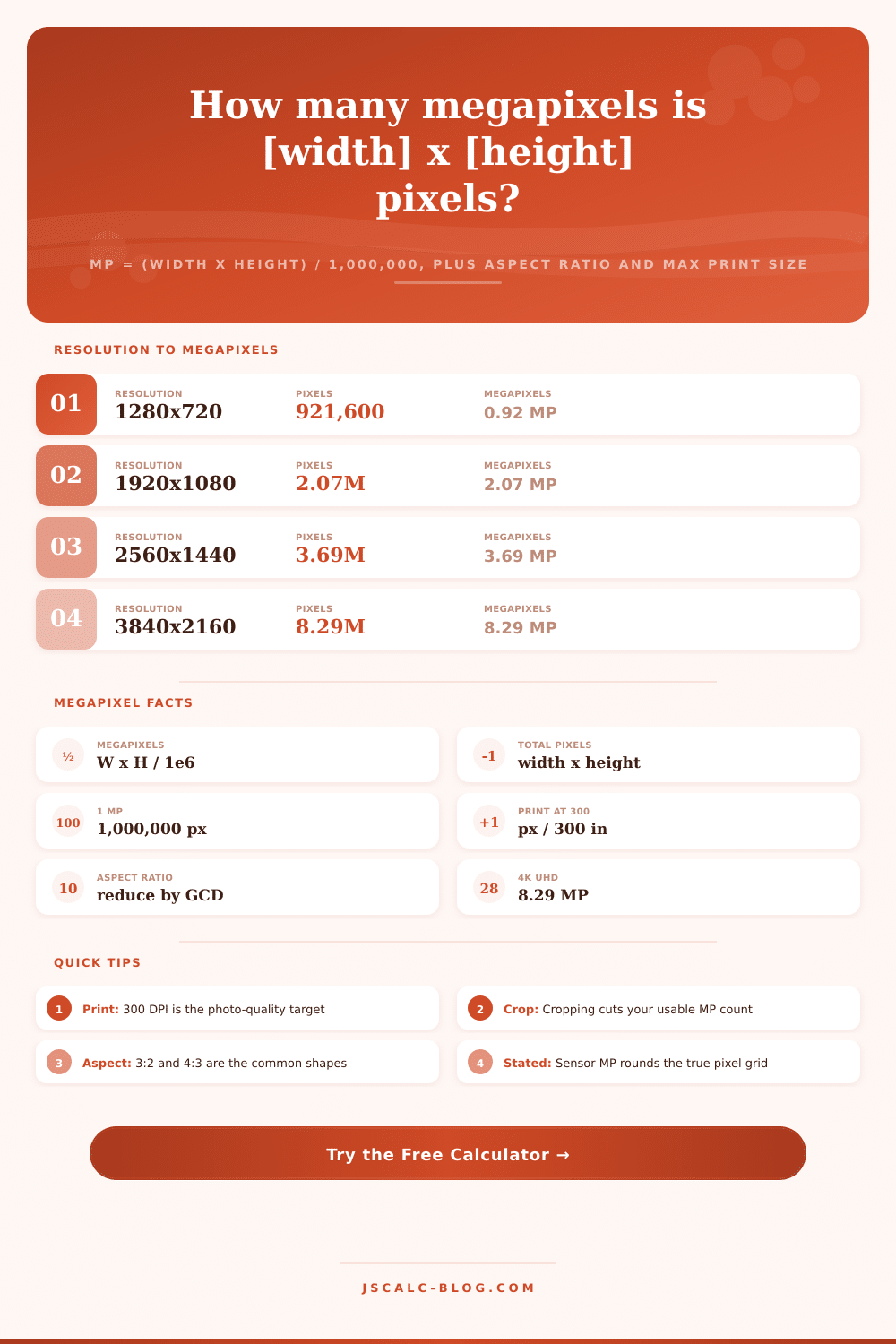
| 720p HD | 1280 x 720 | 921,600 | 0.92 MP |
| 1080p Full HD | 1920 x 1080 | 2,073,600 | 2.07 MP |
| 1440p QHD | 2560 x 1440 | 3,686,400 | 3.69 MP |
| 4K UHD | 3840 x 2160 | 8,294,400 | 8.29 MP |
| 12MP 4:3 | 4000 x 3000 | 12,000,000 | 12.0 MP |
| 24MP 3:2 | 6000 x 4000 | 24,000,000 | 24.0 MP |
| 8K UHD | 7680 x 4320 | 33,177,600 | 33.2 MP |
| 48MP 4:3 | 8000 x 6000 | 48,000,000 | 48.0 MP |
📊Camera and Phone Megapixel Tiers
| Device Tier | Typical MP | Common Dimensions | Aspect | Typical Use |
|---|---|---|---|---|
| Webcam / stream | 0.9 - 2 MP | 1280 x 720 | 16:9 | Video calls |
| Entry phone | 8 - 12 MP | 4000 x 3000 | 4:3 | Social sharing |
| Flagship phone | 12 - 50 MP | 8160 x 6120 | 4:3 | Everyday photos |
| Enthusiast DSLR | 20 - 26 MP | 6000 x 4000 | 3:2 | Prints and crop |
| Pro full frame | 45 - 61 MP | 9504 x 6336 | 3:2 | Large prints |
| Medium format | 100 - 150 MP | 11648 x 8736 | 4:3 | Studio, fine art |
| Cinema 4K frame | 8.3 MP | 3840 x 2160 | 16:9 | Video stills |
📏Megapixels to Max Print Size at 300 DPI
| Megapixels | Dimensions | Max Print 300 DPI | Max Print 150 DPI |
|---|---|---|---|
| 2 MP | 1728 x 1152 | 5.8 x 3.8 in | 11.5 x 7.7 in |
| 6 MP | 3000 x 2000 | 10 x 6.7 in | 20 x 13.3 in |
| 12 MP | 4000 x 3000 | 13.3 x 10 in | 26.7 x 20 in |
| 24 MP | 6000 x 4000 | 20 x 13.3 in | 40 x 26.7 in |
| 45 MP | 8192 x 5464 | 27.3 x 18.2 in | 54.6 x 36.4 in |
| 61 MP | 9504 x 6336 | 31.7 x 21.1 in | 63.4 x 42.2 in |
| 100 MP | 11648 x 8736 | 38.8 x 29.1 in | 77.7 x 58.2 in |
🗃Sensor Comparison Grid
| Sensor / Frame | Width px | Height px | Megapixels | Aspect | Max 300 DPI |
|---|---|---|---|---|---|
| 720p frame | 1280 | 720 | 0.92 MP | 16:9 | 4.3 x 2.4 in |
| 1080p frame | 1920 | 1080 | 2.07 MP | 16:9 | 6.4 x 3.6 in |
| 4K frame | 3840 | 2160 | 8.29 MP | 16:9 | 12.8 x 7.2 in |
| 12MP phone | 4000 | 3000 | 12.0 MP | 4:3 | 13.3 x 10 in |
| 24MP DSLR | 6000 | 4000 | 24.0 MP | 3:2 | 20 x 13.3 in |
| 45MP full frame | 8192 | 5464 | 44.8 MP | 3:2 | 27.3 x 18.2 in |
| 48MP sensor | 8000 | 6000 | 48.0 MP | 4:3 | 26.7 x 20 in |
| 61MP mirrorless | 9504 | 6336 | 60.2 MP | 3:2 | 31.7 x 21.1 in |
| 100MP medium format | 11648 | 8736 | 101.8 MP | 4:3 | 38.8 x 29.1 in |
⚙Formula Breakdown
💡Megapixel Planning Tips
When a manufacturer releases a new camera with higher megapixels, people often ask: “Is my sensor outdated now?” No. Almost always no. To determine whether your sensor is outdated, go beyond the headliner figure. Look at the size of the actual pixel grid. One megapixel is just that (one million pixels), which is a measurement of an area. Just as square footage measures house area, a megapixel measure an area. But unless you know the arrangement of those squares, knowing total area doesn’t help much. And that’s where the calculator comes in.
Enter width and height and get back megapixels, aspect ratio and print size. Instantly see geometry of image, stripping away marketing gloss. What does this mean? Most people thinks of resolution as a single number because manufacturers want it that way, but an image is actualy a rectangle with both height and width. Multiply these numbers together and you have the total number of pixels in the image. Divide that by a million and there it is! That is the megapixel count.
Megapixels Are Not Everything
It’s simple math, but it’s what makes use of the file different. At a size of 6000 by 4000, the image has precisely 24 megapixels. Make it 8000 by 3000 (both the same number of pixels) and you still have 24 megapixels but much wider image. That’s important if you’re going to crop a photo or plan for its print. Both sharpness and aspect ratio determines the physical size of the final product.
How big can I print my picture? This is most practical one. How do you know if something printed will be blurry? That answer is all about the resolution or number of dots per inch (DPI) used in printing. To create a high quality photo print, the industry standard is 300 DPI. What this implies is that there should be 300 pixels for each inch, both horizontally and vertically so that printed piece is sharp enough at typical viewing distances. So if we have an image that is 6000 pixels wide, divide by 300 and you get a max width of 20 inches. The height is the same reasoning. It’s unforgiving and linear. There’s no fooling the math. Want a bigger print? Get more pixels. Or, be okay with fewer pixels (also known as DPI), which result in a softer image if you view it up close.
More megapixels doesn’t mean better images. Doubling megapixels won’t even double the amount of detail (since we’re talking about a linear value). More megapixels simply means that you has the ability to crop your photos down further, say, going from 12 megapixels up to 24, but your uncropped photo isn’t actually twice as good. Lens quality, sensor size, and light gathering ability all plays far larger roles in perceived sharpness than pixel count alone. Having a 50-megapixel camera with a cheap lens is still going to result in worse photos than something like a 12-megapixel body with a sharp lens. If the optics aren’t good, then the added pixels are merely making any issues worser.
Planning out projects from scratch can be done with it as well, and working backward has value too. Say I wanted to print something out at a certain DPI that was four feet across. So how many pixel does that take? 4 feet = 48 inches. At 150 DPI, that’s 7200 across. The tool calculates that in reverse for you. It figures out what size image a particular megapixel rating on your camera would be based off the standard aspect ratio. This is helpful when checking whether a file you have will work for a project or planning out what you’ll need to get.
So what’s the bottom line? Megapixels are a resource, not a verdict. They represent the maximum print size at which an image remains acceptable, along with how far you can crop without quality loss. Anything greater than 12 megapixels tends to be overkill for most internet/web/social media usage. Higher megapixel counts is useful when you need to crop heavily or intend to make prints larger then “normal.” It all comes back to aligning your resolution with your intended output, and not getting caught up in chasing abstract numbers.
Once you grasp the relationship between your print size, aspect ratio, and pixel dimensions, a vague specification becomes a concrete plan. You quit worrying that you aren’t meeting some unclear minimum of megapixels. Instead, you focus on creating good images with whatever tools you already possess. And that change of mindset is almost always worth more than buying yet another moddern camera.