IP Address to Decimal Converter
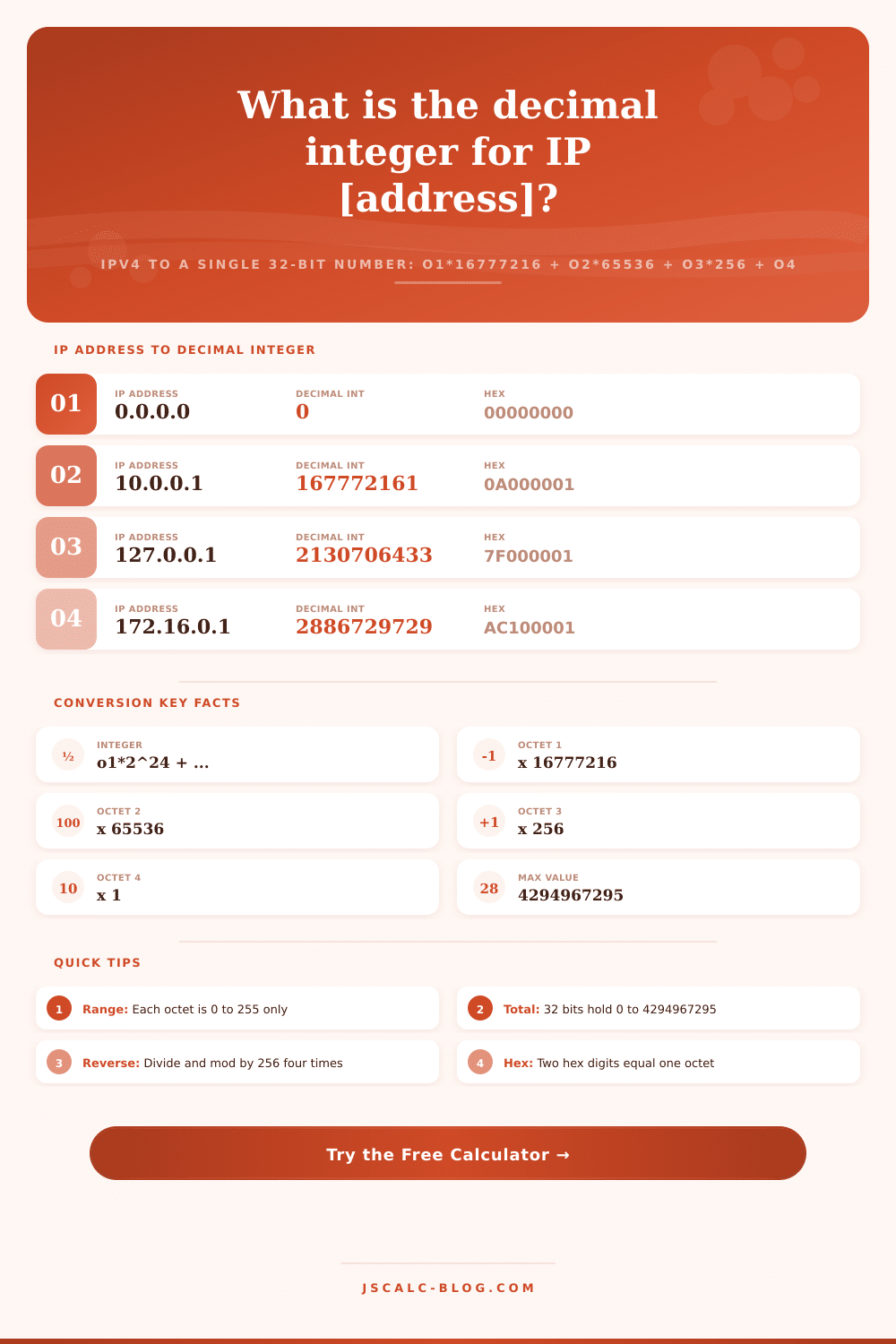
Turn a dotted IPv4 address into a single 32-bit decimal integer using o1 times 16777216 plus o2 times 65536 plus o3 times 256 plus o4, or reverse an integer back to dotted quad. Every result also shows the padded hexadecimal and octal forms that databases, GeoIP lookups, and some URLs store.
🔄Choose a Direction
🎯Real IP Address Presets
📝Conversion Inputs
Four octets o1.o2.o3.o4, most significant on the left.
Single unsigned integer packing all four octets.
Accepts an optional 0x prefix, for example 0xC0A80101.
Toggles the padded 8-digit hex card and rows.
Base-8 form of the same 32-bit integer.
Display case for output hex only.
Thousands separators on the decimal card.
🔢Place-Value Snapshot
📏Octet Place-Value Multipliers
| Octet Position | Power of Two | Multiplier | Range of Contribution |
|---|---|---|---|
| Octet 1 (leftmost) | 2^24 | 16777216 | 0 to 4278190080 |
| Octet 2 | 2^16 | 65536 | 0 to 16711680 |
| Octet 3 | 2^8 | 256 | 0 to 65280 |
| Octet 4 (rightmost) | 2^0 | 1 | 0 to 255 |
📊Sample IP to Integer Conversions
| IP Address | Decimal Integer | Hexadecimal | Meaning |
|---|---|---|---|
| 0.0.0.0 | 0 | 00000000 | Unspecified / any |
| 10.0.0.1 | 167772161 | 0A000001 | Private class A |
| 127.0.0.1 | 2130706433 | 7F000001 | Loopback |
| 172.16.0.1 | 2886729729 | AC100001 | Private class B |
| 192.168.1.1 | 3232235777 | C0A80101 | Home router |
| 8.8.8.8 | 134744072 | 08080808 | Google DNS |
| 255.255.255.0 | 4294967040 | FFFFFF00 | /24 subnet mask |
| 255.255.255.255 | 4294967295 | FFFFFFFF | Broadcast / max |
🛠Why the Integer Form Is Used
| Use Case | Stores As | Benefit |
|---|---|---|
| GeoIP range lookups | Integer start and end | Simple BETWEEN comparison |
| Database indexing | Unsigned 32-bit column | 4 bytes, fast sorting |
| Access control lists | Integer plus mask | Bitwise subnet checks |
| Legacy URLs | Single decimal number | http://2130706433 resolves |
| Sorting and dedup | Numeric key | Natural ascending order |
| Compact logging | One number per row | Less storage than text |
🗃Representation Comparison Grid
| Dotted IP | Decimal Integer | Hex (8 digit) | Octet Bytes | Octal | Typical Use |
|---|---|---|---|---|---|
| 0.0.0.0 | 0 | 00000000 | 0.0.0.0 | 0 | Any address |
| 10.0.0.1 | 167772161 | 0A000001 | 10.0.0.1 | 1200000001 | Private A |
| 127.0.0.1 | 2130706433 | 7F000001 | 127.0.0.1 | 17700000001 | Loopback |
| 192.168.0.1 | 3232235521 | C0A80001 | 192.168.0.1 | 30052000001 | Gateway |
| 192.168.1.1 | 3232235777 | C0A80101 | 192.168.1.1 | 30052000401 | Home router |
| 8.8.8.8 | 134744072 | 08080808 | 8.8.8.8 | 1002004010 | Public DNS |
| 172.16.0.1 | 2886729729 | AC100001 | 172.16.0.1 | 25404000001 | Private B |
| 255.255.255.255 | 4294967295 | FFFFFFFF | 255.255.255.255 | 37777777777 | Broadcast |
⚙Formula Breakdown
💡Conversion Accuracy Tips
When you type 192.168.1.1 into your browser, it works. But if you were to try to pass that exact same address into a database query it would feel clunky. While dotted notation makes it easy for humans to read an IP address underneath the hood, all the servers and routers is working with raw numbers. Those dots are actualy just a way to represent a single 32-bit integer. Routers and server know exactly what that number is immediately without having to parse punctuation.
To talk to lower-level layers of the network requires being able to translate back and forth between these two forms. Rather than have to do coefficient calculations yourself, the calculator will do it for you once you input individual octets. It’ll demonstrate how the individual part come together to form one long string of digits. An IPv4 address are made up of four bytes (also known as octets), each ranging from 0-255, separated by periods. Those four byte form 32 bits of information. That means there’s approximately 4.3 billion different possible values in total.
How IP Addresses Work Inside Computers
Represented as text, that becomes an issue for index and sort operations. It’s not clear at first glance whether 192.168.0.1 > 9.9.9.9, for instance, but the numerical difference are apparent. Representing the number as a single integer reestablishes the intuitive order. As explained based off the tool, this is because of how numbers are weighted, the left-most octet is most significant.
If you’re working with geolocation tables or log files, this kind of nuance can be important. Base-256 arithmetic is used in the conversion. Imagine this as how we count coins; each type of coin has a specific value. In this case, first octet holds the highest-value position, so it’s 16.7 million times what that octet is. The second is roughly 65 thousand times its value and the third is multiplied by 256. Finally, the fourth just gets added straight on.
Summing up those weighted values produces resulting integer. So if your router were set to 192.168.1.1, then the total would of be 3,232,235,777. These multipliers aren’t things you should memorize, but they explains why adjusting the first number will affect the total more than adjusting the last. To reverse this process we divide and use modulo to pull out the bytes, starting at the last byte on the right.
The reason this works is because binary data have a rigid format: each group of 8 bits (octets) forms a byte and there are exactly two hex digits per octet. In the converter, you can see hexadecimal representation, which is helpful when reversing the process because every two hex digits represent one octet. For example, C0A80101 allows an engineer to spot the network and host portions immediately, whereas the decimal integer might appear to be gibberish. Although systems tend to keep data in form of integers, hexadecimal is still commonly used for debugging due to its visual readability.
For example, it’s why this integer format are used practically in moddern systems. Country blocks are represented by both an integer start and end value in GeoIP databases which makes finding your location trivial without having to parse out strings. Bitwise math on these integers allow for efficient checks of whether subnets is inside access control lists. And some old web protocols just took raw numbers directly from URL bar (though not many people know about that anymore).
The page has a nice table of reference with various representations of commonly known addresses in decimal, hexadecimal, octal, and dotted formats. It illustrates how different systems represents the exact same data. An IP address is an example of converting between human understanding and machine efficiency. The dotted format let humans memorize DNS servers, gateway addresses, etc., while integer format lets computers do quick calculations on ranges to sort traffic.
Being familiar with both forms provide insight into what’s happening when traffic flows across networks. It transforms what would be an ordinary string of numbers into a plain picture of binary logic. You type in 192.168.1.1 at the keyboard and there’s your website, only now you know what all those numbers mean after they leaves your fingers.