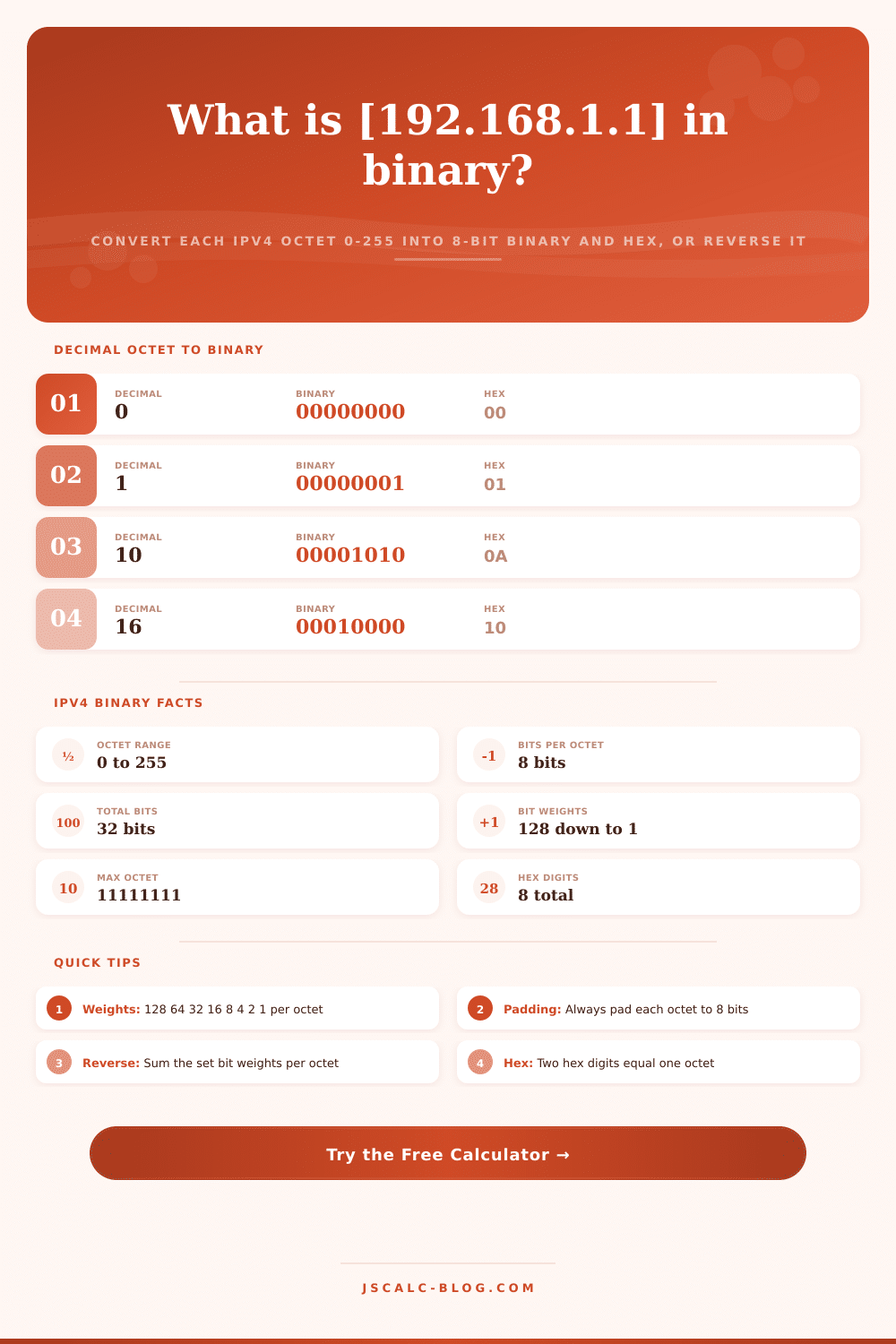
IP Address to Binary Converter
Convert a dotted decimal IPv4 address into four 8-bit binary octets, a continuous 32-bit string, and hexadecimal using the place-value weights 128, 64, 32, 16, 8, 4, 2, 1. Or flip to reverse mode and turn four binary octets back into a decimal IP, with a per-octet breakdown for every conversion.
🖥Choose a Direction
🎯Real Address Presets
📝Address Inputs
Four numbers separated by dots, such as 192.168.1.1. Each must be 0 to 255.
Enter up to 8 zeros and ones per box. Shorter entries are padded with leading zeros.
Controls how the binary output is spaced for readability.
Adds a per-octet and full 8-digit hex representation.
🔢Structure Snapshot
📏Bit Place Values in One Octet
| Bit Position | Place Value | Power of 2 | When Set (1) |
|---|---|---|---|
| Bit 7 (leftmost) | 128 | 2^7 | Adds 128 |
| Bit 6 | 64 | 2^6 | Adds 64 |
| Bit 5 | 32 | 2^5 | Adds 32 |
| Bit 4 | 16 | 2^4 | Adds 16 |
| Bit 3 | 8 | 2^3 | Adds 8 |
| Bit 2 | 4 | 2^2 | Adds 4 |
| Bit 1 | 2 | 2^1 | Adds 2 |
| Bit 0 (rightmost) | 1 | 2^0 | Adds 1 |
📊Decimal, Binary and Hex Reference
| Decimal | Binary Octet | Hex | Bits Set |
|---|---|---|---|
| 0 | 00000000 | 00 | 0 |
| 1 | 00000001 | 01 | 1 |
| 2 | 00000010 | 02 | 1 |
| 8 | 00001000 | 08 | 1 |
| 15 | 00001111 | 0F | 4 |
| 42 | 00101010 | 2A | 3 |
| 85 | 01010101 | 55 | 4 |
| 170 | 10101010 | AA | 4 |
| 200 | 11001000 | C8 | 3 |
| 255 | 11111111 | FF | 8 |
🧩Common Networking Octet Values
| Decimal | Binary Octet | Hex | Where It Appears |
|---|---|---|---|
| 0 | 00000000 | 00 | Network base, wildcard |
| 1 | 00000001 | 01 | First usable host |
| 127 | 01111111 | 7F | Loopback block start |
| 128 | 10000000 | 80 | Top bit of a /1 split |
| 192 | 11000000 | C0 | Private 192.168 prefix |
| 224 | 11100000 | E0 | Multicast range start |
| 240 | 11110000 | F0 | /28 subnet mask octet |
| 255 | 11111111 | FF | Broadcast, full mask |
🗃Address Conversion Comparison Grid
| Decimal IP | Dotted Binary | Hex | Bits Set | Type |
|---|---|---|---|---|
| 0.0.0.0 | 00000000.00000000.00000000.00000000 | 00000000 | 0 | This host |
| 127.0.0.1 | 01111111.00000000.00000000.00000001 | 7F000001 | 8 | Loopback |
| 10.0.0.1 | 00001010.00000000.00000000.00000001 | 0A000001 | 3 | Private A |
| 172.16.0.1 | 10101100.00010000.00000000.00000001 | AC100001 | 6 | Private B |
| 192.168.1.1 | 11000000.10101000.00000001.00000001 | C0A80101 | 7 | Private C |
| 8.8.8.8 | 00001000.00001000.00001000.00001000 | 08080808 | 4 | Public DNS |
| 1.1.1.1 | 00000001.00000001.00000001.00000001 | 01010101 | 4 | Public DNS |
| 169.254.1.1 | 10101001.11111110.00000001.00000001 | A9FE0101 | 13 | APIPA link |
| 255.255.255.0 | 11111111.11111111.11111111.00000000 | FFFFFF00 | 24 | /24 mask |
| 255.255.255.255 | 11111111.11111111.11111111.11111111 | FFFFFFFF | 32 | Broadcast |
⚙Formula Breakdown
💡Binary Conversion Tips
Your computer masks the workings beneath in tidy dots and digits. You don’t often look directly at IP addresses for what they actualy are. But there’s a strict grid of thirty-two binary bits behind that friendly 192.168.1.1: a series of four octets that switches and routers parses as nothing but on or off signals.
Why would someone convert the decimals back into binary? Of course, it is to understand precisely how an address is laid out at its physical level. This tool rips off the veil of decimal numbers, revealing bare bit patterns underneath. It will also translate them from dot-separated octets to contiguous string representations, explain each step along the way, and show them as either hexadecimal or straight-up binary.
How IP Addresses Work in Binary
An IPv4 address consist of thirty-two bits. To make these number human readable, we divide them into four groups of eight bits (octets) each. Then, we translate those octets as a series of decimal values between zero and two hundred fifty-five. Because of that translation, you’ll never encounter an octet greater than two hundred fifty-five. Why? The simple answer is that eight binary digits simply can not be counted beyond two hundred fifty-five without spilling over into the next digit.
This make all the difference when considering the size of address space itself. It contain a little more than four billion possible combinations. This is why you are viewing the boundaries of the protocol in binary. It’s just that basic place value math. All those bits in an octet are powers of two: one hundred twenty-eight, then sixty-four, then thirty-two, etc., down to one.
So let’s say we have one hundred ninety-two. Does one hundred twenty-eight fit? Yes! Subtract off one hundred twenty-eight, and then the next weight (sixty-four). That divide too. But the remainder is zero, so everything below that become a binary zero. And there you have it: 11000000. For any number between zero and two hundred fifty-five, this subtraction process will work.
With a little practice, you’ll be able to memorize those eight weights, and you can do the conversion of most common octet right in your head, no calculator required. Converting binary back into decimal works in reverse. Simply sum all the place values for each set bit. For example, if you have an octet that’s 10101000, add eight plus thirty-two plus one hundred twenty-eight. That’s one hundred sixty-eight.
The calculator will perform that math on-the-fly and pad any short inputs with leading zeros to ensure each octet is precisely eight-bits wide. It’ll even strip out non-binary characters if you try pasting some sloppy text from a log file, it’ll keep the math clean even if yours isn’t. That can save a lot of time if you’re debugging packet captures or configuration files.
If you think of binary as representing values the way machines see them, then hexadecimal is right in the middle between humans and machines. Every byte (or “octet”) of data has eight bits; these split naturaly into pairs of four bits called nibbles. Each nibble then corresponds to a single hex digit, the number zero through nine plus six letters: A, B, C, D, E and F. For example, 192 is C0, and 192.168.1.1 can be represented as C0A80101, a complete IP address shrunken down to its smallest possible size. When you see any string of numbers in a log file or software interface, it is easy to see that they represents the exact same thing regardless of their form.
With this, you can turn the hex display on and off as needed. Sometimes you might only care about the underlying structure of the bits themselves, so turning the hex off would help you focus there. At other times, you’ll want that space-saving version for a brief reminder. How do you present this? The format makes a difference.
If you want something that’s like decimals, dotted binary will line up the octets and mirror the same structure. If you prefer to see the hex representation laid out more clearly, spaced nibbles puts a space between every nibble within an octet. And if you need to strip out everything except the actual data, perhaps so you can program with it, or compare raw bit patterns, continuous strings does just that: removes everything but the bits. None of these alter the data itself; they merely alter how you choose to present it to your eyes.
Do you need to teach a class? Do you need to debug a script? You might need to figure out where a subnet boundary lies. That determines what view is best for you. Subnetting is where knowing your binary IP addresses comes into play. The subnet mask determine the leading bits that define the network portion of the address. In binary, these bits show exactly where the network part ends and the host part starts. Twenty four ones and then eight zeros equals a subnet mask of 255.255.255.0. So that’s a /24 prefix.
Looking at a mask and comparing it bit-by-bit to an address will tell you what other hosts uses the same network and how many addresses there is in that segment. Get used to reading those bits, and subnet math will turn from rote memorization into logical reasoning. Abstract numbers become clear boundaries as you stop guessing ranges and start seeing the structure.