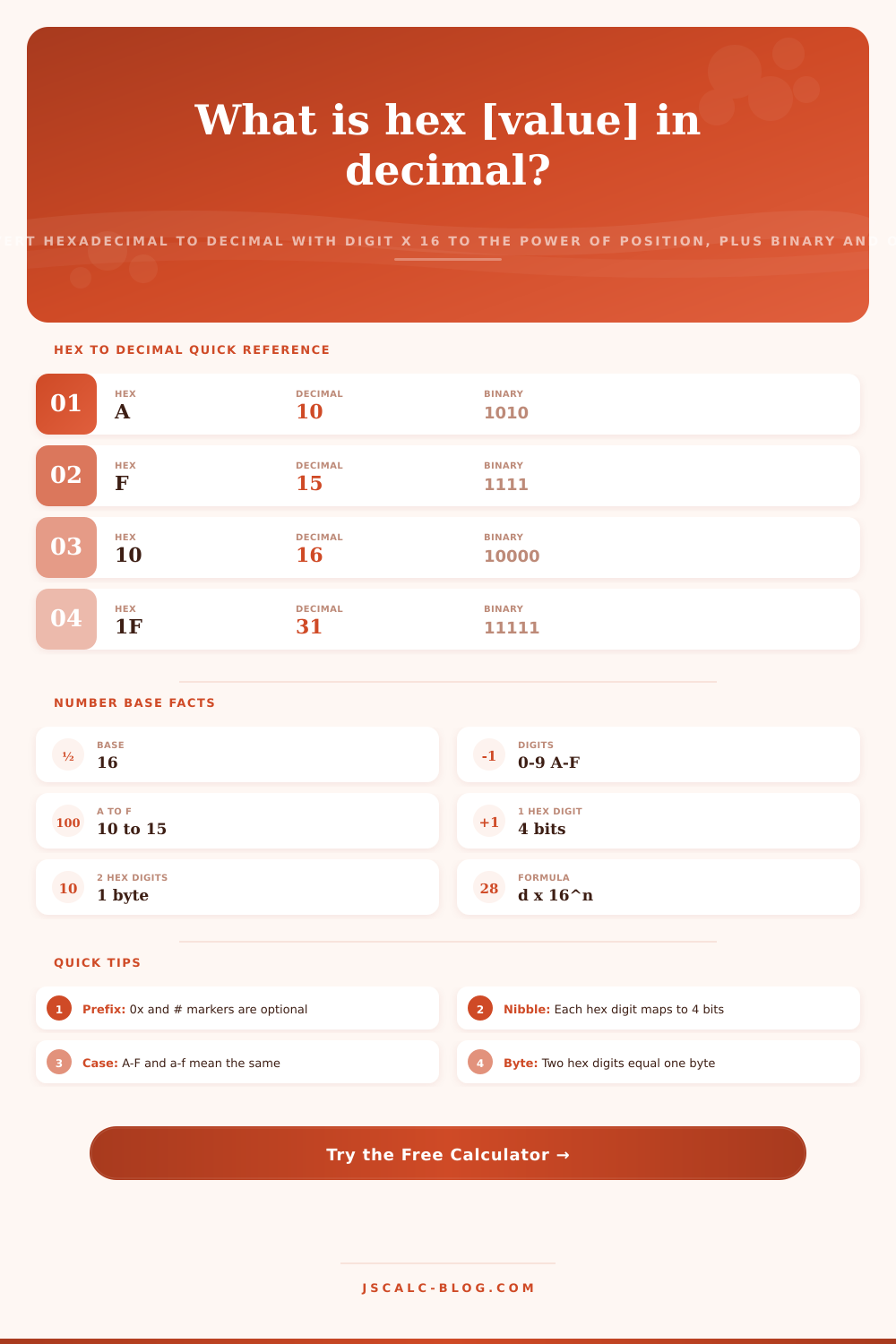
Hexadecimal to Decimal Calculator
Convert any hexadecimal value to a decimal number using the positional rule digit × 16 to the power of its place. Enter a hex string with or without a 0x prefix and see the full expansion, plus the binary nibbles, octal value, digit count and byte width all at once.
🎯Real Hex Value Presets
📝Hexadecimal Input
Digits 0-9 and A-F. An optional 0x, 0X, or # prefix is allowed and ignored.
Changes only how the hex is shown; the value is the same.
Nibble grouping lines each hex digit up with 4 bits.
Used for the padded note and range check.
Controls the digit-by-digit breakdown panel.
Applies to the decimal result card only.
🔢Base and Formula Snapshot
📋Hex Digit to Decimal and Binary Map
| Hex Digit | Decimal Value | Binary Nibble | Octal |
|---|---|---|---|
| 0 | 0 | 0000 | 0 |
| 1 | 1 | 0001 | 1 |
| 2 | 2 | 0010 | 2 |
| 3 | 3 | 0011 | 3 |
| 7 | 7 | 0111 | 7 |
| 8 | 8 | 1000 | 10 |
| 9 | 9 | 1001 | 11 |
| A | 10 | 1010 | 12 |
| C | 12 | 1100 | 14 |
| F | 15 | 1111 | 17 |
📊Place Value Powers of 16
| Position n | Power 16^n | Decimal Weight | Max Digit Adds |
|---|---|---|---|
| 0 | 16^0 | 1 | F = 15 |
| 1 | 16^1 | 16 | F = 240 |
| 2 | 16^2 | 256 | F = 3,840 |
| 3 | 16^3 | 4,096 | F = 61,440 |
| 4 | 16^4 | 65,536 | F = 983,040 |
| 5 | 16^5 | 1,048,576 | F = 15.7M |
| 6 | 16^6 | 16,777,216 | F = 251M |
| 7 | 16^7 | 268,435,456 | F = 4.0B |
🗃Hex to Decimal Comparison Grid
| Hex | Decimal | Binary | Octal | Bytes | Common Use |
|---|---|---|---|---|---|
| A | 10 | 1010 | 12 | 1 | Single digit |
| F | 15 | 1111 | 17 | 1 | Max nibble |
| 10 | 16 | 1 0000 | 20 | 1 | Base rollover |
| FF | 255 | 1111 1111 | 377 | 1 | Max byte |
| 100 | 256 | 1 0000 0000 | 400 | 2 | 256 boundary |
| 7FFF | 32,767 | 0111...1111 | 77777 | 2 | Signed 16-bit max |
| FFFF | 65,535 | 1111...1111 | 177777 | 2 | Max word |
| C0FFEE | 12,648,430 | 1100...1110 | 60177756 | 3 | Debug marker |
| DEADBEEF | 3,735,928,559 | 1101...1111 | 33653337357 | 4 | Memory sentinel |
| FFFFFFFF | 4,294,967,295 | 1111...1111 | 37777777777 | 4 | Max 32-bit |
🎨Hex Color Codes to Decimal Channels
| Hex Color | Red | Green | Blue | Meaning |
|---|---|---|---|---|
| FFFFFF | 255 | 255 | 255 | White |
| 000000 | 0 | 0 | 0 | Black |
| FF0000 | 255 | 0 | 0 | Pure red |
| 00FF00 | 0 | 255 | 0 | Pure green |
| 0000FF | 0 | 0 | 255 | Pure blue |
| CF4A26 | 207 | 74 | 38 | Vermillion |
| 808080 | 128 | 128 | 128 | Mid gray |
⚙Formula Breakdown
💡Hex Conversion Tips
Computers are binary creatures, meaning they think in ones and zeros, but staring at sixty-four consecutive ones and zeros is a terrible waste of an afternoon. Enter: hexadecimal. It is a designer’s or engineer’s shorthand for keeping themselves (reasonably) sane. But if they want to see what that shorthand realy represents in terms of sheer magnitude, they’ve got to convert it back into decimal system. This calculator fills the gap between those two places, converting a string of characters such as 1A2B into a plain old number and displaying the math involved along the way. Though it does all this instantaneously, knowing why we do it here is more important than simply getting there.
The central concept here are called positional weight. That means that every position in your number have a linked weight, which is the corresponding power of your chosen base. So if we use the common decimal (base 10) system, then each digit position corresponds to a multiple of 10. If you’re using hexadecimal (base 16), then each digit position correspond to a multiple of 16. Each hex digit is multiplied by 16 to the power of its position counting from right to left and the results are summed. The letters A-F are just shorthand for the digits 10-15.
How Hexadecimal Works
It’s a clever encoding for information, but it hides how big that actual number is from untrained eye. That’s why the conversion comes in handy. You’ll encounter a memory address or a color code. Without knowing anything about the number itself, you won’t know what that number actualy matches in the real world until you convert it into base ten.
To begin, pick a little bit, anything. Let’s go with 2F. It has an F in the ones place; that’s worth 15. It has a 2 in the sixteens place (there are no higher places), which is worth 32. Put those two together: 47. Now scale that up to a complete byte, FF: that’s 15*16 + 15*1, or 255. That’s the largest number one byte can represent.
If you check out some of the bigger numbers such as DEADBEEF, used as a debug marker in code because it spells words while still being a proper hex number, or C0FFEE, the decimal versions leap off into the billions or even millions. You get a sense of just how big they are from seeing those numbers.
Beyond the decimal output, it also gives you the binary representation. This includes the grouping into four-bit nibbles. This reinforces the connection between hex and machine code. Each hex digit always map to exactly four bits. That’s what makes hex such a handy notation for working with binary number. It also outputs the octal form (with bits grouped in threes) along with the hex and binary forms. While octal isn’t as widely used these days, it still crops up occasionally: in Unix file permissions, for example, or in some old system documentation. Seeing all three of these representations together lets you visualize how the same number can be viewed differently depending on your choice of math lens.
The prefix is optional. If you include one, such as 0x before a hex number in code or # when viewing colors in web design, the calculator will remove the marker for you and simply work with the numbers. Likewise, it doesn’t care about upper or lower case letters; an ‘a’ is just as good as an ‘A’. For outputting your binary, you have the choice of grouping it by bytes (for an 8-bit view) or nibbles (matching the hex digits). This allows you to configure your results to suit standard you’re following.
Byte width is important because it tells you about the constraining hardware. A byte is made of two hex digits. A word (common in older systems) are made of two bytes or four hex digits. Four bytes is a full 32-bit integer and is eight hex digits. This way when checking registers or packing data into them, you know whether your data will fit without overflowing. It also lets you see how your number compares to other numbers in computer memory by showing where it falls in the hierarchy. You can see this charted out with single nibbles to max 32-bit integers on the bottom of the page. This lets you make quick guesses as to where your number lies.
Hex is what we all use all the time without realizing it. Web colors use six hex digits total, with two digits for red, green, and blue. White is FFFFFF because that’s all three channels at full brightness (each channel can have a value from 0, 255). Other lower values produce darker shades. Converted to decimal, they becomes simply numbers expressing how bright something is. That makes the code come alive: it goes from an abstract representation to something concrete. If you’re troubleshooting a log file or trying to mix colors for a design project, knowing how to turn hex into decimal lets you understand the guts of the information. The math should of been done by the calculator, but your understanding of the positional system puts the answer in perspective so you know what it means.