Binary to Hexadecimal Calculator
Convert any binary number to hex the fast way: pad the bits on the left to a multiple of four, split the string into 4-bit nibbles, and map each nibble straight to a single hex digit using the fixed 0000-1111 to 0-F table. No powers-of-16 arithmetic required.
📌Real Binary Presets
📝Binary Input and Options
Spaces are ignored, so you may type 1101 0110 or 11010110.
Nibble grouping needs the length to be a multiple of 4.
Only affects how the grouped binary is displayed.
Turn off for lowercase a-f as used in CSS and web colors.
Displays each 4-bit block beside the hex digit it becomes.
Formats output as 0xD6 in the style of most code.
Nibble Grouping Map
🔢Method Snapshot
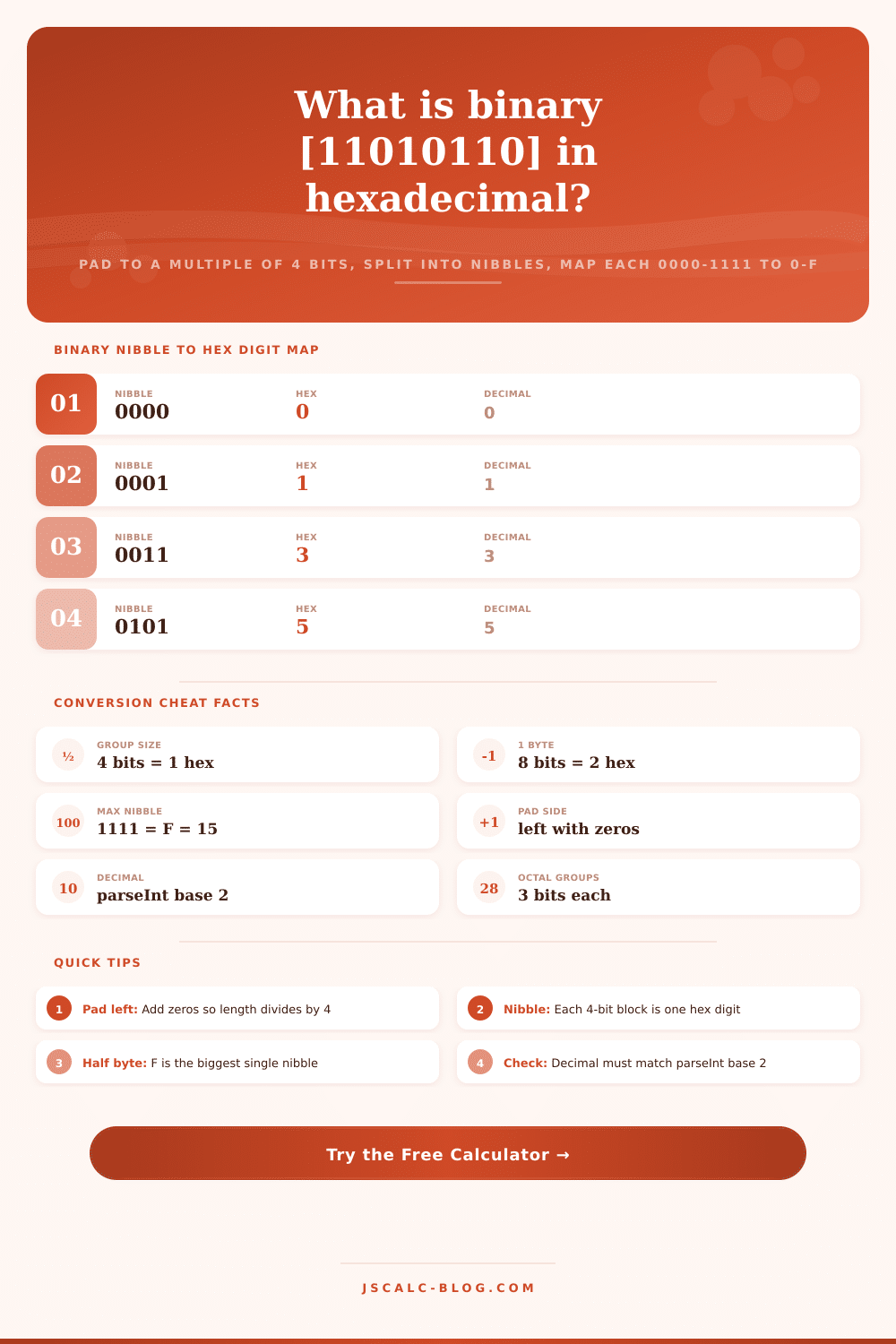
🗺Full Nibble to Hex Map (0000-1111)
| Binary Nibble | Hex Digit | Decimal | Octal |
|---|---|---|---|
| 0000 | 0 | 0 | 0 |
| 0001 | 1 | 1 | 1 |
| 0010 | 2 | 2 | 2 |
| 0011 | 3 | 3 | 3 |
| 0100 | 4 | 4 | 4 |
| 0101 | 5 | 5 | 5 |
| 0110 | 6 | 6 | 6 |
| 0111 | 7 | 7 | 7 |
| 1000 | 8 | 8 | 10 |
| 1001 | 9 | 9 | 11 |
| 1010 | A | 10 | 12 |
| 1011 | B | 11 | 13 |
| 1100 | C | 12 | 14 |
| 1101 | D | 13 | 15 |
| 1110 | E | 14 | 16 |
| 1111 | F | 15 | 17 |
🗄Binary to Hex Comparison Grid
| Binary (grouped) | Nibbles | Hex | Decimal | Bytes | Note |
|---|---|---|---|---|---|
| 1111 | 1 | F | 15 | 0.5 | Max nibble |
| 1 0000 | 2 | 10 | 16 | 1 | Pads to 0001 0000 |
| 1010 1010 | 2 | AA | 170 | 1 | Alternating bits |
| 1101 0110 | 2 | D6 | 214 | 1 | Worked example |
| 1111 1111 | 2 | FF | 255 | 1 | Full byte max |
| 1 0000 0000 | 3 | 100 | 256 | 1.5 | Pads to 12 bits |
| 1101 1110 | 2 | DE | 222 | 1 | Start of DEAD |
| 1100 1010 1111 1110 | 4 | CAFE | 51966 | 2 | Two-byte word |
| 1111 1111 1111 1111 | 4 | FFFF | 65535 | 2 | Max 16-bit |
🌐Common Byte Patterns and Uses
| Grouped Binary | Hex | Decimal | Where You See It |
|---|---|---|---|
| 0000 0000 | 00 | 0 | Null byte, black channel |
| 0000 1010 | 0A | 10 | Line feed newline |
| 0010 0000 | 20 | 32 | Space character |
| 0100 0001 | 41 | 65 | ASCII capital A |
| 0111 1111 | 7F | 127 | Delete, ASCII limit |
| 1000 0000 | 80 | 128 | High bit set |
| 1111 1111 | FF | 255 | Full color channel |
⚙Nibble Grouping Method Breakdown
💡Nibble Conversion Tips
This page’s binary to hexadecimal converter is realy just a nibble grouping trick, pad your binary string, cut it up into chunks of 4-bits, replace that chunk with a hex symbol. That’s because there are exactly 16 different combinations of four bits which coincidentally corresponds to one hex digit. The computer does all the work for us so we can observe its process.
Why is there such a thing as Hexadecimal? Because we can’t easily read raw binary. The byte above are 11111111 which is eight characters. In hex that’s FF. Why is this helpful? It turns out it’s mathematically convenient.
How the Binary to Hex Converter Works
Hex is based on sixteen (hexa-); binary is based on two (bi-). And sixteen is two raised to the fourth power. So each hex character are really a set of four binary digits. And there’s never any carry or rounding from one group to another. This way, hex provide easy reading without losing clarity.
Here’s how the calculator works: You type in a number like 11010110 or 1101 0110. The calculator removes any spaces and verifies that all characters is ones and zeros. It also checks that only digits zero and one remain. After this, it pads the number with zeros at the beginning until there are a total of four characters (because you has to have complete groups to make nibbles). Then it breaks string into chunks of four bits (from left to right) and searches through a table to find the equivalent of 0000 = 0 and 1111 = F, joining the digits back together. There’s no complicated math involved.
For example, if we look at the binary number 11010110, it is already padded out to eight bits which means we don’t need any padding. If we split it up into two nibbles, they would be 1101 and 0110. Looking at the map, 1101 maps to D and 0110 maps to 6, so the result is D6. The calculator also verifies this by computing the decimal value using parseInt in base two. It converts it using parseInt with a base of two, resulting in 214. This is same value as 0xD6 (also 214). Since both confirmations match, you know that the result must be correct. This confirmation happen for all conversions so you don’t have to blindly trust the tool.
When you do it by hand people tend to get the padding directions mix up. It doesn’t matter if you add zeroes to the left or right (07 is still seven). You take your six bit number 101101 and make it 0010 1101. Now we have an eight-bit number that splits easily into two parts. If you pad on the right, the value changes, which means your answer are incorrect. The calculator will tell you how many zeroes were added. It always adds them to the left, which preserves accuracy of the original number and converts it into whole nibbles.
Four result cards is shown for every conversion. The first card is the hexadecimal result, optionally prefixed with a 0x. The second card is binary result, padded and grouped into nibbles, so that you can see them as well. The third card confirms mapping by showing decimal value. The fourth card shows a count. It lists number of bytes and nibbles in the result, since there are always two hex digits per byte.
Underneath those cards is a panel that lays each four-bit block beside the hex digit it became. There is also breakdown list. It contains the cleaned up input, the padding, the grouped nibbles, and the octal value. You can also use controls for various contexts, such as padding up to a full byte rather than just multiples of four. This is useful if your output should align on byte boundaries. Use a space, dot, or nothing between nibbles in the displayed output. Toggle between upper and lower case A-F/a-f (common for specifying web colors). Add the 0x prefix seen in many programming languages. All of these alter appearance but not the value.
Computers do this sort of thing all the time. Because it’s easy to have six digits represent red, green and blue color values, web colors come in sets of six hex digits (magenta = FF00FF). Similarly, since there are two nibbles in every byte, memory dumps display bytes as two hex characters. Each hex digit then take up four bits. That’s why you can read codes like DEADBEEF, because each character is just four bits. Ditto for character codes: the letter A = 41 in hex.
The patterns on this page are loaded by clicking the preset buttons, allowing you to see what the method does with some familiar values. Unlike other calculators, it doesn’t need to use powers-of-sixteen arithmetic for binary-to-hex conversion. Typically, conversion to decimal involve summing the bits, each multiplied by its power of two. Base sixteen corresponds directly with sets of four bits. Because of this, the converter don’t have to do that math. In this case, grouping matter more then multiplying. That’s where the nibble map comes in; just set a starting value from the presets, edit the bit values, then hit the button and out pops result. It makes reading ones and zeros easy.
It should of been easier before.