Binary to Decimal Calculator
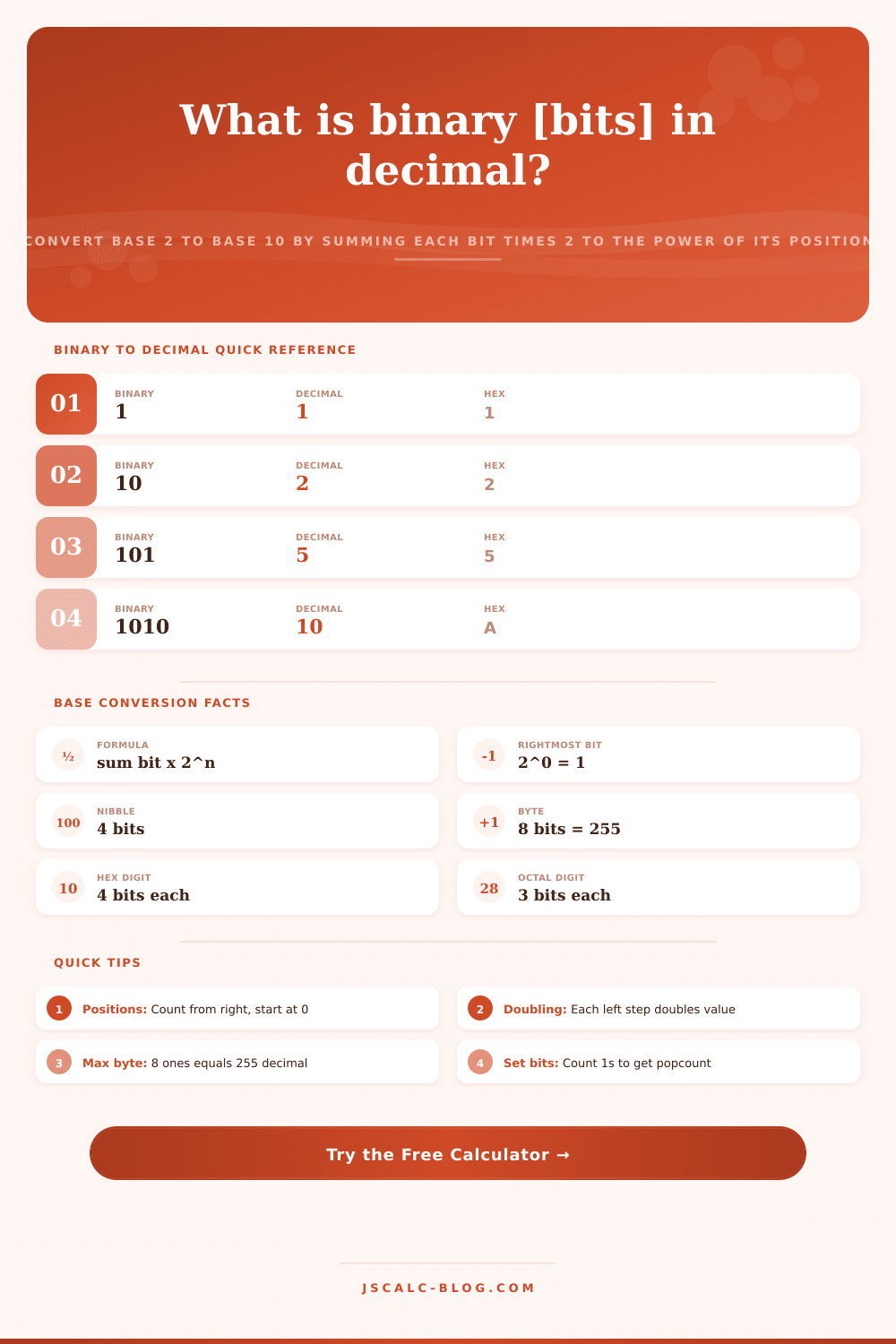
Convert any binary number (base 2) to decimal (base 10) by summing each bit multiplied by 2 raised to the power of its position. See the full positional expansion bit by bit, plus the value in hexadecimal and octal, the bit length, and the number of set bits, with optional two's complement signed reading.
🎯Real Binary Value Presets
🔢Binary Input and Options
Enter up to 52 bits. Spaces are ignored, so 1010 1100 is read as 10101100.
Unsigned is the standard reading; signed treats the top bit as negative.
Only used when interpret is set to signed two's complement.
Spacing the displayed bits makes long strings easier to read.
Lists each 1-bit as its positional power of two before summing.
Adds leading zeros so a byte reads as two hex digits.
🧮Place Value Snapshot
📏Powers of Two Place Values
| Position n | Power 2^n | Decimal Value | Bit Weight Meaning |
|---|---|---|---|
| 0 | 2^0 | 1 | Ones place, rightmost bit |
| 1 | 2^1 | 2 | Twos place |
| 2 | 2^2 | 4 | Fours place |
| 3 | 2^3 | 8 | Eights place, high nibble bit |
| 4 | 2^4 | 16 | Sixteens place |
| 5 | 2^5 | 32 | Thirty-twos place |
| 6 | 2^6 | 64 | Sixty-fours place |
| 7 | 2^7 | 128 | Top bit of a byte |
| 8 | 2^8 | 256 | Ninth bit, low bit of high byte |
| 9 | 2^9 | 512 | Tenth bit |
📋Common Binary Values Decoded
| Binary | Expansion | Decimal | Meaning |
|---|---|---|---|
| 1011 | 8 + 0 + 2 + 1 | 11 | Sample number eleven |
| 1111 | 8 + 4 + 2 + 1 | 15 | Full 4-bit nibble |
| 10000 | 16 | 16 | Single high bit |
| 101010 | 32 + 8 + 2 | 42 | Alternating pattern |
| 1000001 | 64 + 1 | 65 | ASCII capital A |
| 10101010 | 128+32+8+2 | 170 | Alternating byte |
| 11000000 | 128 + 64 | 192 | Common IP octet |
| 11111111 | 128+...+1 | 255 | Maximum byte value |
🗃Base Cross-Reference Comparison Grid
| Binary | Decimal | Hex | Octal | Bits | Note |
|---|---|---|---|---|---|
| 1 | 1 | 1 | 1 | 1 | Smallest positive bit |
| 10 | 2 | 2 | 2 | 2 | Base two itself |
| 1010 | 10 | A | 12 | 4 | Decimal ten, hex A |
| 1111 | 15 | F | 17 | 4 | Nibble maxes out |
| 10000000 | 128 | 80 | 200 | 8 | Byte sign bit |
| 11111111 | 255 | FF | 377 | 8 | Full byte, all ones |
| 100000000 | 256 | 100 | 400 | 9 | One past a byte |
| 1111111111 | 1023 | 3FF | 1777 | 10 | 10-bit maximum |
| 1000000000000000 | 32768 | 8000 | 100000 | 16 | 16-bit sign bit |
| 1111111111111111 | 65535 | FFFF | 177777 | 16 | 16-bit maximum |
📈Bit Width Ranges and Limits
| Width | Name | Unsigned Max | Signed Range |
|---|---|---|---|
| 4 bits | Nibble | 15 | -8 to 7 |
| 8 bits | Byte | 255 | -128 to 127 |
| 16 bits | Short | 65535 | -32768 to 32767 |
| 32 bits | Int | 4294967295 | -2.15B to 2.15B |
| 10 bits | Word | 1023 | -512 to 511 |
| 12 bits | ADC | 4095 | -2048 to 2047 |
⚙Formula Breakdown
💡Binary Conversion Tips
Binary (a.k.a. “base-2“) uses nothing but ones and zeroes, and computers speak this language. At least it makes sense once you get used to it. Digital devices of all kinds counts in base two, but we’re so used to decimal that it’s weird for us to see our numbers expressed another way.
There’s no magic here; converting from one to the other is simple arithmetic. And it works both ways: the calculator above does math immediately while displaying entire bit-by-bit breakdown. See? That’s how those switches add up to something you recognize.
How Binary Numbers Work
(It will cross-reference the output as an octal and a hex number, too. This is handy if you’re learning network protocols or debugging code. Binary operates with same positional principles of decimal except using different values. Decimal has powers of ten while binary have powers of two. The columns read right to left. Each one is: 1, 2, 4, 8, 16 respectively. When there’s a one in a column, you include that number. If there’s a zero, you don’t include anything. It’s like flipping a switch. Only what’s flipped on matters towards the overall brightness. The calculator shows this with list of all the powers of two corresponding to any bits that is turned on. It’s helpful because it makes an otherwise abstract string of numbers into basic addition problem.
Binary is hard for many folks to grasp because there’s an attempt to memorize lots of things rather than identify patterns. A nibble consist of four bits. It is a perfect match to a single hexadecimal digit. A byte (the basic element of computer memory) consists of eight bit. And if you know that eight ones = 255, then you can get a quick idea about what something might be worth without having to compute all those powers. So you can group your bits accordingly so that long sequences becomes human-readable. That’s also why hex is often used in programming. It reduces the number of bits being represented by a factor of four while still making it easy to translate back to the underlying bits.
One twist that confuses newcomers is signed numbers. How are negative numbers represented? Turns out, computers do it using something called “two’s complement“, which shifts the meaning of highest bit. For example, if you have an eight-bit number, the high bit now mean minus 128, not plus 128. So 11111111 isn’t 255, it’s minus one. Yep. This is what the calculator does. It has a switch for that kind of reading. Notice how the same series of bits get interpreted differently as a positive number (unsigned) or a negative number (signed)? This is key to understanding why people talk about things being “signed” and “unsigned” integers when they’re dealing with fixed-width data types in Rust or C.
This conversion has all sorts of practical applications. Network engineers decode IP addresses where each octet are a byte. RGB colors used by web designers is frequently specified in hex. Even basic ASCII codes use this base-two system. To give you some instant context for these numbers, the tool loads several popular examples such as typical network address or even the letter A. From there, you can choose to pad the output to fill out the entire byte width and also switch the display to include signed values. It’s a great way to close the gap between the theoretical math and something you actualy use day-to-day, much like how data looks when dumped from memory.
Hand conversion can still be useful to get used to. You can also just double the running total for each bit from left to right. Begin with 0, double it, then add the current bit. Do that for all digits. There’s no need to calculate big exponents. All you’re doing is multiplying and adding small numbers. That lets you see more clearly how binary numbers blow up exponentially. If you look at the powers in those tables of references, they makes it clear. Those are a cheat-sheet until you internalize their patterns.
The bottom line: Binary is simply one way to represent numbers. When you break down how each digit represents a weight based off position. Along with byte and nibble groups, the system makes sense instead of seeming like some strange voodoo. The calculator doesn’t replace the need to understand these concepts; it reinforces them by making the invisible structure visible. If you’re a dev trying to figure out which register stores a piece of data, or if you’re a student studying computer science, breaking it down helps clarify why it’s done this way. You should of seen how easy it is once you practice. It explains a confusing string of zeroes and ones and makes it easy to understand. This demonstrates that even the most advanced digital technologies are built upon basic math principles.