Bitwise AND Calculator
Compute A AND B where each output bit is 1 only when BOTH input bits are 1. Enter operands in decimal, binary, or hex, see the bit-by-bit column alignment, read the result in every base, and use B as a mask to isolate or clear bits.
🔓Masking & AND Presets
🔢Operands
The first value. Enter it in the base you pick beside it.
How to read A. Binary uses 0 and 1; hex uses 0-9 and A-F.
The second value. Treat it as a mask to keep only chosen bits.
How to read B. Masks are often written in hex like 0x0F.
Padding width for the binary column view only.
Spaces every 4 or 8 bits make long binary easier to read.
Displays the aligned A, B, and result columns.
Adds a report of which bits of A survive the mask.
🧮1-Bit AND Truth Table
| Bit A | Bit B | A AND B | Meaning |
|---|---|---|---|
| 0 | 0 | 0 | Both off, stays off |
| 0 | 1 | 0 | One off, cleared |
| 1 | 0 | 0 | One off, cleared |
| 1 | 1 | 1 | Both on, survives |
🧰Formula Snapshot
📋Common AND Masks Reference
| Mask (hex) | Binary (8-bit) | Purpose | Example |
|---|---|---|---|
| 0x01 | 0000 0001 | Test bit 0 / parity | 13 & 0x01 = 1 |
| 0x0F | 0000 1111 | Keep low nibble | 0xAB & 0x0F = 0x0B |
| 0xF0 | 1111 0000 | Keep high nibble | 0xAB & 0xF0 = 0xA0 |
| 0x7F | 0111 1111 | Clear the top bit | 200 & 0x7F = 72 |
| 0x80 | 1000 0000 | Test the sign bit | 255 & 0x80 = 128 |
| 0xFF | 1111 1111 | Isolate low byte | 0x12FF & 0xFF = 0xFF |
| 0x03 | 0000 0011 | Keep low 2 bits | 14 & 0x03 = 2 |
| 0xFE | 1111 1110 | Force even / clear bit 0 | 13 & 0xFE = 12 |
🗃AND Comparison Grid
| A | B | A AND B (dec) | Binary | Hex | Use Case |
|---|---|---|---|---|---|
| 171 | 0x0F | 11 | 0000 1011 | 0x0B | Keep low nibble |
| 171 | 0xF0 | 160 | 1010 0000 | 0xA0 | Keep high nibble |
| 12 | 10 | 8 | 0000 1000 | 0x08 | Common bits only |
| 255 | 128 | 128 | 1000 0000 | 0x80 | Test top bit |
| 13 | 1 | 1 | 0000 0001 | 0x01 | Odd number check |
| 14 | 1 | 0 | 0000 0000 | 0x00 | Even number check |
| 170 | 85 | 0 | 0000 0000 | 0x00 | No shared bits |
| 65535 | 0xFF | 255 | 1111 1111 | 0xFF | Isolate low byte |
| 200 | 0x7F | 72 | 0100 1000 | 0x48 | Clear top bit |
| 7 | 4 | 4 | 0000 0100 | 0x04 | Isolate bit 2 |
📐Bit Position Values (Powers of Two)
| Bit index | Value (dec) | Hex | Binary flag |
|---|---|---|---|
| 0 | 1 | 0x01 | 0000 0001 |
| 1 | 2 | 0x02 | 0000 0010 |
| 2 | 4 | 0x04 | 0000 0100 |
| 3 | 8 | 0x08 | 0000 1000 |
| 4 | 16 | 0x10 | 0001 0000 |
| 5 | 32 | 0x20 | 0010 0000 |
| 6 | 64 | 0x40 | 0100 0000 |
| 7 | 128 | 0x80 | 1000 0000 |
⚙Formula Breakdown
💡Practical Masking Tips
In computing terms, the AND function is a strict form of logical calculation. Imagine it’s like a gatekeeper who poses one simple question for each bit position: Are both these things present in this position? If so, then we keep the bit on; if not, we turns it off. Because it is binary demand, the AND operator has some uses when you want to isolate individual bits or clear out unwanted information.
Try typing in any two numbers in calculator above and watch as it filters out noise, leaving just signal that’s common between the two number. And here’s how it works: Zero AND zero = zero; zero AND one = zero; one AND zero = zero; and one AND one = one. Anything except a 1 or a 0 in either input produce zero. That means no matter how many zeroes and ones goes into this operation, none come out that weren’t present in both of the inputs. It only retains what they have in common.
How Bitwise AND Works
And this fact is why developers use it for masking. They create a secondary number, called a mask. And put a one wherever they want something preserved and a zero elsewhere. When you AND your data based off that mask, all those ones will pass through your original bits unscathed while all those zeros turns everything else into nothing. It is a perfect tool for reducing data.
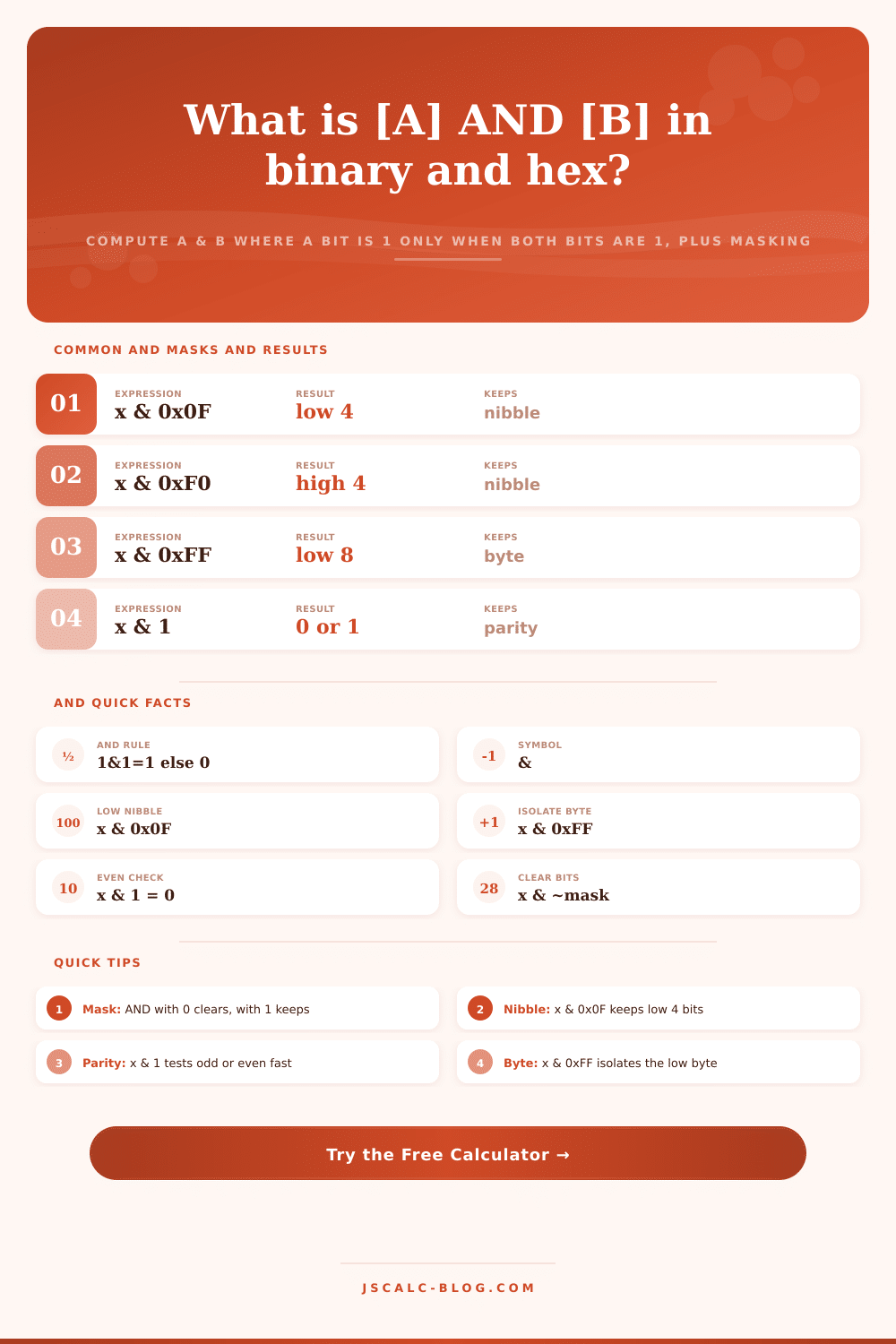
Now let’s think about the lower four bits of a byte. They’re often called a nibble. How would we isolate those? Simply AND the value with 0x0F. That’s because in binary, that mask is 0000 1111. The leading zeros wipe out the top half of the number and the ones on the end preserves only bottom half. You get precisely what you asked for and no more.
Look at it in calculator and you’ll see how it lines up perfectly: both operands are stacked so you can trace through columns and see how they resolve. Being able to see how the columns align in binary makes it clearer why some hex values behave as masks. It translates abstract logic into something you can see, arithmetic.
And the reason for masking isn’t just to keep bits around but to clear them too without mucking up the rest. You OR your value with a mask that has zeros where you want to force a bit to zero, and ones elsewhere. So if we have 0xFE (all ones except the last bit) then when you AND anything with 0xFE, that last bit will be cleared. That’s like rounding an odd number down to the next even one. It is faster than division, and there is no possibility of messing up other data fields packed into same integer or setting unwanted flags.
Another common example is testing flags. In embedded systems in particular, they will cram several booleans into a single byte of memory. Ready? Error? And so on. Want to see if your error flag is set? Then you AND the status byte against 0x02. If your result isn’t zero then the error bit was there. Otherwise that slot was clear. Handy for checking if just a single bit is set or not. No need to unpack the whole variable. Atomic, efficient at hardware level.
Beginners may be tripped up by the layer of translation introduced when working from multiple bases. Hex is native tongue of bit patterns (each digit maps directly to four binary bits), but we’re all used to using decimal to count. The calculator lets you freely mix these formats. For instance, you could type in a hex mask with a decimal address into same operation. Behind the scenes, it converts everything so that they line up correctly, no matter which format you typed them in. That flexibility reflects what happens in real code environments where constants are often defined in hex to make them easier to read, even though they arrives as integers at run time.
In addition to producing the answer, the calculator gives a visual breakdown of what is going on, showing the column-by-column evaluation taking place within CPU. Which bits are kept? Which bits is tossed? Transparency like this catches errors before they make it into production code. A single bad bit in a mask silently corrupts data in a way that’s painful to track down later. You should of saved yourself some time and verify the pattern first.
Bit manipulation doesn’t tolerate guesswork, but it does reward precision. Binary flags don’t approximate; they’re either on or off. The AND operation create this discipline by showing the intersection between two bit patterns. This makes it easier to visualize how information move within digital systems. It conveys abstract numbers in tangible forms you can examine and confirm.
It’s that clarity, not the computation itself. Which makes it so valubale.