Bit Shift Calculator
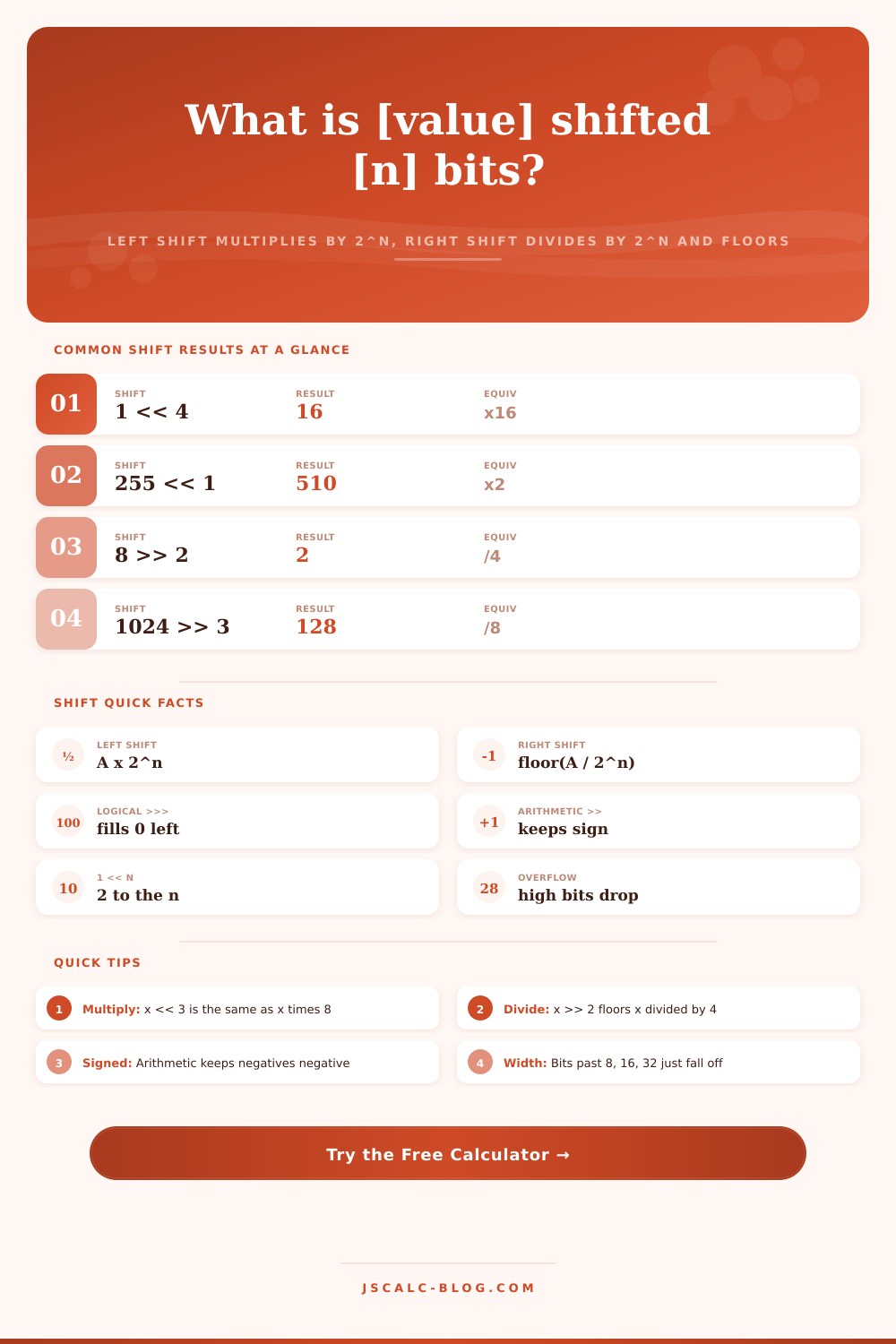
Shift any value left or right and watch the bits move. A left shift by n multiplies by 2 to the n power, a right shift divides by 2 to the n and floors the result, and the tool shows both logical and arithmetic right shifts for signed values along with any high bits that overflow the chosen 8, 16, or 32 bit width.
➡Real Shift Presets
🔢Shift Inputs
The number whose bits will move. Signed values may be negative.
How the value above is read. Prefixes 0b and 0x are optional.
Left moves bits toward the MSB, right moves them toward the LSB.
How many positions to shift. Equivalent to 2 to the n scaling.
Sets the register size. Bits shifted past the top overflow and drop.
Only affects right shifts. Arithmetic copies the sign bit inward.
Signed reads the top bit as a sign for negative values.
Toggles the before and after bit pattern and math breakdown.
📊Shift Cheat Sheet
🔢Left Shift Powers of Two
| Expression | Multiplier | 1 Shifted | Binary of 1 << n |
|---|---|---|---|
| x << 0 | x 1 | 1 | 0000 0001 |
| x << 1 | x 2 | 2 | 0000 0010 |
| x << 2 | x 4 | 4 | 0000 0100 |
| x << 3 | x 8 | 8 | 0000 1000 |
| x << 4 | x 16 | 16 | 0001 0000 |
| x << 5 | x 32 | 32 | 0010 0000 |
| x << 6 | x 64 | 64 | 0100 0000 |
| x << 7 | x 128 | 128 | 1000 0000 |
📏Right Shift Divides and Floors
| Expression | Divisor | Example | Result | Note |
|---|---|---|---|---|
| x >> 1 | / 2 | 9 >> 1 | 4 | Floors, drops 0.5 |
| x >> 2 | / 4 | 25 >> 2 | 6 | Floors, drops 0.25 |
| x >> 3 | / 8 | 1024 >> 3 | 128 | Exact division |
| x >> 4 | / 16 | 255 >> 4 | 15 | Keeps high nibble |
| x >> 5 | / 32 | 100 >> 5 | 3 | Floors, drops rem |
| x >> 8 | / 256 | 65535 >> 8 | 255 | Extracts high byte |
| x >> 10 | / 1024 | 4096 >> 10 | 4 | Bytes to KiB scale |
🔑Logical vs Arithmetic Right Shift
| Operator | Fills With | Sign Kept | -8 (8-bit) | Shift 1 |
|---|---|---|---|---|
| >> arithmetic | Copy sign bit | Yes | 1111 1000 | 1111 1100 = -4 |
| >>> logical | Zero | No | 1111 1000 | 0111 1100 = 124 |
| >> on +ve | Zero either way | N/A | 0000 1000 | 0000 0100 = 4 |
| >>> on +ve | Zero | N/A | 0000 1000 | 0000 0100 = 4 |
| << left | Zero at LSB | Same both | 1111 1000 | 1111 0000 = -16 |
| >> -1 | Copy sign bit | Yes | 1111 1111 | 1111 1111 = -1 |
🗃Shift Operation Comparison Grid
| Value | Op | n | Result | Binary | Equiv Math |
|---|---|---|---|---|---|
| 1 | << | 4 | 16 | 0001 0000 | 1 x 16 |
| 255 | << | 1 | 510 | 1 1111 1110 | 255 x 2 |
| 8 | >> | 2 | 2 | 0000 0010 | 8 / 4 |
| 1024 | >> | 3 | 128 | 1000 0000 | 1024 / 8 |
| -8 | >> | 1 | -4 | 1111 1100 | -8 / 2 arith |
| 0x0F | << | 4 | 240 | 1111 0000 | 15 x 16 |
| 100 | >> | 1 | 50 | 0011 0010 | 100 / 2 |
| 3 | << | 5 | 96 | 0110 0000 | 3 x 32 |
| 7 | << | 2 | 28 | 0001 1100 | 7 x 4 |
| 65535 | >> | 8 | 255 | 1111 1111 | high byte |
⚙Formula Breakdown
💡Practical Shift Tips
Once you look at each bit in isolation, though, bit shifting looks easy: just multiply by powers of two (a left shift) or divide by powers of two (a right shift). Just pick direction and width, and the calculator will process it into something real. Enter your value, decide how far to shift it then sit back and watch your bits dance around on-screen.
Particularly with large values, this let you visually track where all the digits go, which ones stay and which ones slide past end of the register. But then every integer has a limited space: a thirty-two bit word; an eight-bit byte. And when you shift those bits around they press against the ceiling of that box. Eventually there isn’t any more room, it spills over the edge. That’s called overflow.
How Bit Shifting Works
It happens because this is how computers store stuff, not because of a mathematical mistake. You can use the tool to switch back-and-forth between registers with eight bits, sixteen bits, and thirty-two bits, and see where that boundary live.
So 255 shifted left by one place (in an eight-bit register) ought to be five-hundred-ten, right? But there isn’t room! There’s only enough space for two-hundred-fifty-five. And the top bit falls off, two-hundred-fifty-four. Which might surprise you if you’re unprepared.
The left shift operator act as a clean multiplier. Eight times x = x > 1 isn’t four and a half, it’s just four. That fraction gets dropped. This is good if you want to scale something down or do some other task with array indices where having a fraction of a pixel isn’t necessary. Keep in mind: computers don’t do remainder calculations by default, only when asked to, because they know you might not need it.
The decision to make left and right shifts either arithmetic or logical causes issues with negative numbers. With an arithmetic right shift, the sign bit is copied up into the newly created space on top, which maintains the division of negative numbers intact; they stays negative. Logical shifts fill the space from the top with zeroes no matter what previous sign bit was. When a logical shift is applied to a negative number, that number instantly becomes positive. It’s one of those things many developers fail to consider when troubleshooting signed integer problems. The calculator makes the distinction clear here for you to see how a negative flag can suddenly become a large positive.
There’s no need to memorize all powers of two. It’s helpful to know that 1 shifted left ten places gives you one thousand twenty four. This explains why a kilobyte is defined as it is in binary. It also shows how graphics cards squeeze multiple color channels into a single integer. To get just the red component out of an RGB value, for example, you might shift it right by sixteen spots to reposition its bits at the least significant end. You’ll see these multipliers in the tables on page, where you won’t have to figure it out in your head every time.
While most bit manipulation is hidden away in high-level languages it’s still relevant. Cryptography, game engines, embedded systems use shifts because they’re fast and precise. Knowing how to preserve signs and handle overflows of bits will save you hours of debugging down the road. This tool helps connect your code to reality of the underlying hardware. It makes numbers something tangible, an arrangement of switches that can be physically manipulated instead of an abstraction.
Pay attention to the width of your registers. Something that works perfectly in 32 bit might not work at all in 8. Pick your operations wisely, particularly if you are combining both signed and unsigned numbers. Erasing the sign and maintaining it is often what makes something right or wrong.
After you get a feel for how those bits is moving around, you’ll naturaly be thinking in binary terms much more easy. It’s always going back to just ones and zeros moving around the system.