Bandwidth Calculator
Estimate how long a download takes from file size and connection speed, and project monthly website hosting bandwidth from page size and visitor counts, all with clear bits-to-bytes math and adjustable overhead.
📡Real Bandwidth Presets
📝Transfer Inputs
Storage uses decimal units: 1 GB = 1000 MB = 1,000,000,000 bytes.
Speeds are in bits per second, so Mbps means megabits, not megabytes.
Total bytes sent per page view, including images, CSS, and scripts.
Page views per day; monthly total multiplies this by the days below.
TCP/IP, TLS, and retries. Download mode slows speed; hosting mode adds volume.
🔢Formula Snapshot
🌐Connection Speed Reference
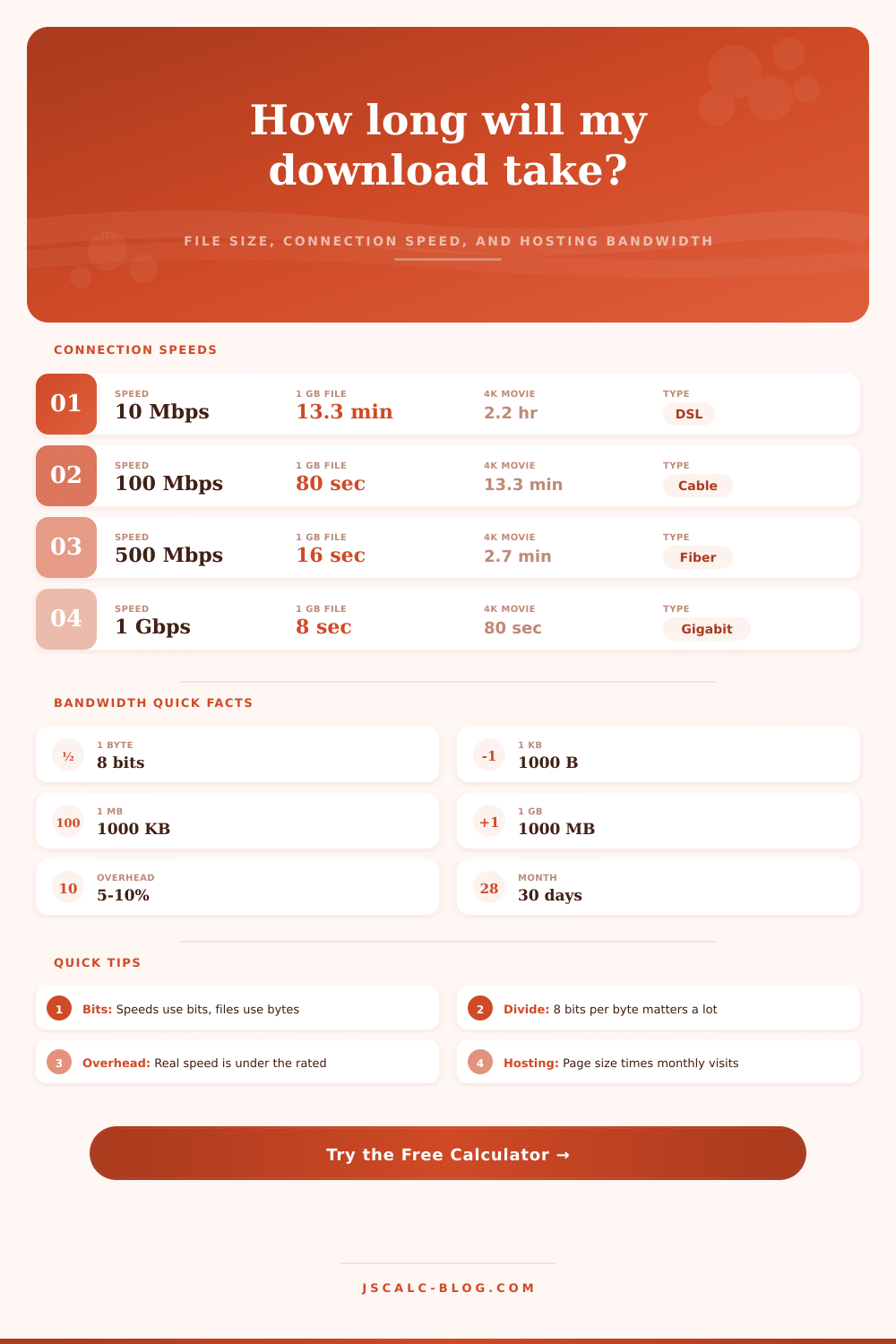
| Connection | Rated Speed | 1 GB File | 10 GB File | 4K Movie (25 GB) |
|---|---|---|---|---|
| Basic DSL | 10 Mbps | 13.3 min | 2.2 hr | 5.6 hr |
| Cable broadband | 50 Mbps | 2.7 min | 26.7 min | 1.1 hr |
| Fast cable | 100 Mbps | 80 sec | 13.3 min | 33.3 min |
| Fiber mid-tier | 300 Mbps | 26.7 sec | 4.4 min | 11.1 min |
| Fiber high-tier | 500 Mbps | 16 sec | 2.7 min | 6.7 min |
| Gigabit fiber | 1 Gbps | 8 sec | 80 sec | 3.3 min |
| Multi-gig fiber | 2.5 Gbps | 3.2 sec | 32 sec | 80 sec |
Times assume the full rated speed with no overhead, using 1 GB = 1,000,000,000 bytes.
🧮Bits vs Bytes Reference
| Term | Symbol | Equals | Used By |
|---|---|---|---|
| 1 bit | b | Smallest unit (0 or 1) | Line speed |
| 1 byte | B | 8 bits | File size |
| 1 kilobit / sec | Kbps | 1,000 bits/sec | Old modems |
| 1 megabit / sec | Mbps | 1,000,000 bits/sec | Broadband plans |
| 1 gigabit / sec | Gbps | 1,000,000,000 bits/sec | Fiber plans |
| 1 megabyte / sec | MB/s | 8 Mbps | Download apps |
Rule of thumb: divide a Mbps speed by 8 to see the real megabytes-per-second throughput.
📁File Size Unit Reference
| Unit | Bytes (Decimal) | In Bits | Typical Example |
|---|---|---|---|
| 1 KB | 1,000 | 8,000 | Short text page |
| 1 MB | 1,000,000 | 8,000,000 | High-res photo |
| 5 MB | 5,000,000 | 40,000,000 | Song / MP3 |
| 700 MB | 700,000,000 | 5.6 billion | Old CD image |
| 1 GB | 1,000,000,000 | 8 billion | HD movie hour |
| 1 TB | 1,000,000,000,000 | 8 trillion | Full drive backup |
Storage vendors use decimal (1000). Operating systems often show binary (1024), so displayed sizes may differ.
🗄Monthly Hosting Bandwidth by Traffic
| Site Type | Page Weight | Daily Views | Monthly Views | Monthly Bandwidth |
|---|---|---|---|---|
| Small blog | 1.5 MB | 200 | 6,000 | ~9 GB |
| Growing blog | 2.5 MB | 1,500 | 45,000 | ~113 GB |
| Business site | 3.0 MB | 5,000 | 150,000 | ~450 GB |
| News portal | 2.0 MB | 25,000 | 750,000 | ~1.5 TB |
| Media / gallery | 5.0 MB | 20,000 | 600,000 | ~3.0 TB |
| Store with images | 3.5 MB | 40,000 | 1,200,000 | ~4.2 TB |
Monthly bandwidth = page weight × monthly views. Add overhead for CDN misses, bots, and re-downloads.
⚙Full Formula Breakdown
📋Reference Values
| Item | Common Range | How It Is Used | Effect |
|---|---|---|---|
| Overhead | 3% to 15% | Trims usable line speed | Longer download time |
| Page weight | 1 MB to 5 MB | Bytes per page view | Scales monthly bandwidth |
| Daily views | 100 to 40,000 | Traffic driver | Multiplies monthly total |
| Speed unit | Kbps / Mbps / Gbps | Sets bits per second | Controls transfer speed |
| File unit | KB / MB / GB / TB | Sets total bytes | Controls file bits |
💡Practical Bandwidth Tips
It’s a file that won’t open, so you look at the loading screen. “Okay,” you think. The progress bar is at eighty percent. The problem must be my internet. But it’s not, because the file size doesn’t match the internet speed units” Computers record storage in bytes; internet providers record speed in bits. A byte have eight bits. That means that, for example, if your plan say you have one hundred megabits per second, what you realy have is twelve point five megabytes per second. Use a calculator tool (this is how the division works) to prevent mistakes.
Your internet speed are further limited by network protocols. Before any data packet hits your computer, there’s an overhead associated with it, an error correction code and a header. That overhead consume some portion of your bandwidth. Eight percent is enough to account for those additional byte. That’s what adjusts your actual speed on your network.
Why Your Internet Speed Is Slower Than You Think
Your downloads will estimate how fast they should of go without including this extra data. You’ll expect a three minute download but wait four. The calculator does that work for you.
The same goes for webhosting. Bandwidth is proportional to the number of visitors and their page size. Each page load may only be two hundred kilobytes, but that’s just for a single user. Multiply that by ten thousand user per day for 30 days. Your total data usage will quickly reach gigabytes.
Most hosting services limit your total monthly transfers. Going beyond this can lead you to pay more (or slow down) your site. Here’s a reference table showing what bandwidth requirements corresponds to which traffic levels. Plan ahead when picking out a host: Get a plan that allows room for expansion.
Seasonal trends and promotions can cause huge surges in web traffic. What if your current traffic is 100 GB? Don’t get a plan with a one-hundred-gigabyte limit. Plan for unanticipated traffic peaks. Having breathing room will keep your site running smoothly when traffic surge. Whether you’re operating a big store or a small blog, this applies. It’s typically cheaper to get some wiggle-room now than it is to upgrade later.
Big downloads can be painfully slow. Yes, fiber optic is faster then old-school copper telephone wires, but it’s not infinitely fast. Even if you have super-fast service, it will take a while to move terabytes of data around. Your primary online activities uses the same connection as background stuff, such as backups. Try streaming video and making a backup, and you’ll find that everything slows down. Since there isn’t enough bandwidth for everything, they split it, reducing speed of each task. It doesn’t matter how much you’re paying for an internet plan (resources are finite), and they get shared.
So what is the main point? Pay attention to ratios, not just raw figures. Page views become total traffic; bits becomes bytes. That means you know how many of something you need to host based off the time it takes to download… You’re able to predict the wait time. It’s all very mathematical, and once the mathematics make sense, the confusion dissapears.